
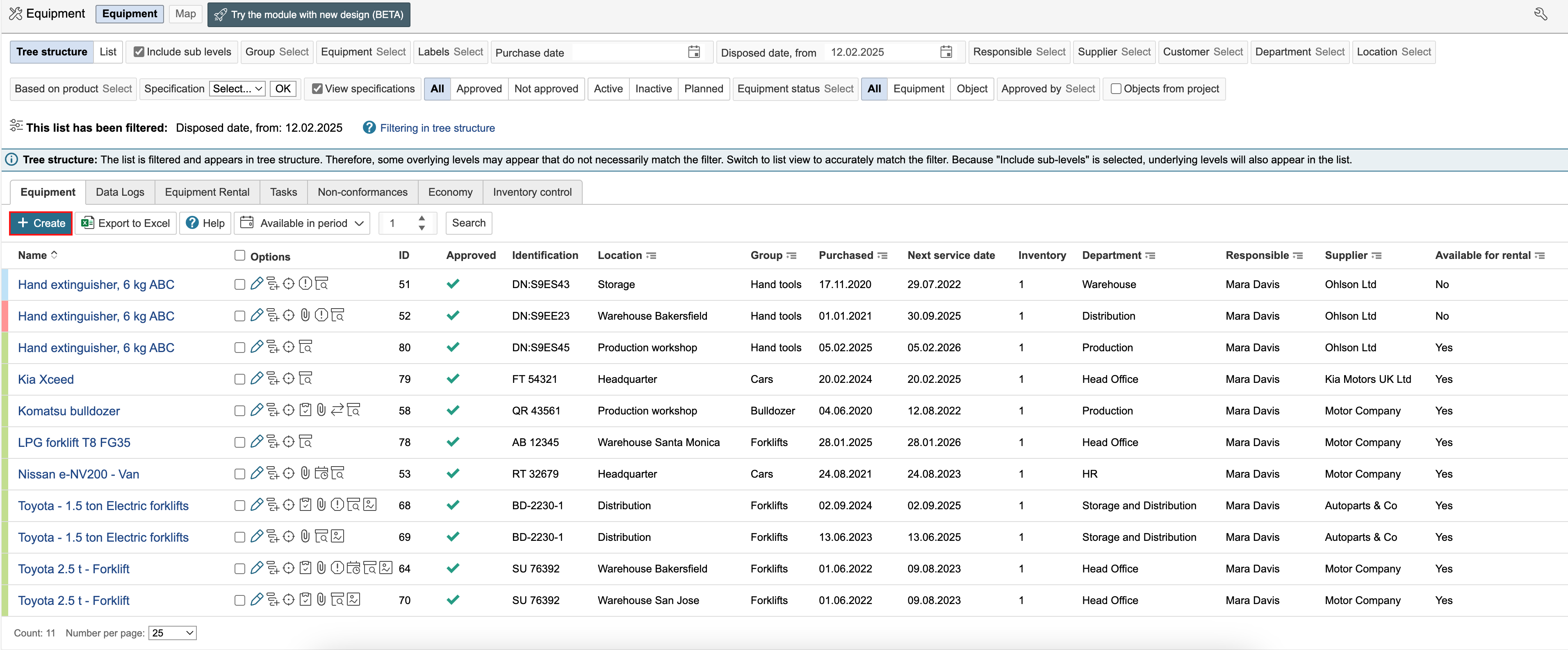
1. Go to the equipment module and click Register new equipment.

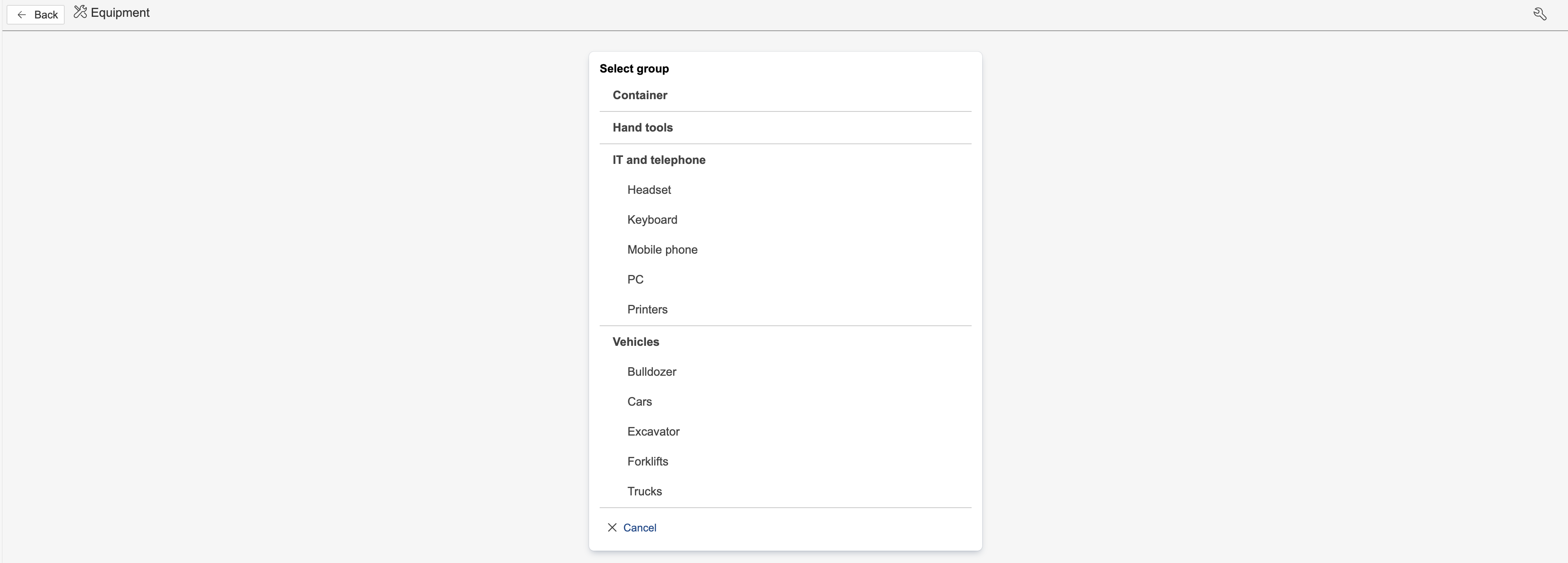
2. Select an equipment group by clicking on it.

| Info |
|---|
Info: Equipment groups and other settings are set up configured in the control panel. The control panel also has an option to display the group selector when creating new equipment. If group differentiated field configuration is used, a group must always be selected when creating new equipment. |
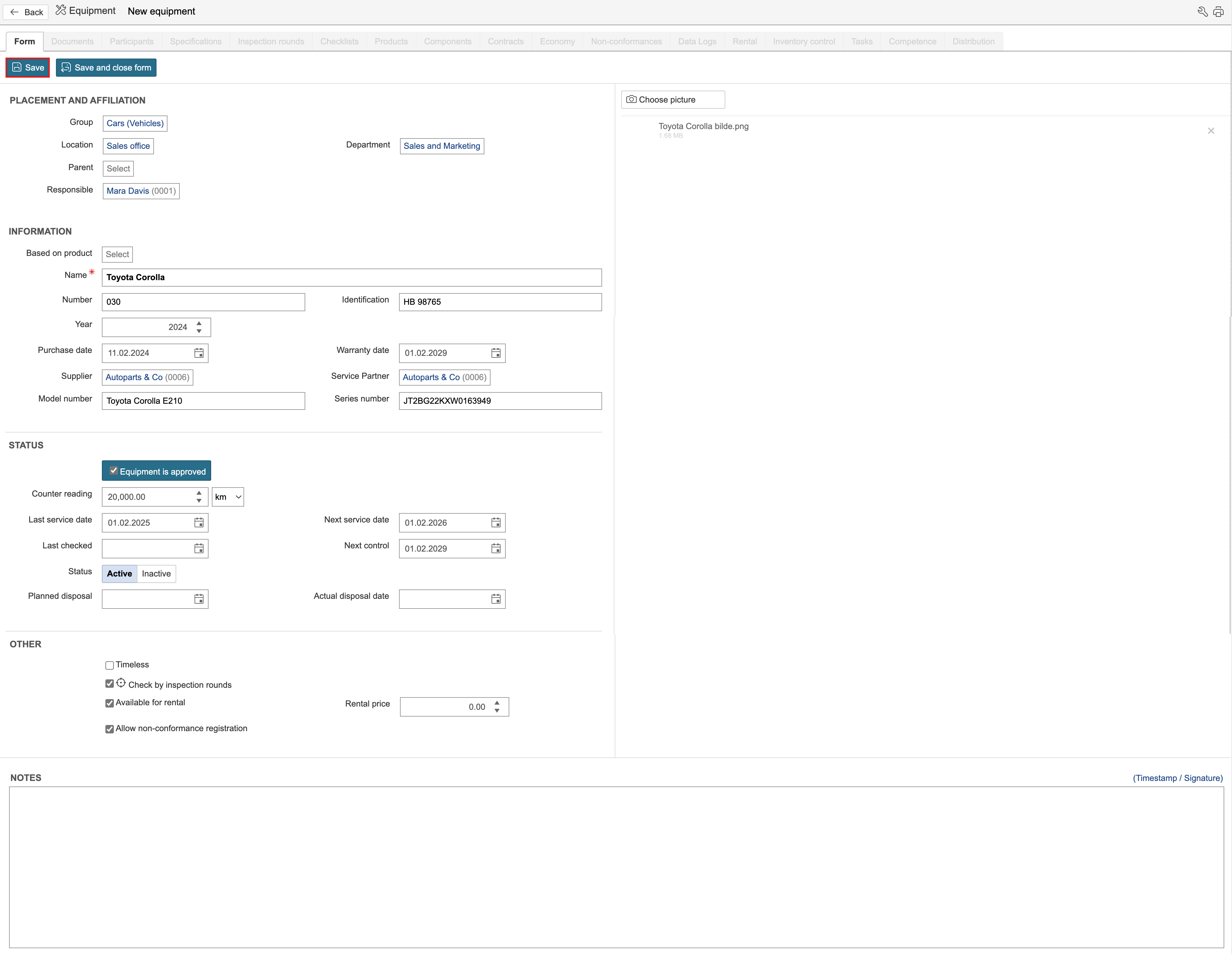
3. Enter information about the equipment in the fields and click Save.

| Info |
|---|
Info: Equipment groups can have separate field configurations. This is selected for the type under Static data configuration in the control panel. |
...