
1. Go to the auditing and meeting note protocol module and click Create new.


2. Select the type for the auditing and meeting note protocol by clicking on it.


| Info |
|---|
Info: Auditing and meeting note types have the icon |


3. Enter names a name and fill in any other information in the fields and click Save.
4. Add participants and documents and edit access and any other data for the auditing and meeting note. Click Save and close form to access the auditing and meeting note's list.

5. Click Register new case to register a case for the auditing and meeting note.

...
fields if applicable. Click Save to add participants and documents to the protocol.
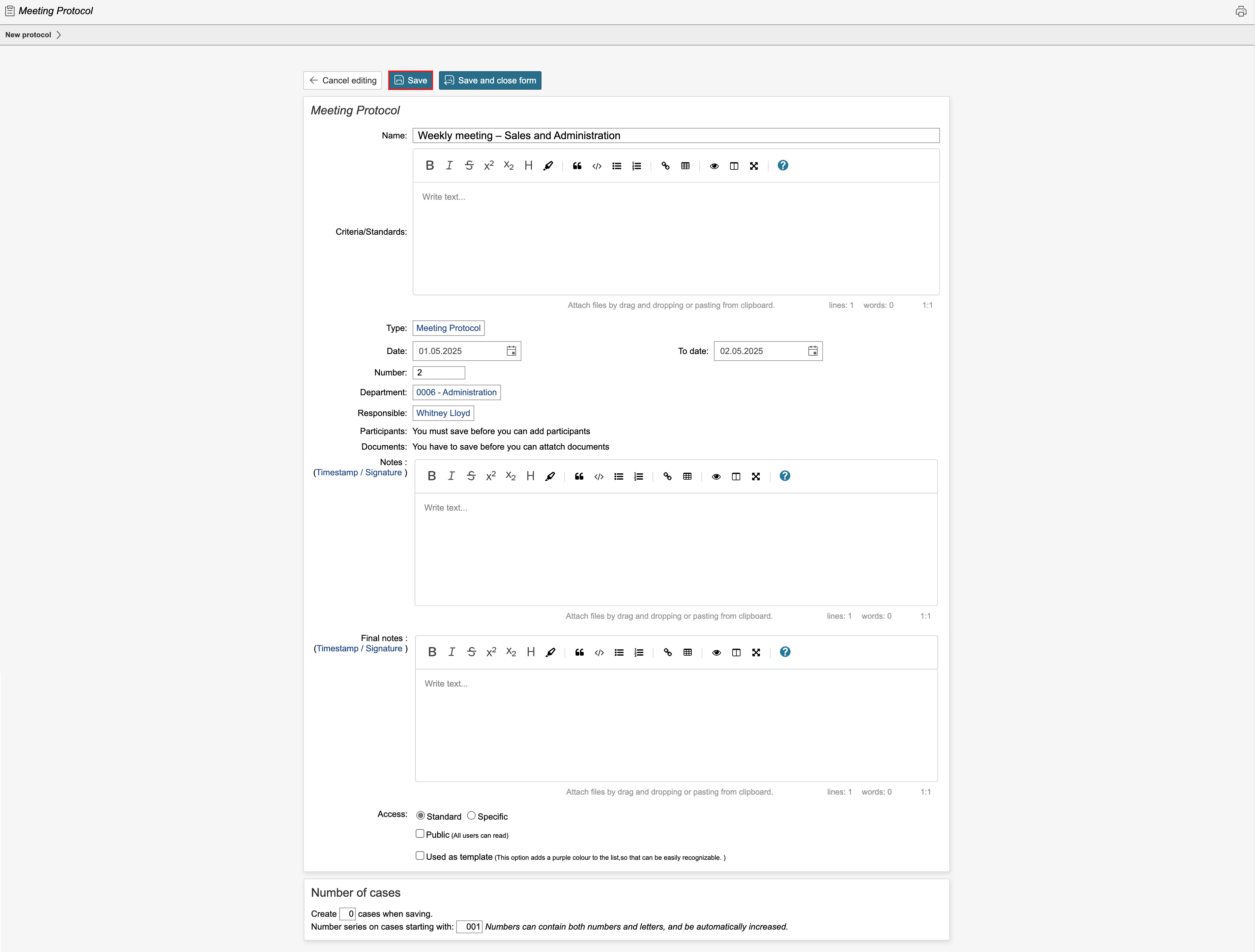
4. If applicable, add participants and documents and click Save. To view the protocol overview or create a case, click Save and close form.

| Tip |
|---|
Tip: If the protocol requires strict access control, tick the 'Specific' box in the Access field and select who should have access. |
5. To create a new case, click Create new case.
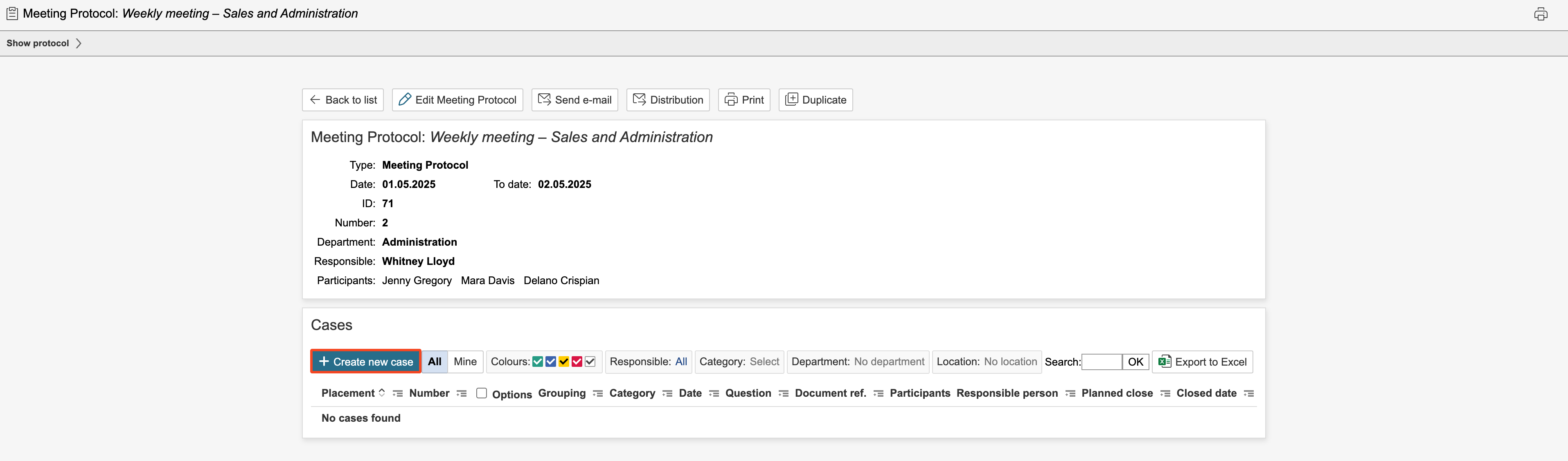
6. Enter information in the fields and click Save. To create a new case and move on, click New case.
...