
...
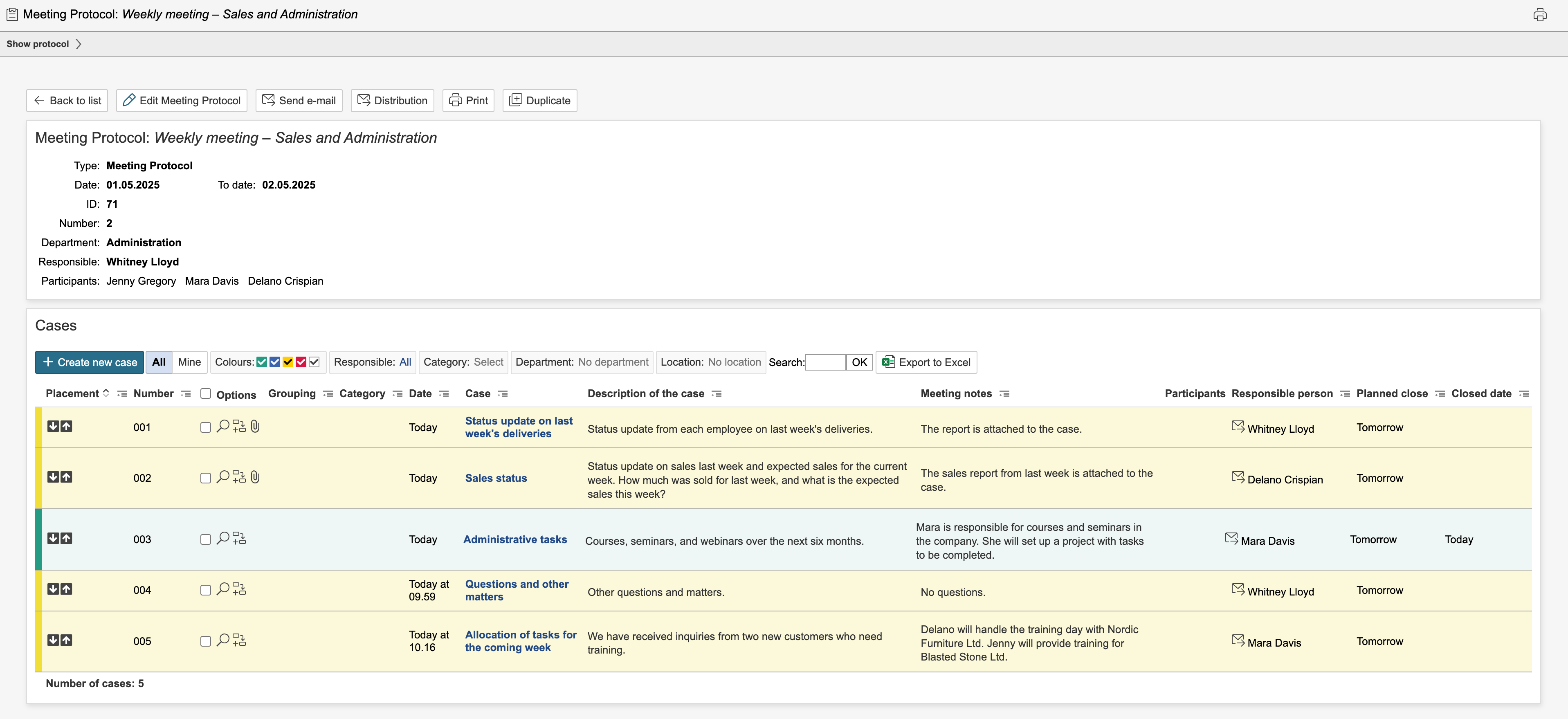
8. When all cases have been created and reviewed, click Save and close form to return to the protocol overview.
| Tip |
|---|
Tip: It is possible to configure actions for the various answers to questions and to create and link to records in other modules for the cases. |
9. The auditing and meeting note can be closed if all cases are closed and fully processed.

9. You can close the protocol once all cases are closed. To do so, click Close [protocol name].


| Info |
|---|
Info: Closed auditing and meeting notes protocols are marked with the |


Auditing and meeting notes Protocols with cases where the planned date has been passed appear red in the auditing and meeting note module's list. Auditing and meeting notes with cases that have a planned closure date in the future are yellow in the list. Auditing and meeting notes with cases where all cases are closed are green in the list. Auditing and meeting notes with cases with no planned closure date are white in the list.
