
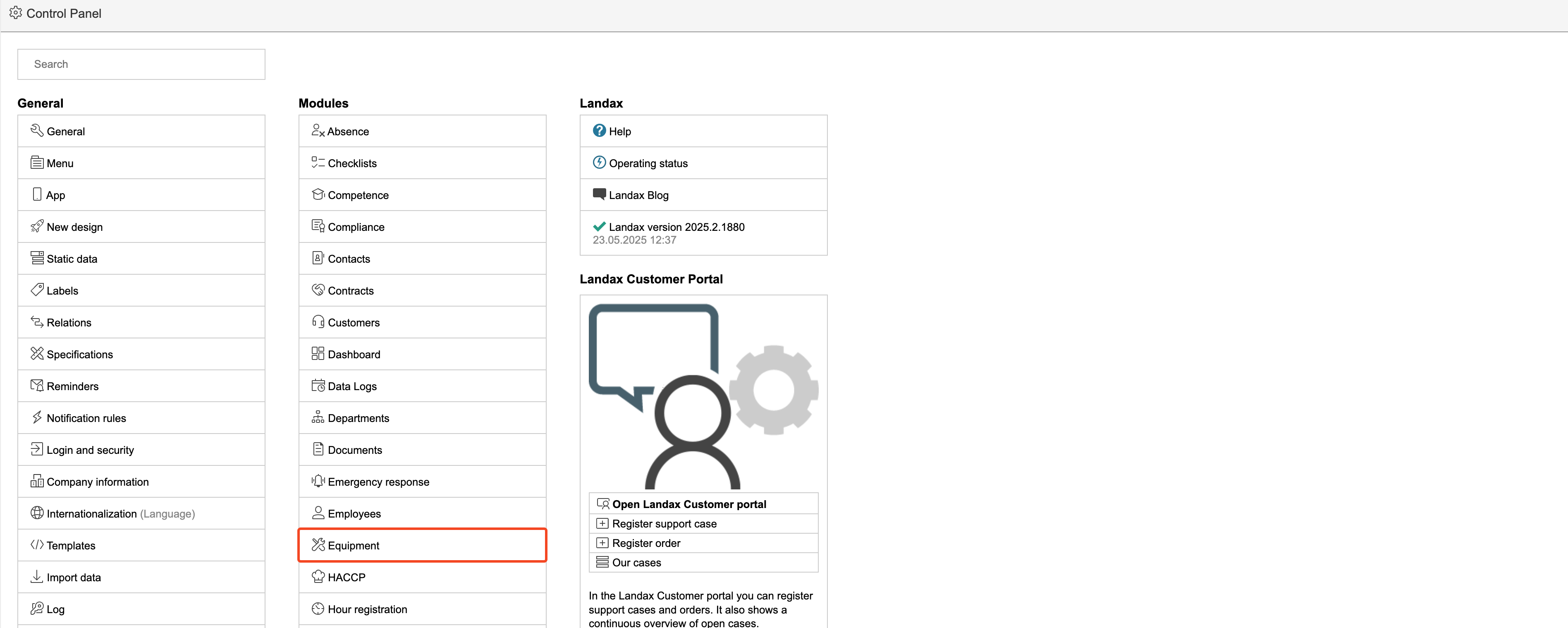
1. To edit basic data and settings for the equipment module, go to the Control panel and select Equipment in the middle column.
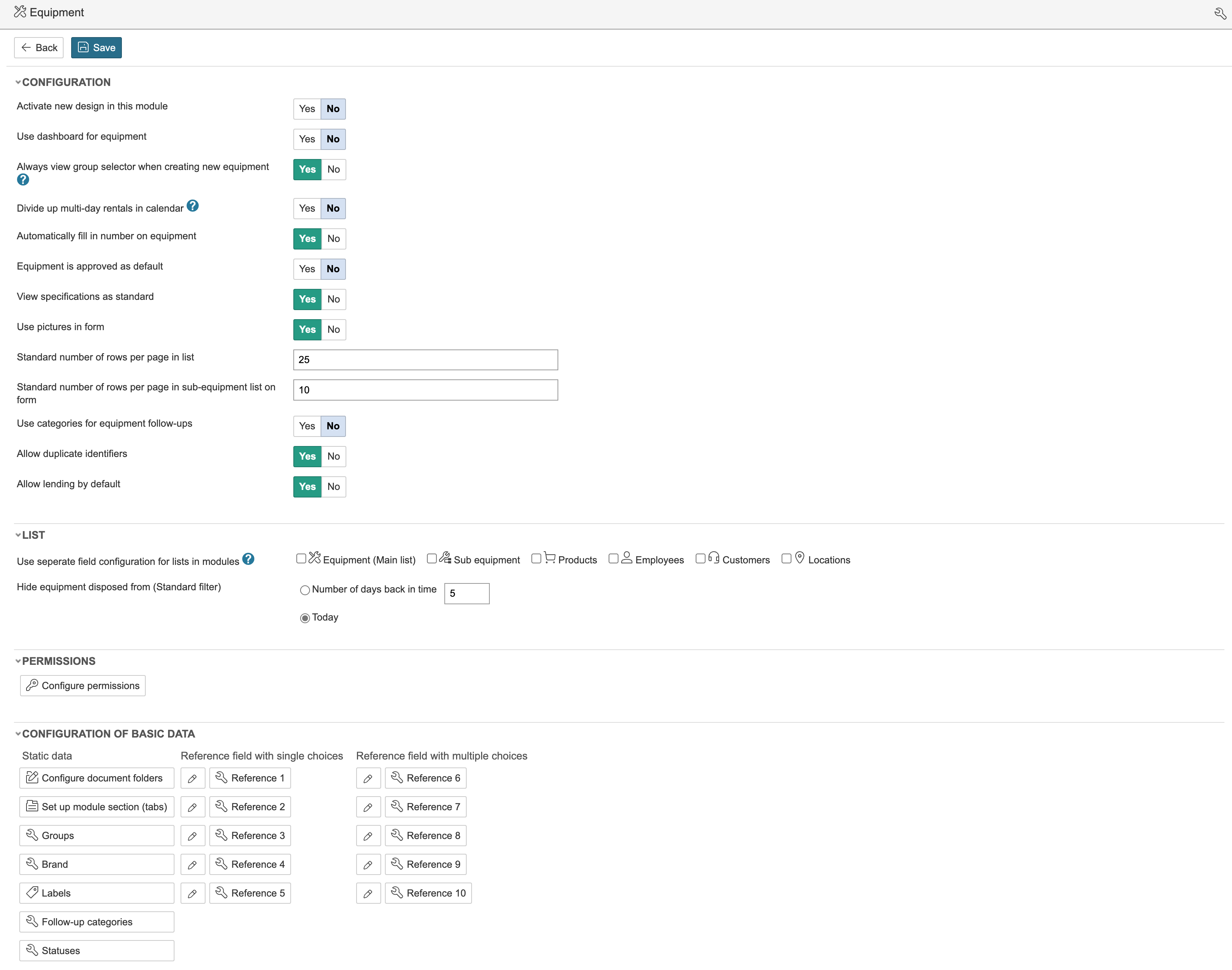
2. On this page, you can change module settings and configure basic data. Click the question mark icons next to fields that have them for more information about each field.
Configure basic data
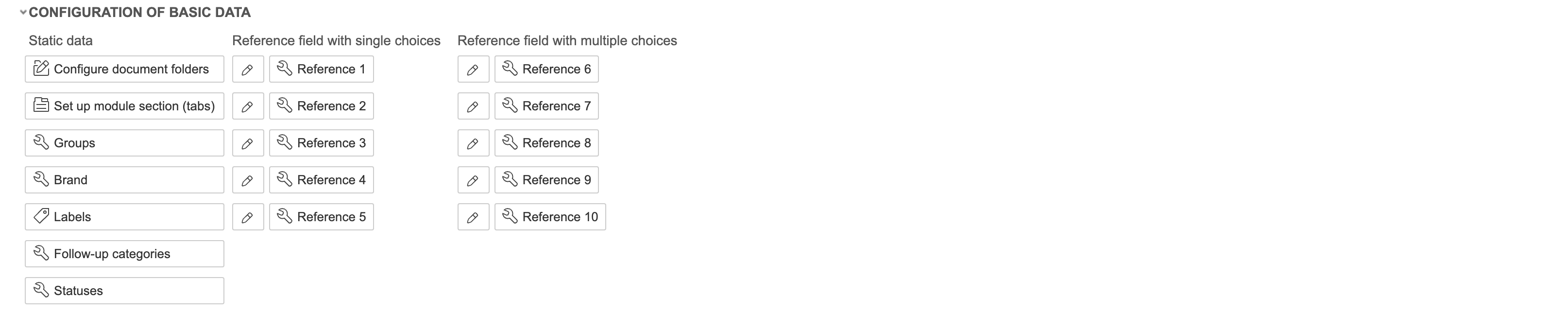
You can edit basic data under Configuration of basic data. Basic data includes equipment groups, brands, labels, statuses, and reference fields.
Equipment groups
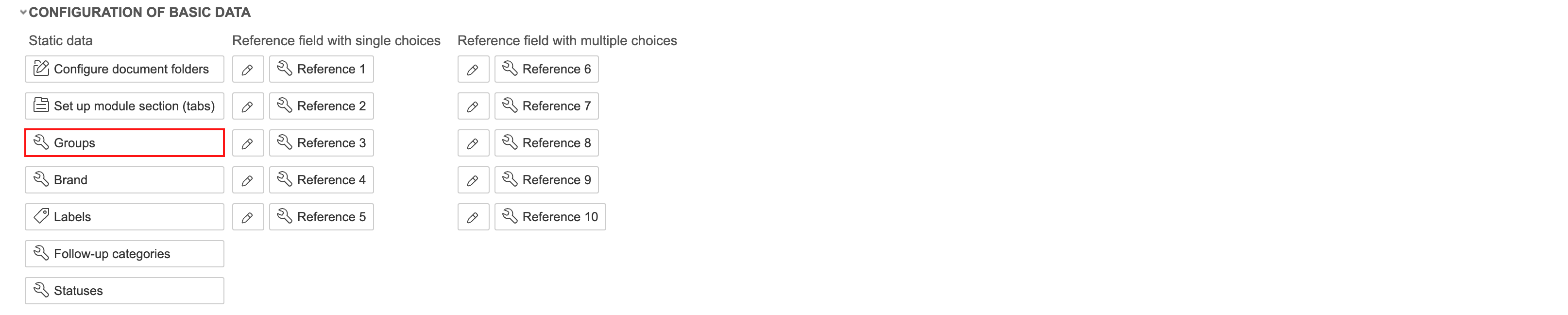
1. To edit equipment groups, click Groups.
2.