Versions Compared
compared with
Key
- This line was added.
- This line was removed.
- Formatting was changed.
Connect EG Worksense with your organization's Google Workplace account. After connecting you can enable Sign in with Google.
| Info |
|---|
You must have an Administrator role in EG Worksense to setup the feature. |
Create Connection
 Image Added
- Navigate to
- the Administration tab
- If the tab is not visible, contact your organization’s EG Worksense main user or Submit a Support request to find out who in your organization to contact.
- Click Connect
- This will start Google’s OAuth flow where you need to sign in using your organization’s Google account
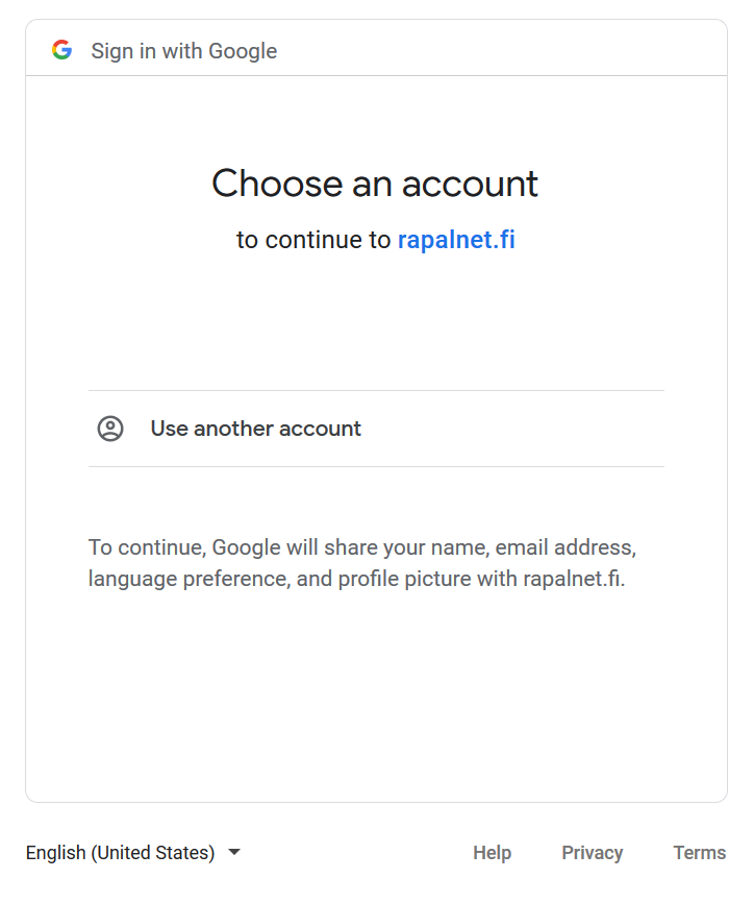 Image Removed
- Once the connection is done, you can enable sign in with Google
You can remove the integration by clicking Remove integration
.