
...
To view the logs of a environment follow those steps:
- Go to http://portal.azure.com and login with your credentials
- Navigate to the environment that you want to view (Usually PROD)

- Click on the applicationInsight in the application list

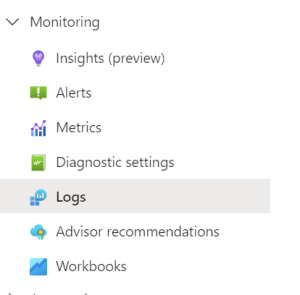
- In the left side pane scroll to the Menupoint named Monitoring and click the sub-menu named Logs
- In the view that opens, click the light blue icon (tables) and then click the type of log you want to see:
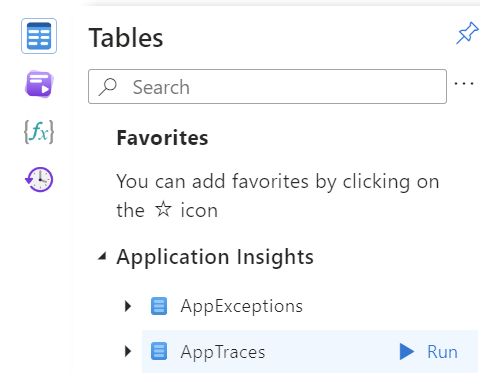
- When you select a type of log, the table will poppulate with messages comming from the applications that are logging.
The are the following type of logs currently:
- AppExceptions
When an application throws an exception - AppTraces
Everything else