
Create an empty project
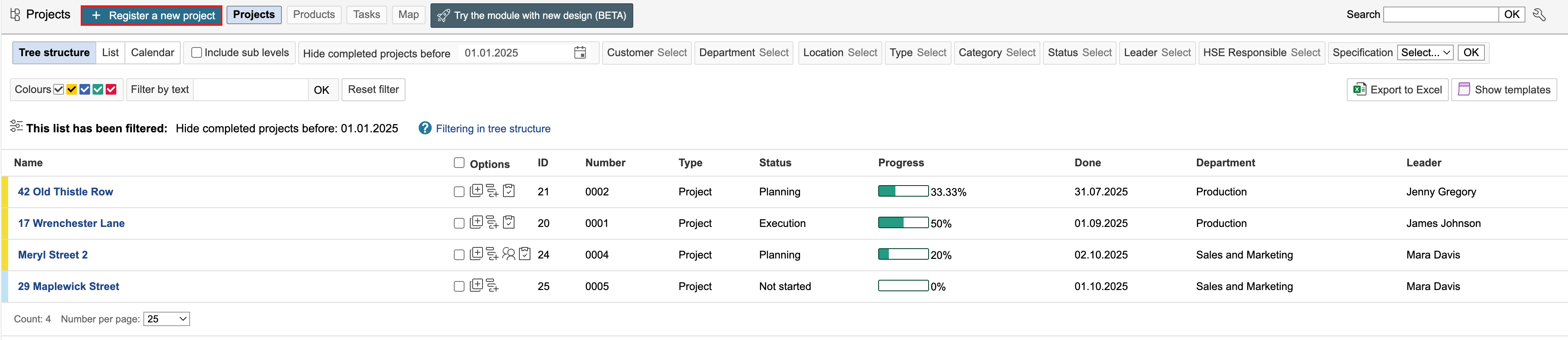
1. Go to the project module and click Register a new project.
2. Select the project type by clicking on it. The type defines the dashboard used for the project.

3. Enter the project details and click Save.
1. Go to the project module and click Register a new project.
2. Select the project type by clicking on it. The type defines the dashboard used for the project.
3. Enter the project details and click Save.