...
2. Select a template by clicking on it.

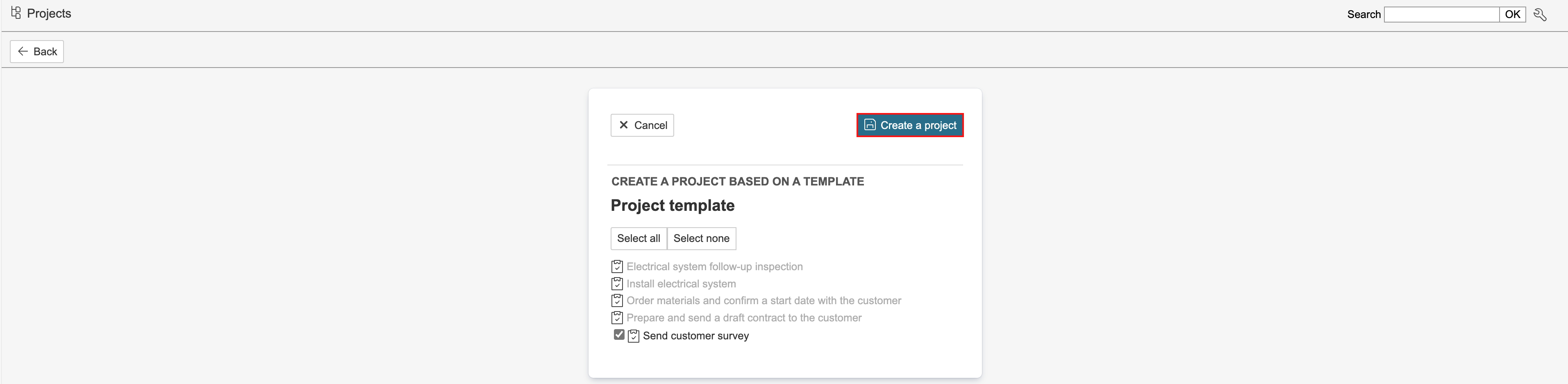
3. Select the tasks to be included in the project and click Create a project. Sub-projects will also be displayed in the selector if the project template has any.
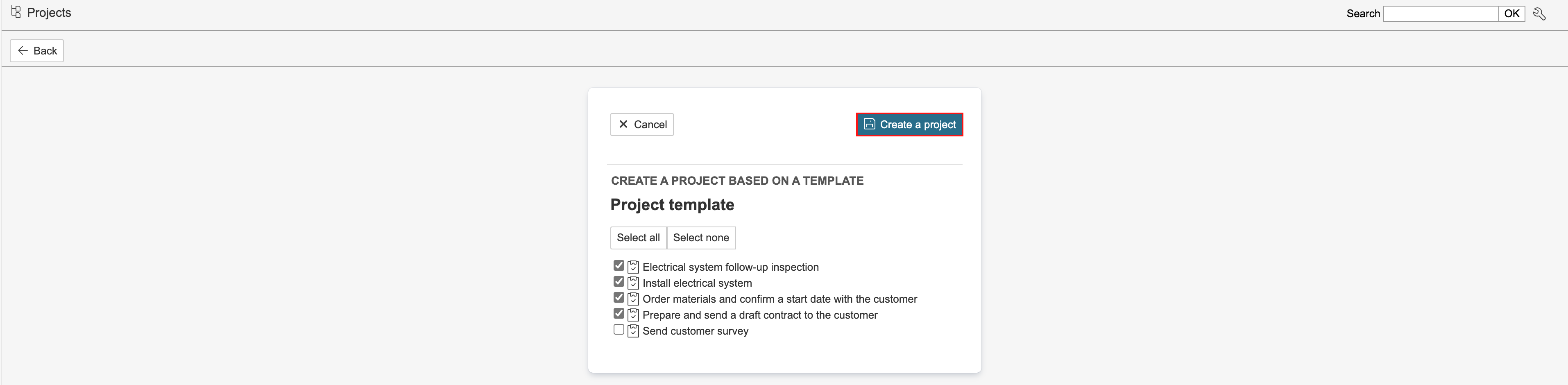
4. Enter the project details and click Save. You can enter details such as project name, status, department, and the customer associated with the project. You can also specify the project’s start and end dates, and assign a project manager and an HSE coordinator to the project.
...
1. If not all content from the project template was selected when creating the project, you can add the remaining content afterwards. To do so, hover the mouse pointer over Edit on the right-hand side of the page and click Create the rest of the project.

2. Select the content to be added to the project and click Create a project.