
...
To approve a supplier, tick the "Approve supplier" field and click Save. If the supplier is a producer, click "Approve producer"
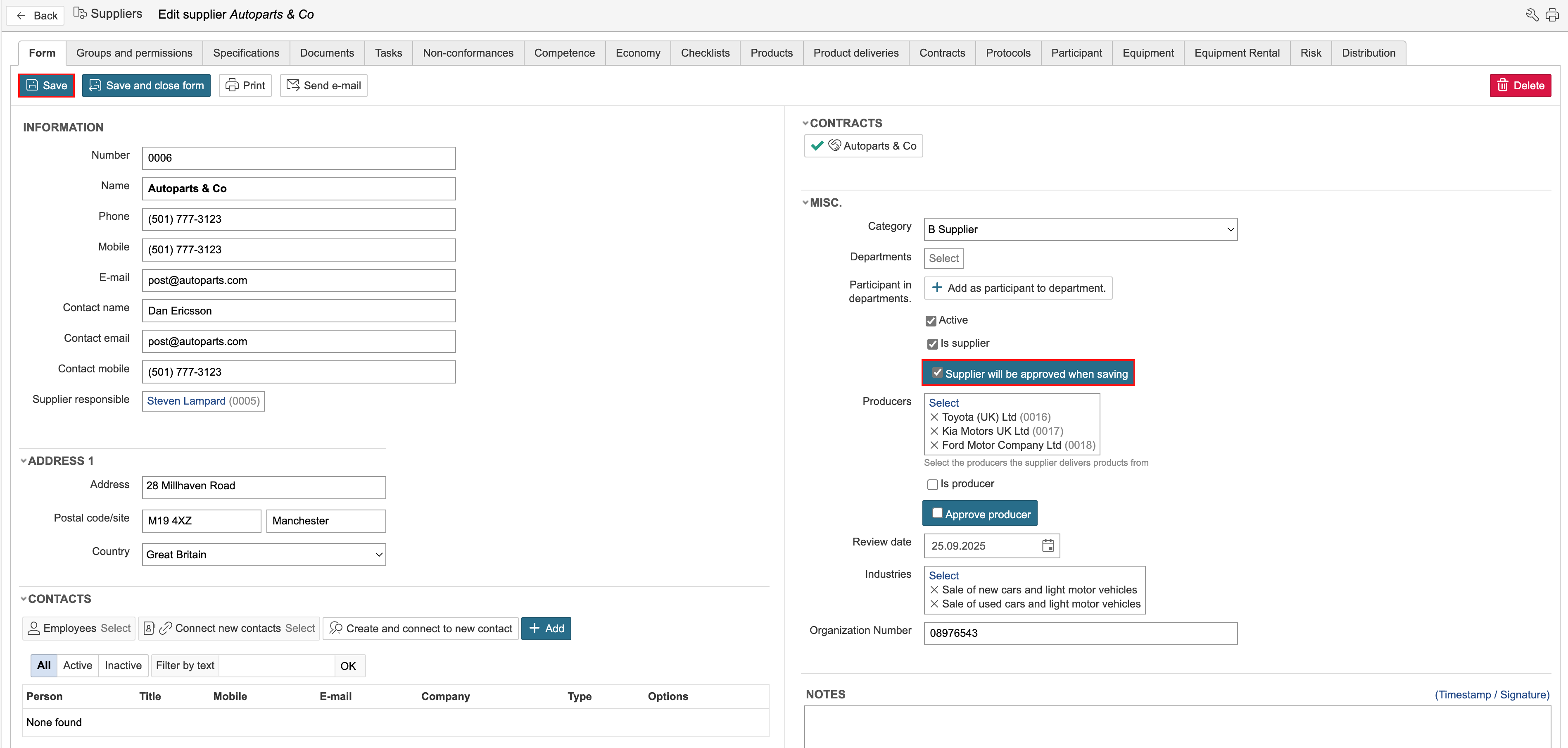
The form displays when and by whom the supplier was approved.
...
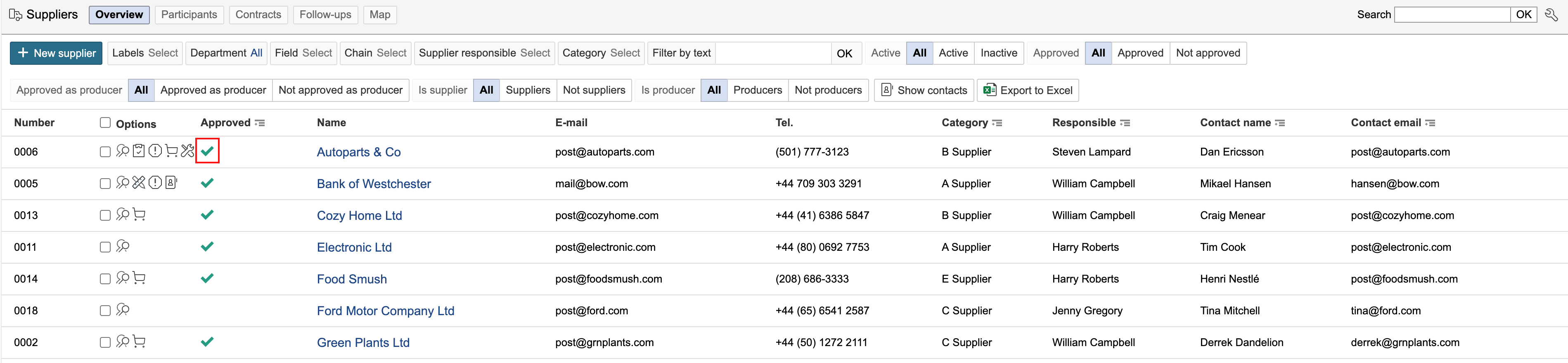
In the supplier overview, approved suppliers are displayed with a green tick.
Supplier evaluation
Supplier evaluations can be registered in two places in the system: either in a document registered on the supplier or by using a checklist linked to the supplier. If a document is used, a template can be created in the document library and then used to generate new documents when carrying out an evaluation. If the checklist module is used, an evaluation can be created and completed internally, or a checklist response can be requested from the supplier. The supplier does not need to log in to the system to complete the response.
Document
...