
1. Go to the customer list overview and click New customer.
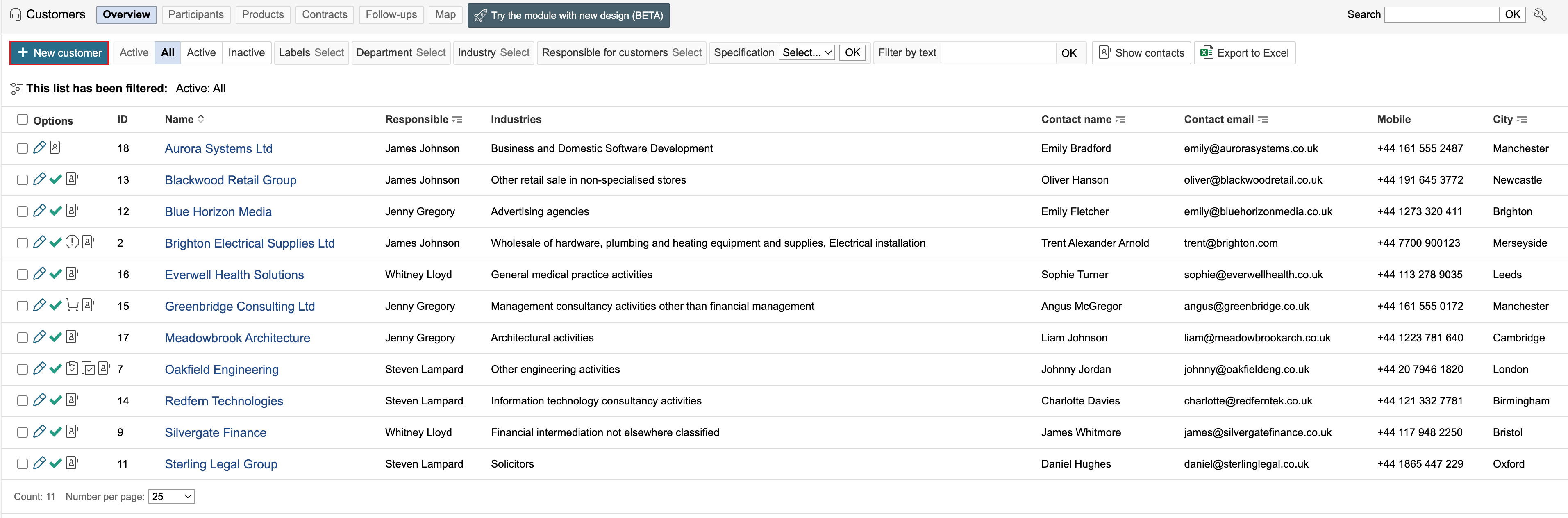

2. Complete the information and address fields for the customer. If the customer is active, check Customer is active. Active customers are indicated by green check marks in the list. Click Save when the fields are completed.
...