
...
EG Admin creates a Grid Company
EG Admin invites one or more Grid Company Admins
- Contractors select their business partner (grid company)
Grid Company Admins review and approve contractors
Contractors gain access after approval
...
Step 2 – Contractor Registration
Access Limitation Before Approval
...
While Contractor status = Pending:
...
📸 EG Zynergy partners - Contractor Registration
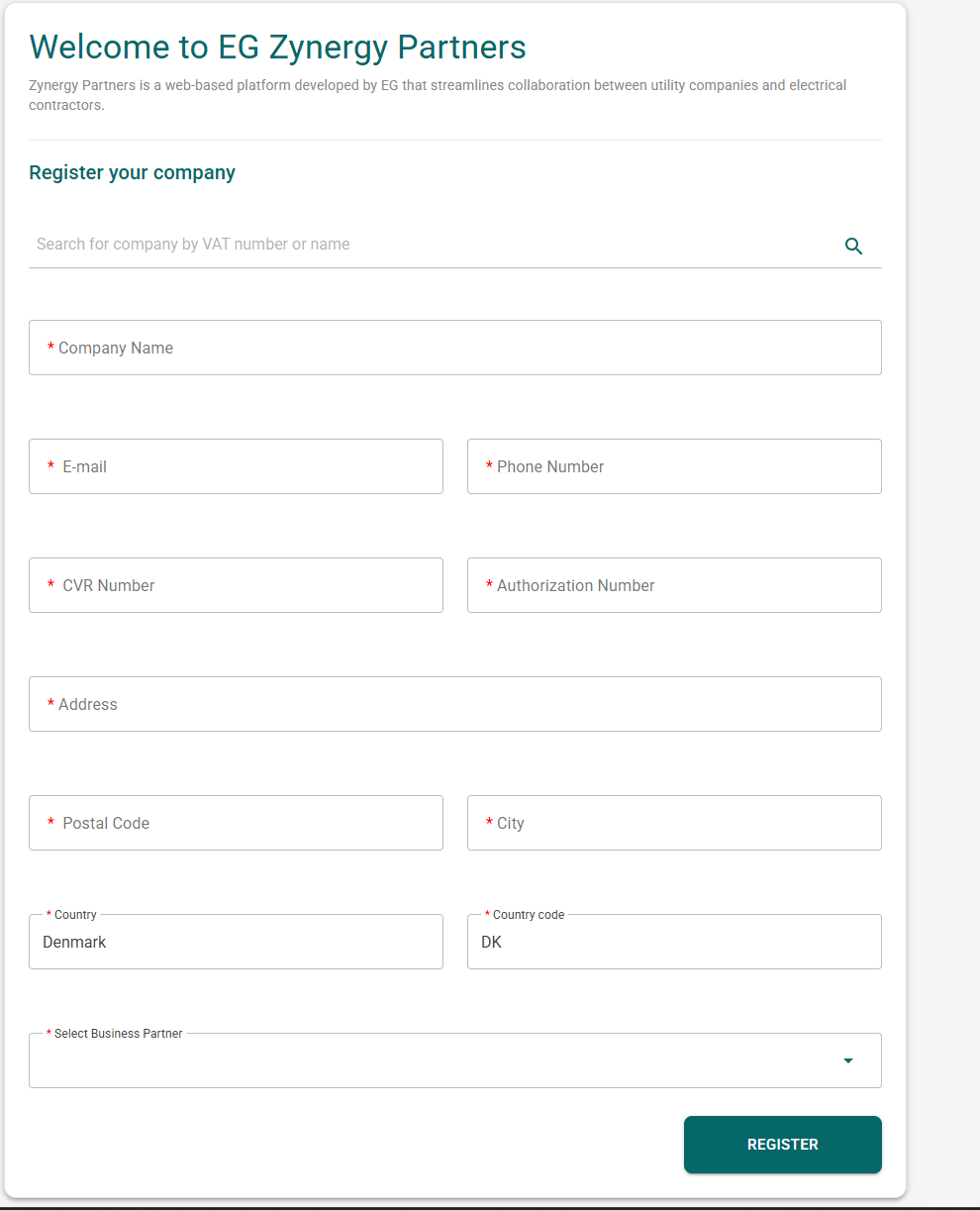
Note; This is the company creation page.
...
📸 EG Zynergy partners - Aftermatch of registering (Approval needed)
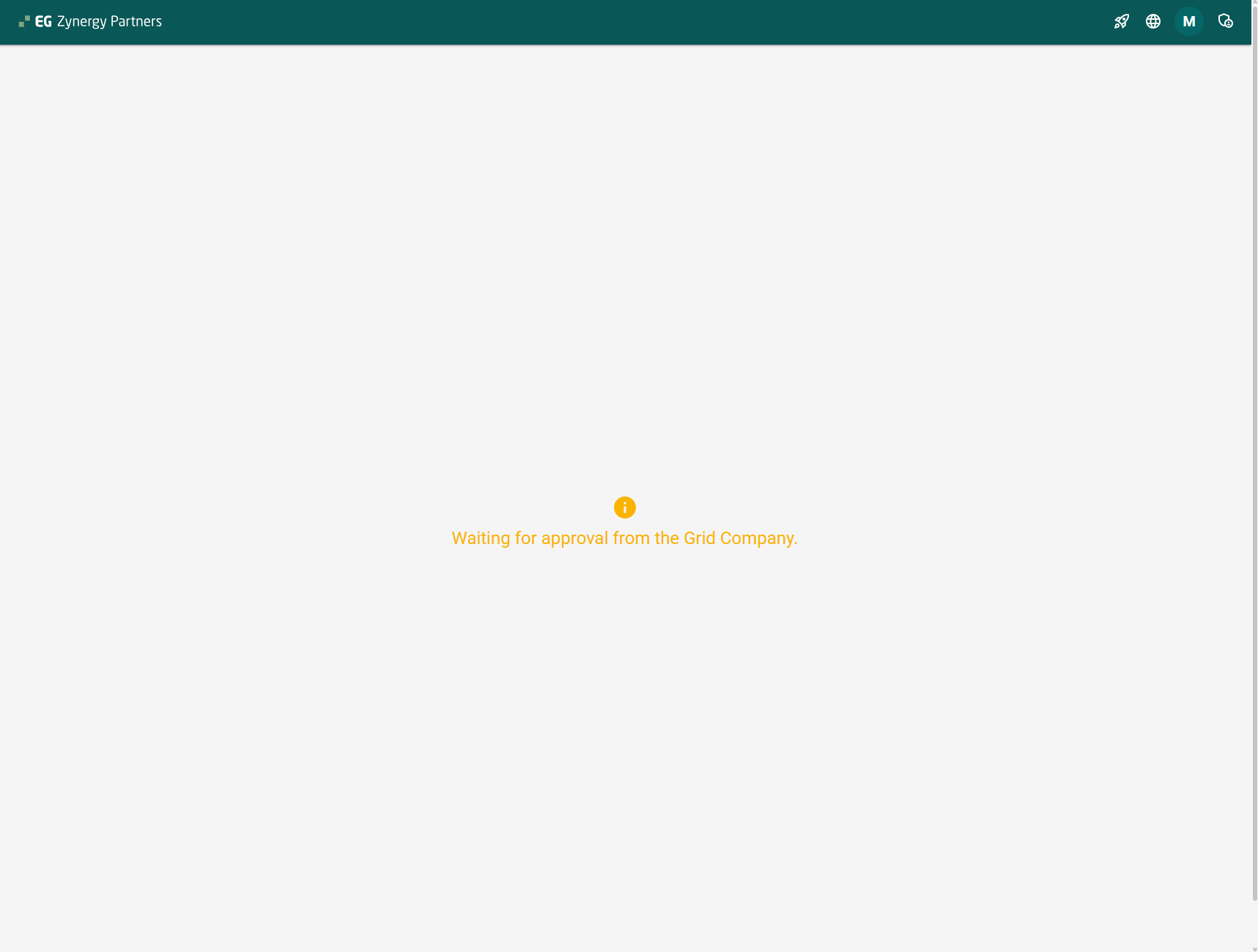
Note; The button at the top right is the contractor management page. The contractor can now (with or without approval) invite his users ( workers )
...
📸 EG Zynergy partners - Post approval.
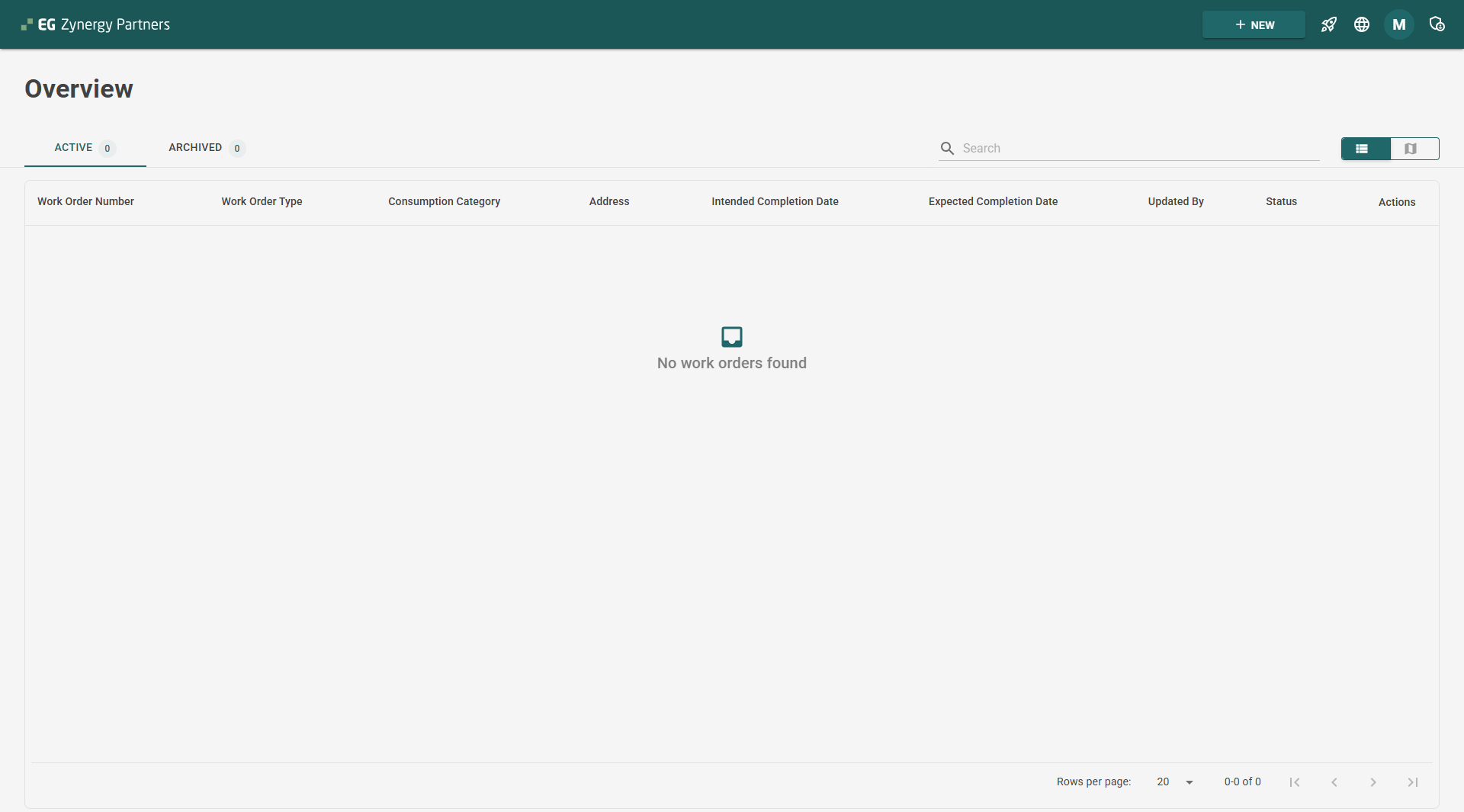
Note; You can now see that the contractor has access to the system.
...
Step 3 – Contractor Review & Approval (Grid Admin)
Approval as Business Activation Trigger
...
Contractor status is updated
Email notification is sent to the contractor:
Approval email
Rejection email
...
Step 4 – Contractor Operational
...
Flow
Blanket Status Lifecycle
After approval, blankets follow these statuses:
...