
...
Select the date or month of the reading
Enter the value in the correct unit
Press save
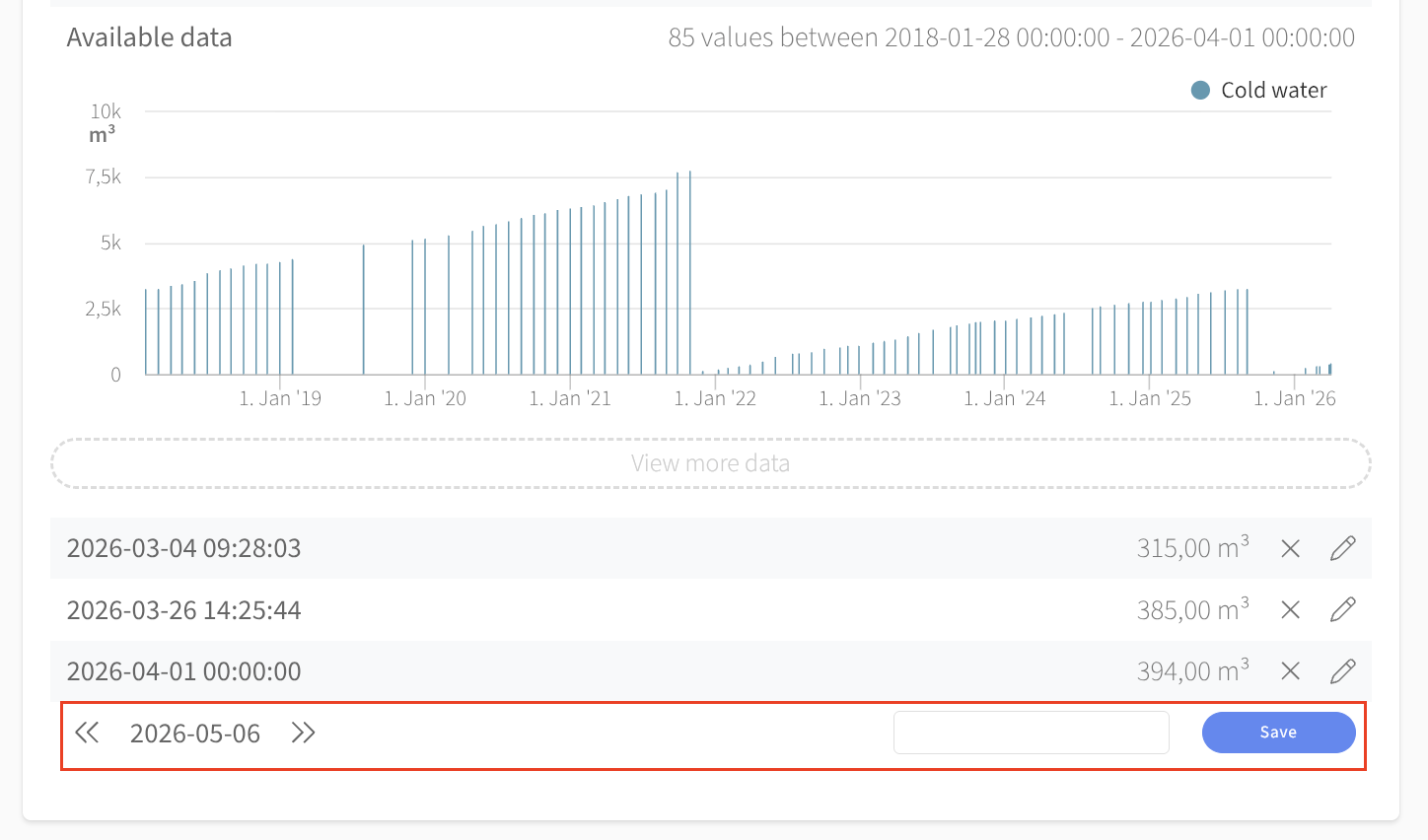
Easy, right!
An Excel template for multiple values
You can download an Excel template from the edit menu by clicking Download at the top of the widget. The template consists of two columns - one with dates and another with values (the units are in parentheses) and looks like this:
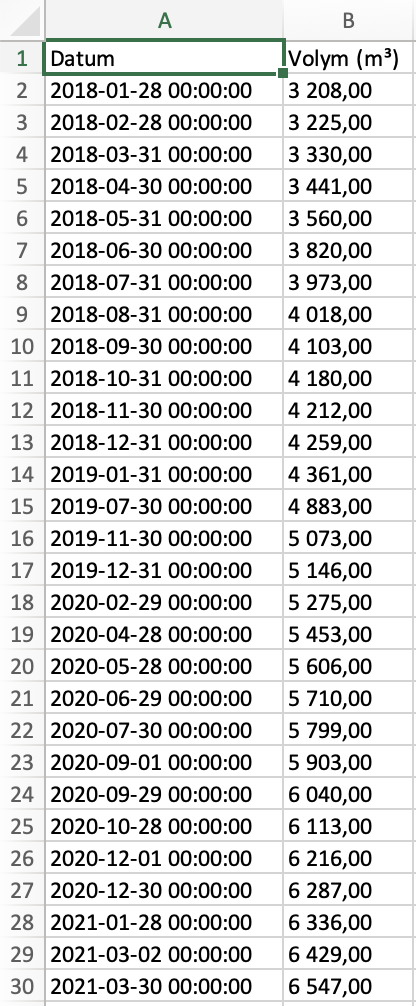
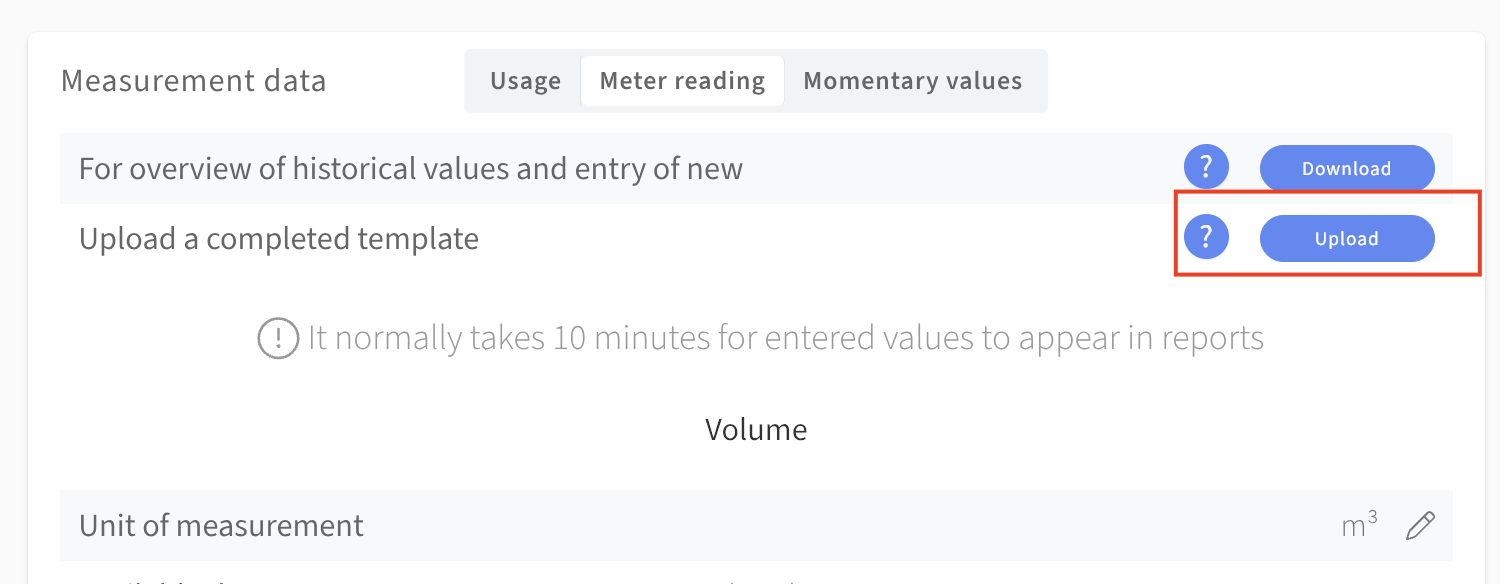
I have entered all meterstands (in red) recorded during 2020 for a water meter in the example property. The final step is simply save and upload! You will find the upload button right below the the one for downloads at the top of the widget.
OBS: It is important that you stick to the template's formatting. If you are copying data, make sure to paste only values. On a Mac use cmd+shift+v, on a PC it is ctrl+shift+v.
...