
...
4. To view the project's start page, click Go to the project portal for this project.
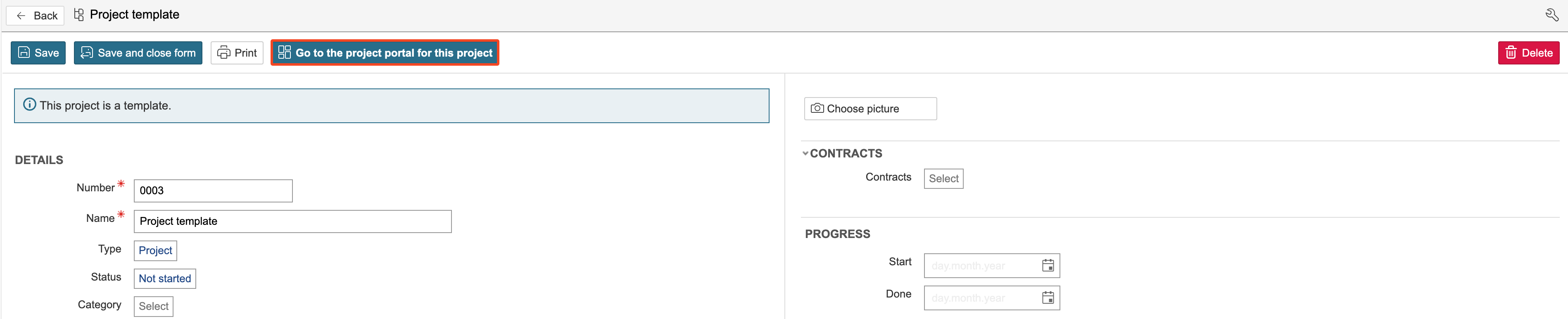
5. The The project portal is the project's start page. The dashboard project start page may vary, as different projects can have different start pages. You can customise the dashboard to suit your preferences.
...
| Info |
|---|
Info: The sections are listed on the left side of the page. Each section can be made visible only to selected project types or user groups. A section contains either a dashboard or a URL. Section dashboards are edited in the same way as the start page dashboard. "Overview" is set as the opening section, so when a project is opened, the dashboard for that section is displayed. |
...