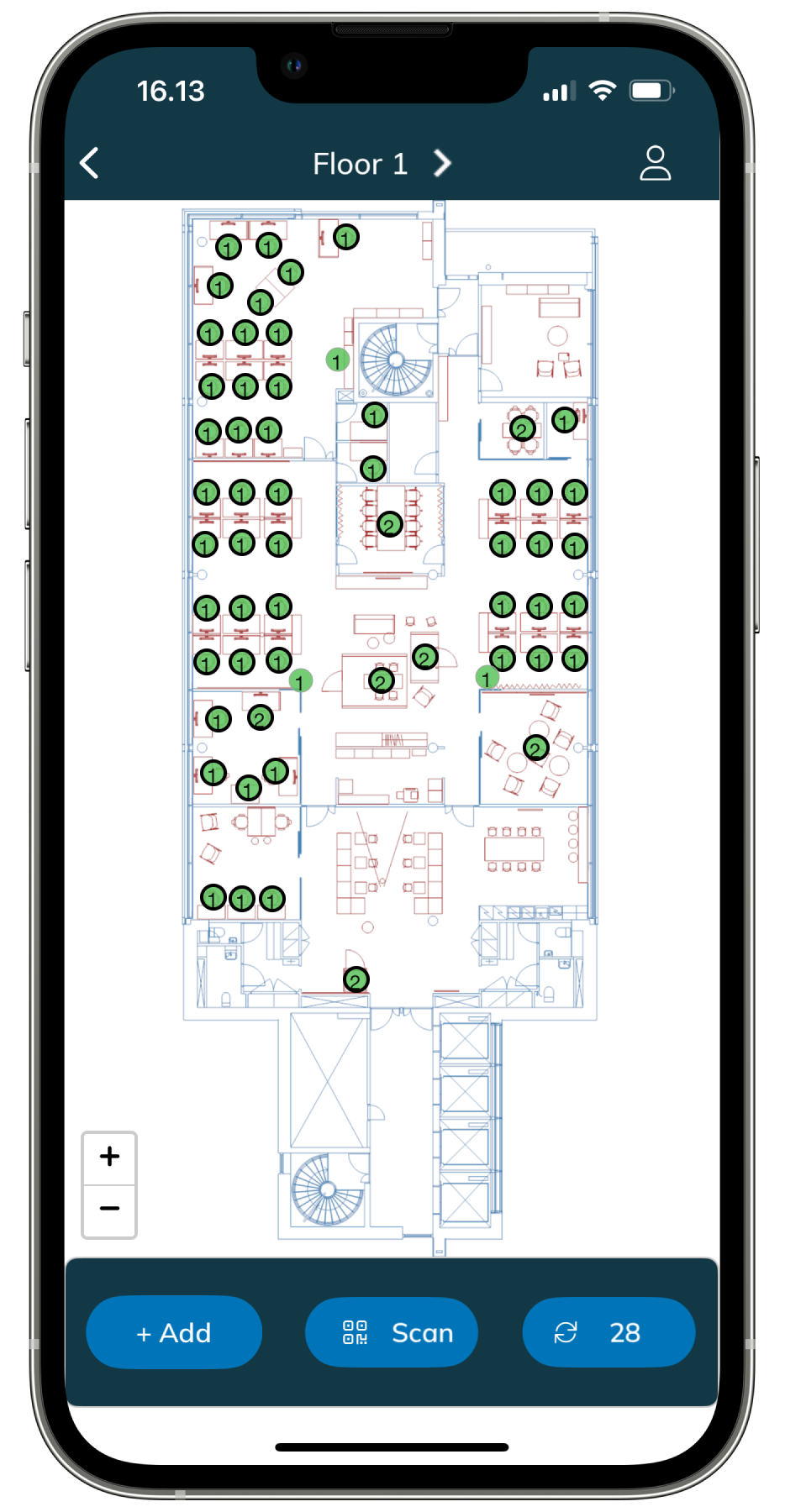
On this page you will find a visual guide to locating every platform and tool the tools associated with setting up and using the EG Worksense Smart Office Solution.
EG Worksense
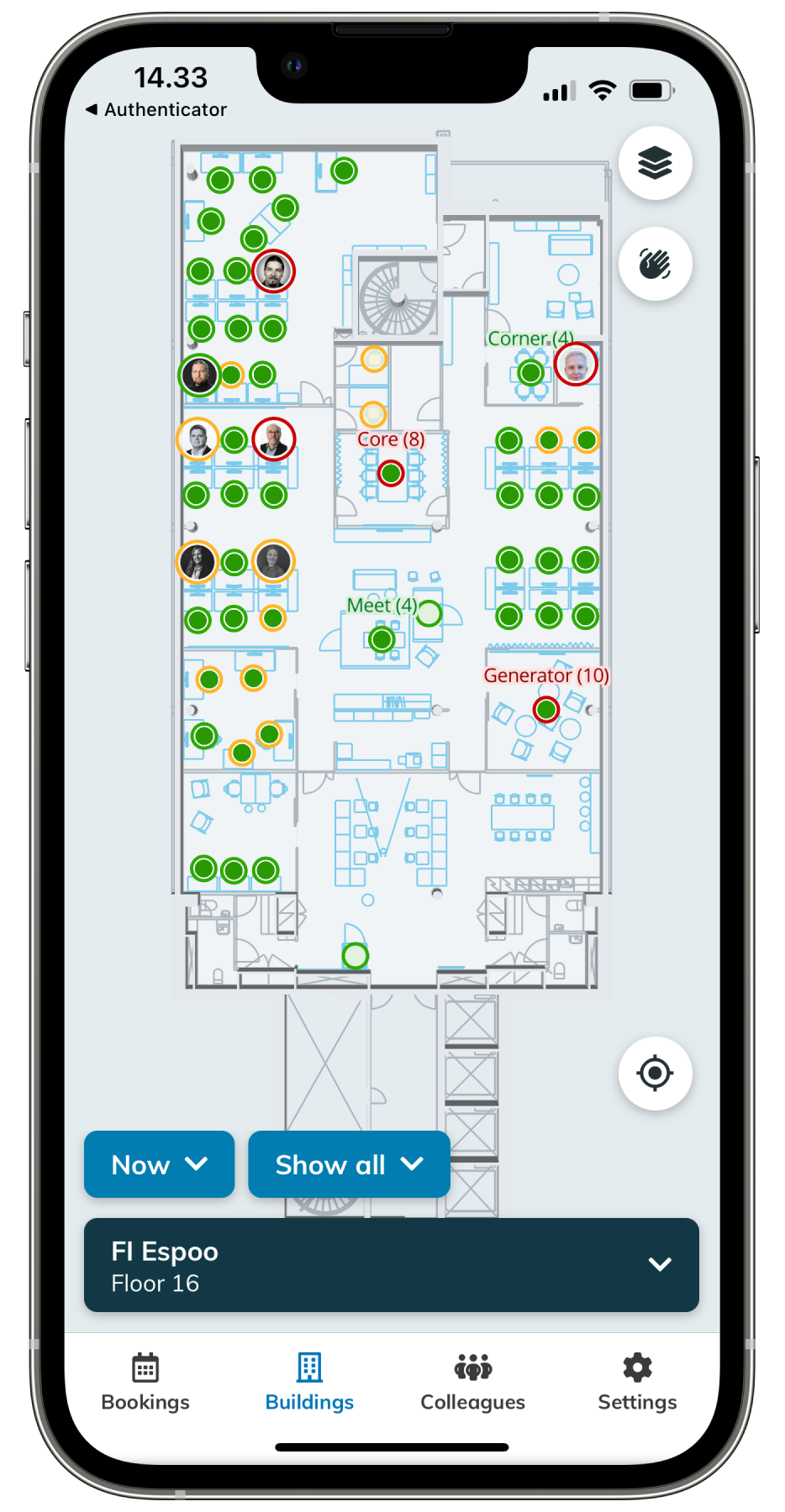
What?A smart office application for all employees. Building floor plans, resource booking, and colleague information for employees. Service configuration and user management for admin users.
Web
Go to Where? Web http://worksense.fi
Mobile App
Download from Apple App store
Download from Google Play StoreHow?
Access options:
If enabled, Sign-signing in with Microsoft
If enabled, Sign signing in with Google
Request Via a registration link from your admin
Who?
All employees
EG Optimaze
A suite of browser applications
Optimaze Portal
What?
A browser application for administrators to manage property data, floor plans, and to view reports. For admins, workplace managers, and real estate directors.
Web
Go to Where? Web https://portal.optimaze.net/
How?
Access
Request from optimaze.support@eg.fi
Who?
Admins
Workplace managers
RE directors
ModulesApplications
Space - Manage floor plans
Moment - Manage organization hierarchy
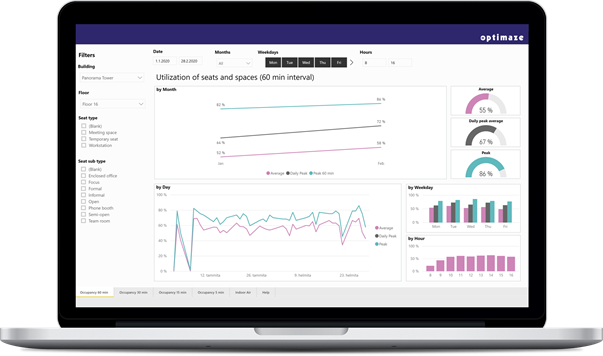
Panorama - View report dashboard
Request access from optimaze.support@eg.fi.
EG Inventory
What? A mobile application for installing sensorsWhere?and monitoring sensors. For people who install sensors and for people who manage sensors at the office.
Mobile App
Download from Apple App store
Download from Google Play Store
How?
Access
Use your Optimaze Portal To access, use your EG Optimaze account to log in
Learn more here
Who?
People, who install sensors
People, who manage sensors at the office
.