
Need to enter a meter reading manually, upload data collected outside the portal, or import historical values into Mestro? This article shows you how — whether it's a single value or a full dataset.
Manual data entry is common for meters that aren't read remotely, for media types like water or waste, or when you're getting started with Mestro and want to load in historical readings. You can also use it to fill in a missing value on an automatic meter if a reading was not collected.
Upload data via your smartphone or computer.
The foundation of your analysis and monitoring via Mestro Portal is that the system has your properties' usage in a data format. Much is collected automatically from distribution companies and your suppliers, but some you must upload yourself. For example, water and waste data collected prior to your use of Mestro Portal needs to be uploaded manually. Contact your Customer Success Manager if you are unsure of what to upload!
There are three ways to upload data to the portal; via the edit menu, an Excel template or via Mestro input. I will describe each in order below.
...
Select the date or month of the reading
Enter the value in the correct unit
Press save
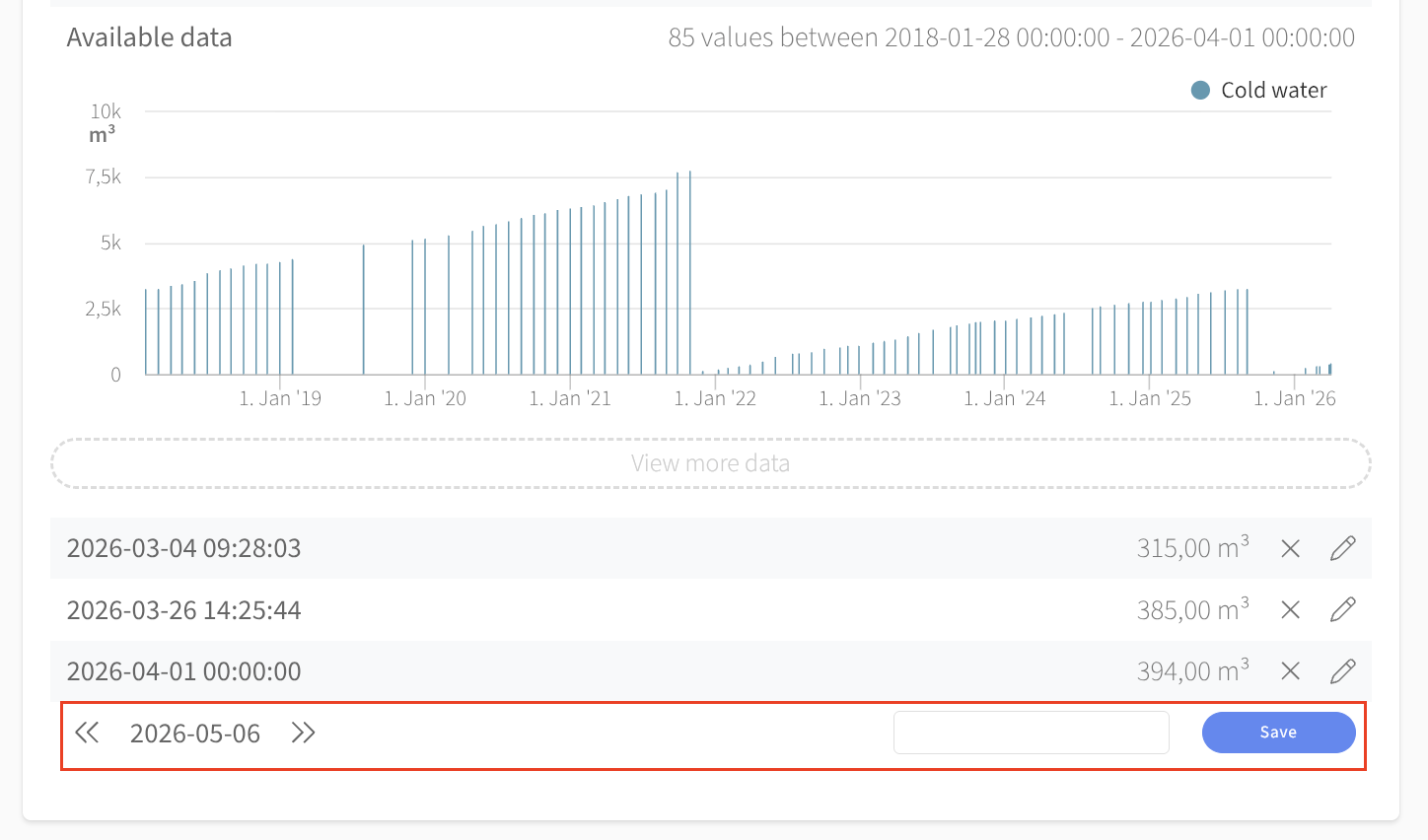
Easy, right!
An Excel template for multiple values
You can download an Excel template from the edit menu by clicking Download at the top of the widget. The template consists of two columns - one with dates and another with values (the units are in parentheses) and looks like this:
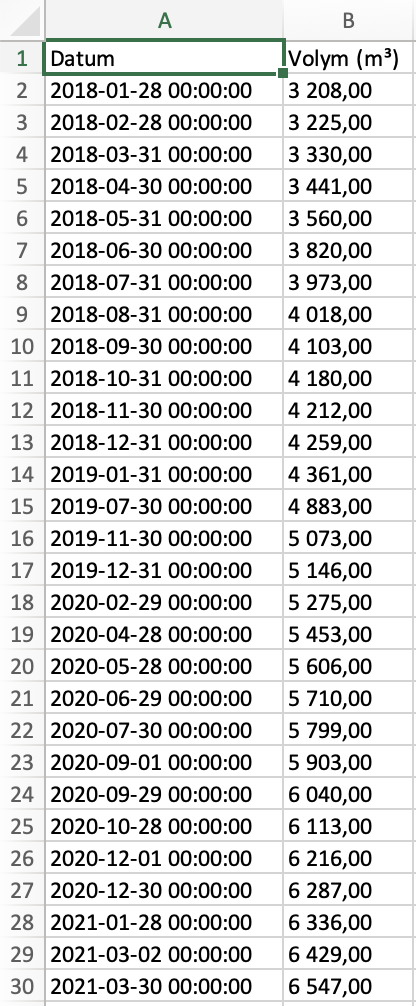
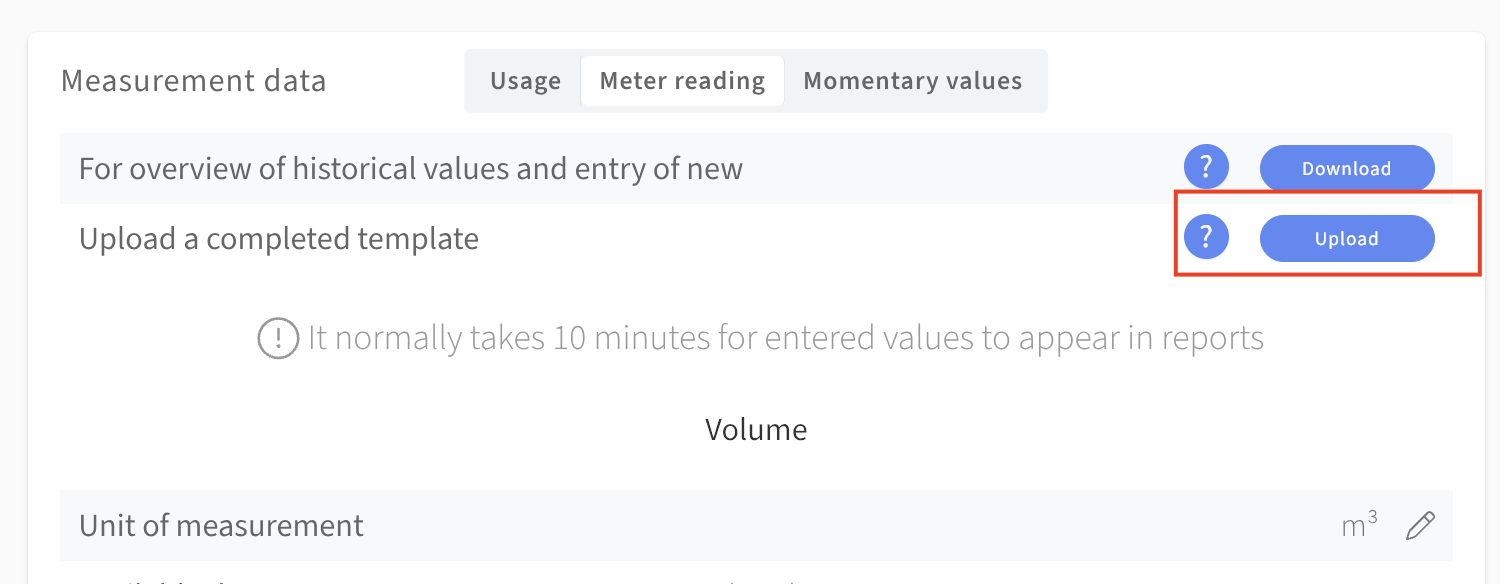
I have entered all meterstands (in red) recorded during 2020 for a water meter in the example property. The final step is simply save and upload! You will find the upload button right below the the one for downloads at the top of the widget.
OBS: It is important that you stick to the template's formatting. If you are copying data, make sure to paste only values. On a Mac use cmd+shift+v, on a PC it is ctrl+shift+v.
...
If you have employees that regularly read manual meters we recommend you to use Mestro Mesto Input - our app for recording values with your smart phone. Click the link to read more about it!
Common questions
- How do I enter a meter reading manually?
- How do I type in a reading in Mestro?
- Can I upload data using Excel?
- How do I import historical data from before I started using Mestro?
- How do I transfer data after a property purchase?
- What do I do if a value is missing on a meter?
Contact support@mestro.com if you are unsure which format or method suits your situation best.