
...
EG Admin creates a Grid Company
EG Admin invites one or more Grid Company Admins
- Contractors select their business partner (grid company)
Grid Company Admins review and approve contractors
Contractors gain access after approval
...
System State Model (Contractor Lifecycle)
Status Definitions
| Status | Description | Can Login | Can Create Blankets | Can Invite Users ( Admin role required ) |
|---|---|---|---|---|
| Pending | Awaiting Grid Company approval | ✅ Yes | ❌ No | ✅ Yes |
| Approved | Approved by Grid Admin | ✅ Yes | ✅ Yes | ✅ Yes |
| Rejected | Explicitly rejected by Grid Admin | ✅ Yes | ❌ No | ✅ Yes |
| Deactivated | Access revoked after approval | ✅Yes | ❌ No | ✅ Yes |
Important Rules
A Contractor cannot create or submit blankets before approval.
Roles are assigned during the register process - Roles does NOT change based on approval/rejection
- Blankets can only be created when approval is done by gridcompany
...
Step 2 – Contractor Registration
Access Limitation Before Approval
...
While Contractor status = Pending:
...
If no contractor exists:
A new
Contractoris created
If a contractor already exists for the user:
The existing record is updated
A
ContractorContactPersonis created
...
...
...
Screenshots
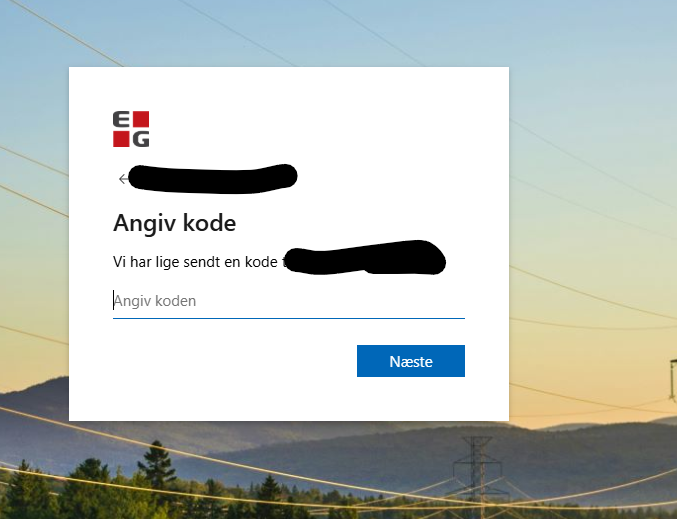
- 📸 Login screen - upon clicking 'Don't have an account? Create one'
...
📸 EG Zynergy partners - Contractor Registration
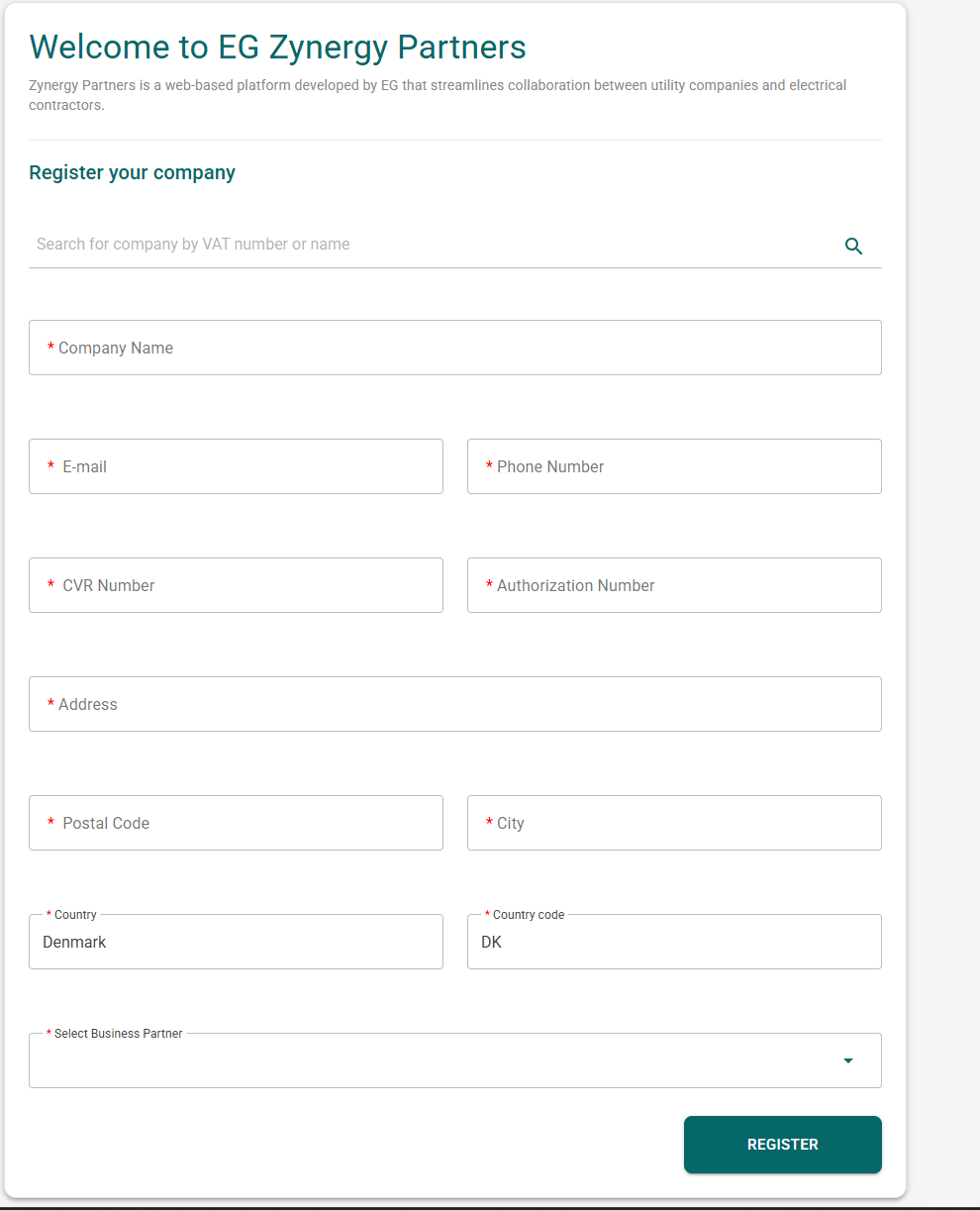
Note; This is the company creation page.
...
📸 EG Zynergy partners - Aftermatch of registering (Approval needed)
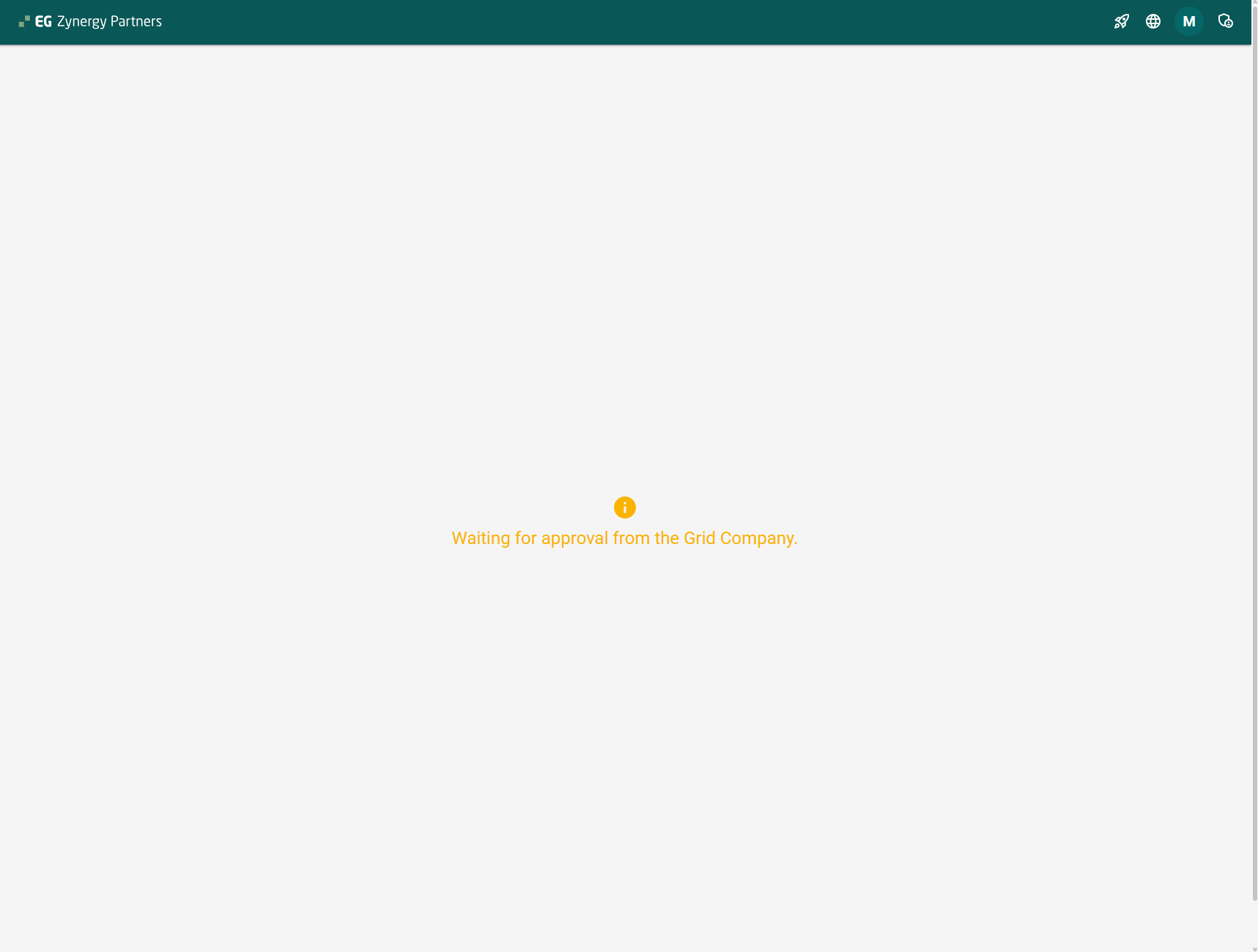
Note; The button at the top right is the contractor management page. The contractor can now (with or without approval) invite his users ( workers )
...
📸 EG Zynergy partners - Post approval.
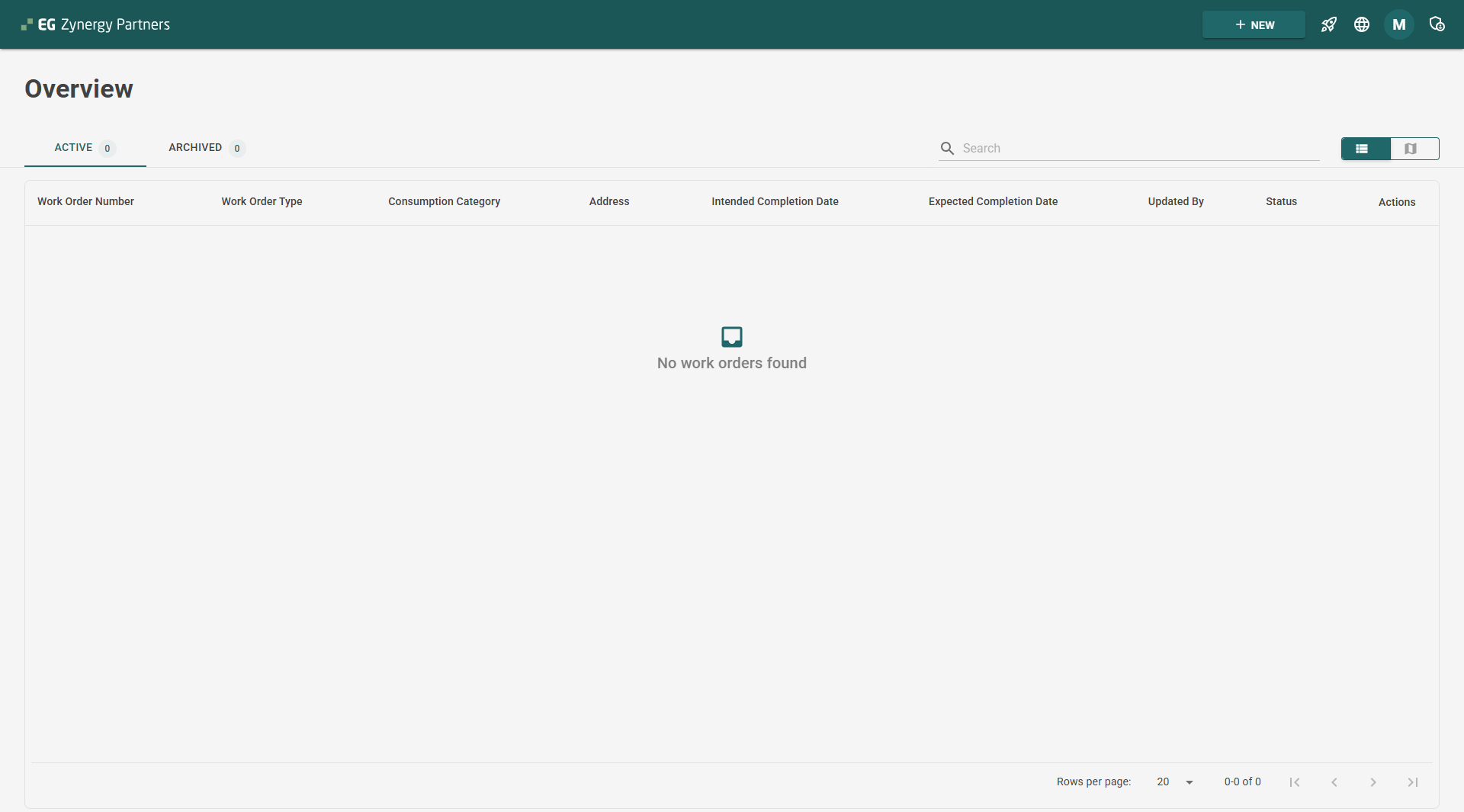
Note; You can now see that the contractor has access to the system.
...
Step 3 – Contractor Review & Approval (Grid Admin)
Approval as Business Activation Trigger
...
Contractor status is updated
Email notification is sent to the contractor:
Approval email
Rejection email
...
Step 4 – Contractor Operational
...
Flow
Blanket Status Lifecycle
After approval, blankets follow these statuses:
...
This ensures consistency between business documentation and technical flow.
...
Language & Localization Behavior
The application supports multiple languages via internal translation.
...