
...
4. Enter a name for the section and select its content. In this guide, a dashboard is used as the example. Select Dashboard in the Content column and click New dashboard or select an existing dashboard.

| Info |
|---|
Info: You can change the order of the sections by adjusting the numbering in the 'Sequence' column. |
5. When you click New dashboard, a confirmation prompt with information will appear. Click OK to create the dashboard and continue.
...
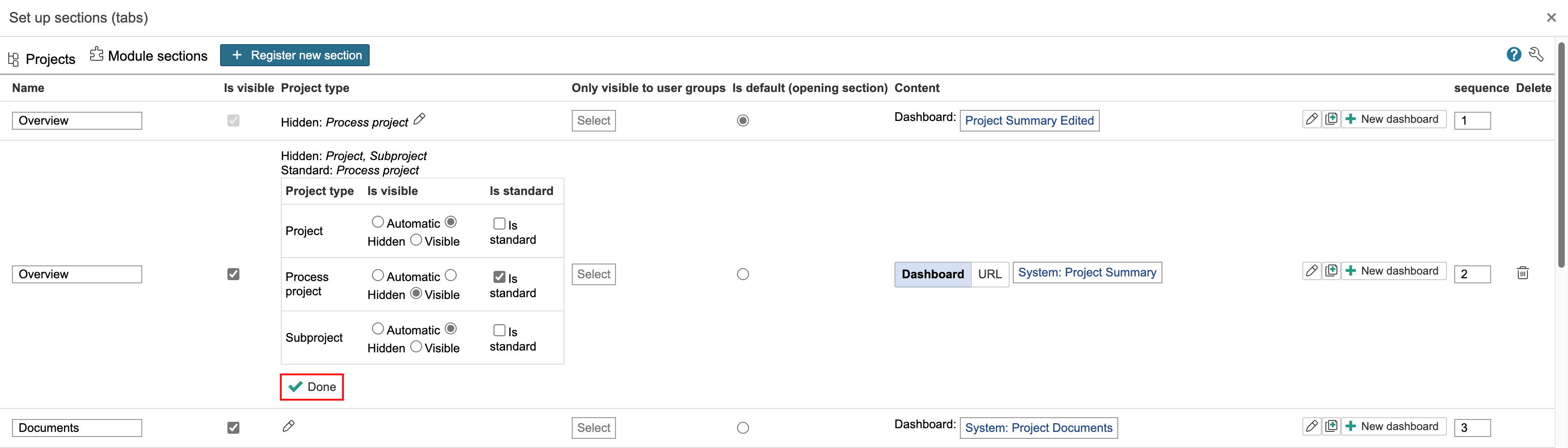
To control visibility by project type, click the pencil icon in the 'Project type' column and select whether the section is visible or hidden for each type. If a project type should have a different opening section than the default, check "Is standard" for the section you want to assign. Click Done when you're finished.
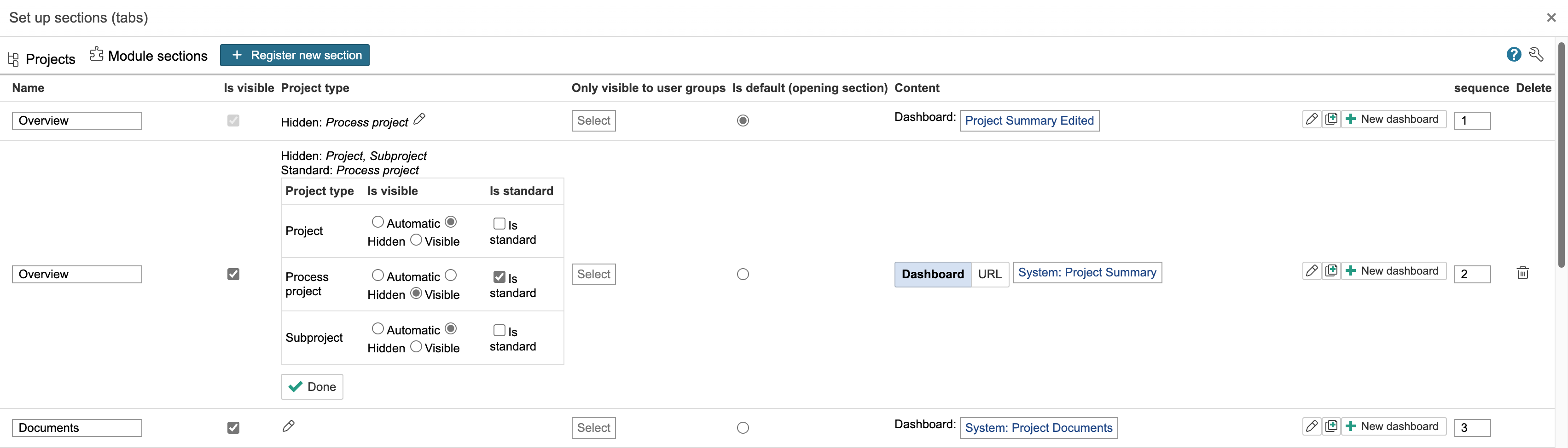
Before changes
...