Versions Compared

Key

  • This line was added.
  • This line was removed.
  • Formatting was changed.
Info

You must have an Administrator role in EG Worksense to setup the feature.

Connect EG Worksense with your organization's Google Workplace account

. After connecting you can enable Sign in with Google.Create Connection

You must have an ‘Administrator’ role in EG Worksense to setup the feature.

as the first step to implement Single Sign-On (SSO) with Google.

How to create connection

  1. Log in to EG Worksense

  2. Click Administration

    • If the navigation bar option is not visible,

1. Navigate to the ‘Administration’ tab

If the tab is not visible please
    • contact your organization’s EG Worksense main user or Submit a

Support

2. Click ‘Connect

Image Removed3.
  1. Click Google Workspace

  2. Click Connect

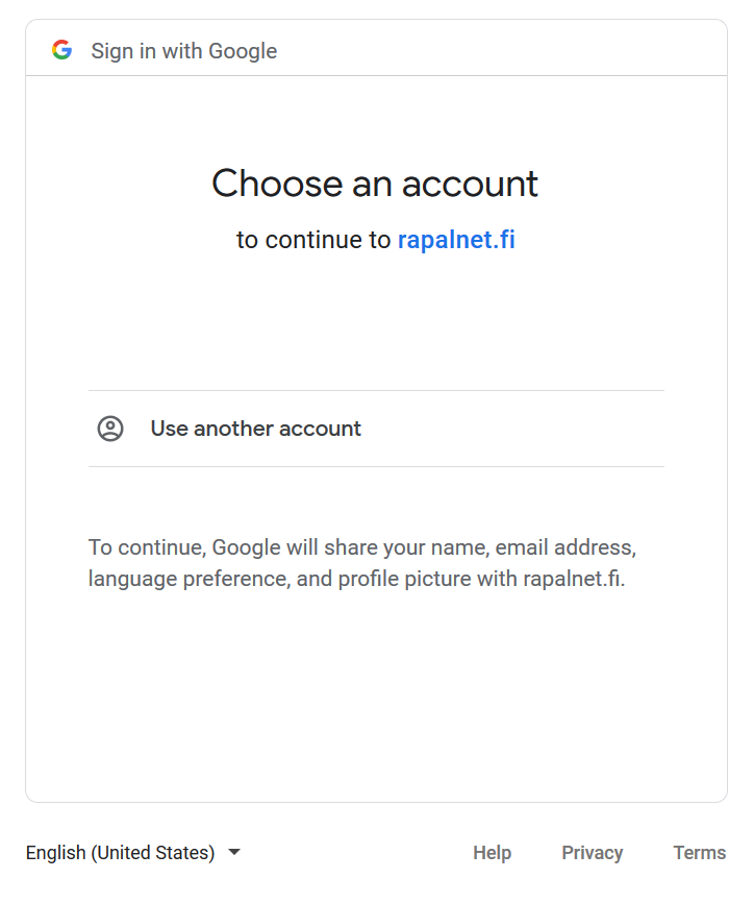
  1. This will start Google’s OAuth flow where you need to sign in using your organization’s Google account

Image Removed
4.
  1. Once the connection is done, you

can 
  1. can enable sign in with Google

You can remove the integration by

clicking ‘Remove integration’Image Removed

clicking Remove integration.