changes.mady.by.user Petri Tolppanen
Saved on Jan 13, 2025
Saved on Oct 14, 2025
You must have an Administrator role in EG Worksense to setup the feature.
Connect EG Worksense with your organization's Google Workplace account
as the first step to implement Single Sign-On (SSO) with Google.
Log in to EG Worksense
Click Administration
If the navigation bar option
1. Navigate to the Administration tab
is not visible, contact your organization’s EG Worksense main user or Submit a
support request to find out who in your organization to contact.
Click Google Workspace
Click Connect
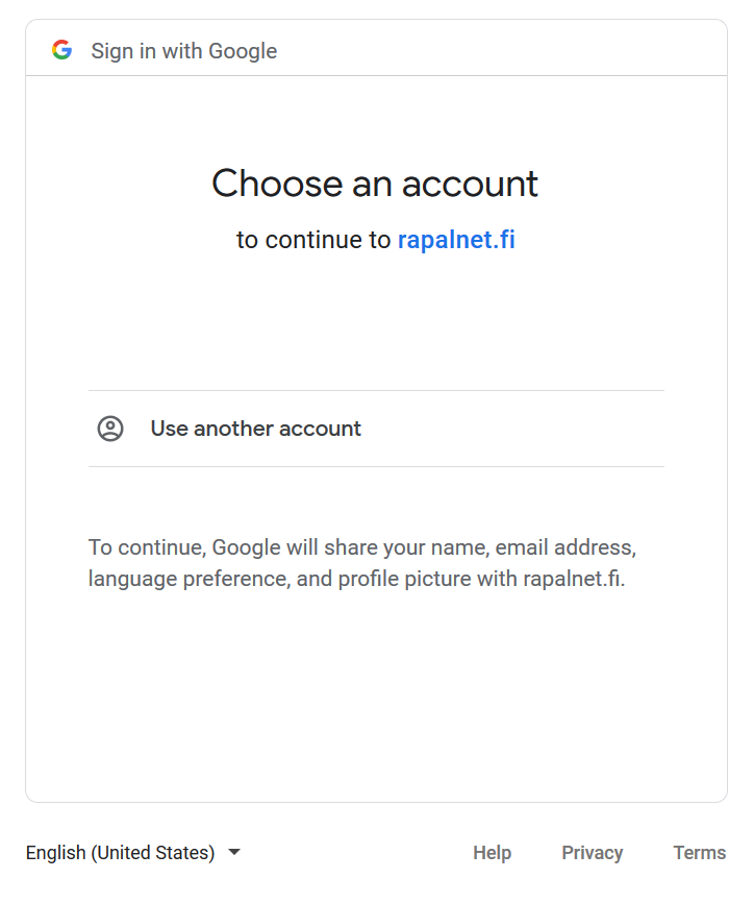
This will start Google’s OAuth flow where you need to sign in using your organization’s Google account
Once the connection is done, you can enable sign in with Google
You can remove the integration by clicking Remove integration
.

 4. 4.
4. 4.