
| Info |
|---|
Info: For å se denne siden på norsk, klikk her. |
On this page, you will find information about new features and changes in the system, including a brief explanation and where to find them. The most recent items are listed at the top.
Latest
- Date format: It is now possible to select which date format shall be used. You can configure this under "Internationalisation" in the control panel.
- Function filter in the participant gadget: You can filter by functions in the “Participant request and participants for project/task” gadget.
Replacing headers and footers on Word documents (BETA): You can replace the header and footer on multiple word documents simultaneously. This applies only to files in the .docx format, and the option must be activated in the control panel. The action replaces and overwrites the entire header and footer of the selected documents.
| Warning |
|---|
Note: The functionality for replacing headers and footers is complex, and errors may occur in documents that contain advanced formatting or elements in the header or footer. We therefore recommend to double-checking these documents after the operation. |
Previous
- Template for checklists: It is possible to create custom templates for the distribution and printing of checklists and checklist responses.
- External non-conformity form: The plugin allows registration of non-conformities without having a user account in Landax. Information and ordering of the plugin is available under “Plugins” in the control panel.
- Public documents: Documents can be set as public and made available to people without a user account in Landax.
- Active status on products: Products can be set as active or inactive.
- Repeating tasks: It is now possible to define that a task is to be repeated on a specific day of the week or month.
- JSA template: It is possible to create a template for printing or email distribution in the JSA module.
- Multiple department selection: Multiple departments can be selected in the department selector on the form for customers and suppliers.
- Bulk edit checklist responses: It is possible to bulk edit checklist responses in the gadget for checklist responses on the dashboard.
- Tags on data filters and dashboards: It is possible to add tags to data filters and dashboards. The tags can be used to filter the overview of dashboards and data filters.
- Reading confirmation on documents: Reading confirmation can be requested for multiple documents simultaneously.
- QR codes in the document module: You can copy QR codes for document folders and documents.
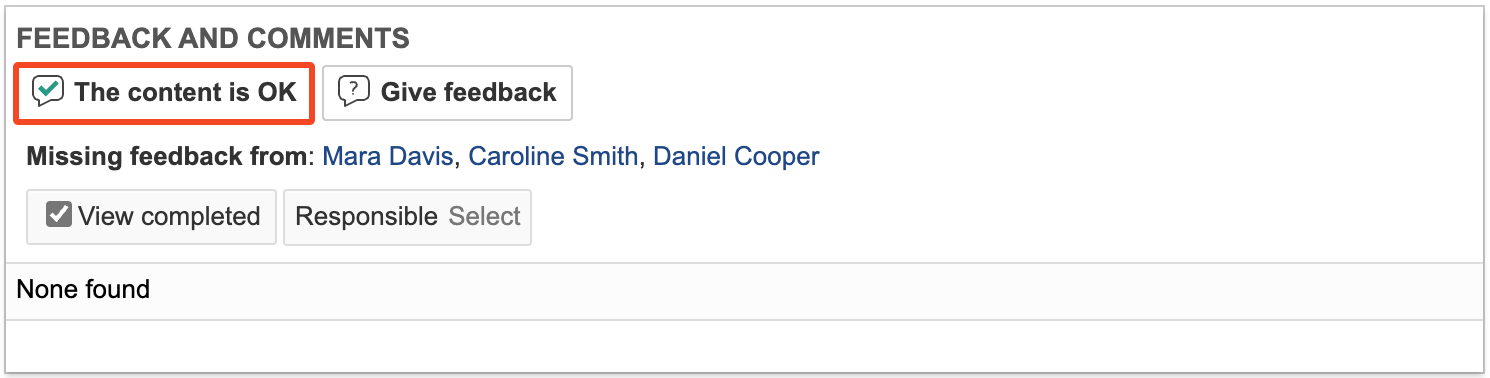
- Feedback shortcut: A shortcut button labelled The content is OK is available to review participants on documents with the status For review.
- Notifications for deadlines related to reading confirmations and document review rounds: It is now possible to set up notification rules that send reminders about deadlines for reading confirmations or document review rounds.
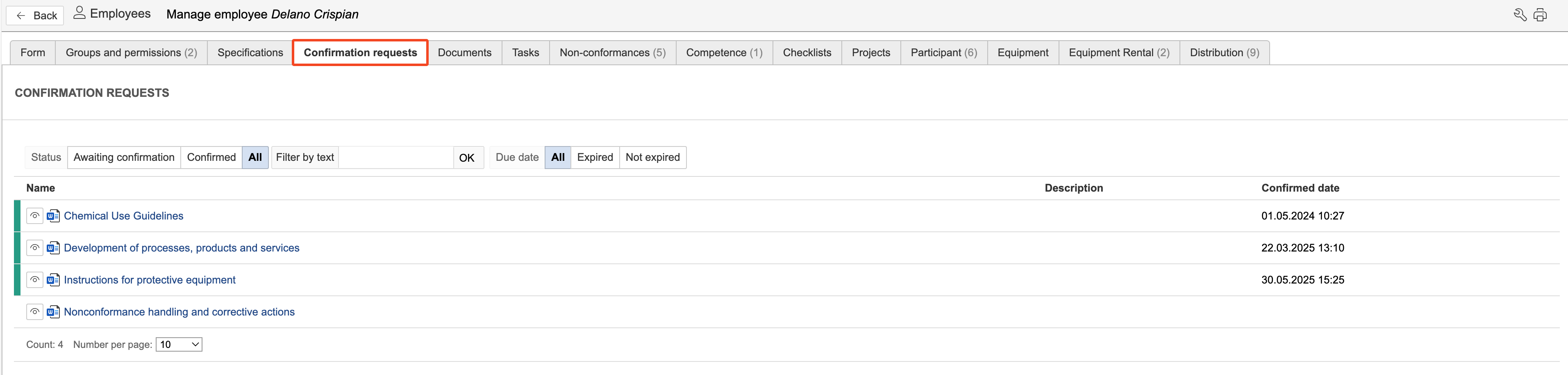
- Tab for reading confirmation: In the employee module, each user now has their own tab displaying requests for reading confirmation on documents that have been sent to them. Requests marked in green are those that have been confirmed as read and understood.
- Risk aspects in JSA module: The JSA module has a new basic data element called "Risk aspects". Risk aspects are configured in the control panel.
- Categories in the task module: You can now link categories to types the same way as in the non-conformance module. This allows you to filter which categories should be visible for the different task types.
- Duplicate non-conformances: To duplicate a non-conformance, open the non-conformance you want to duplicate, hover the mouse pointer over the three dots in the top right corner, and click Duplicate.

- Batch creation of tasks: You can create the same task for multiple locations, equipment, or departments at the same time. To do this, select the locations, equipment, or departments in the overview and click "Create tasks".
...
- Risk icon: If a box in a flowchart has linked risk analyses, you can choose to display only an icon. This makes it easier to indicate in the flowchart that the activities have linked risks.

- Diff. viewdisplay: In several modules, you can now toggle the diff. view display on or off in email notifications. The diff. view display in emails highlights the changes made to the record being notified. Content marked in red indicates previous information, while content marked in green shows displays new or updated information.
...