PLANNED
Prerequisites are located in the menu on the left.
Improvements POS
Area | Description |
|---|---|
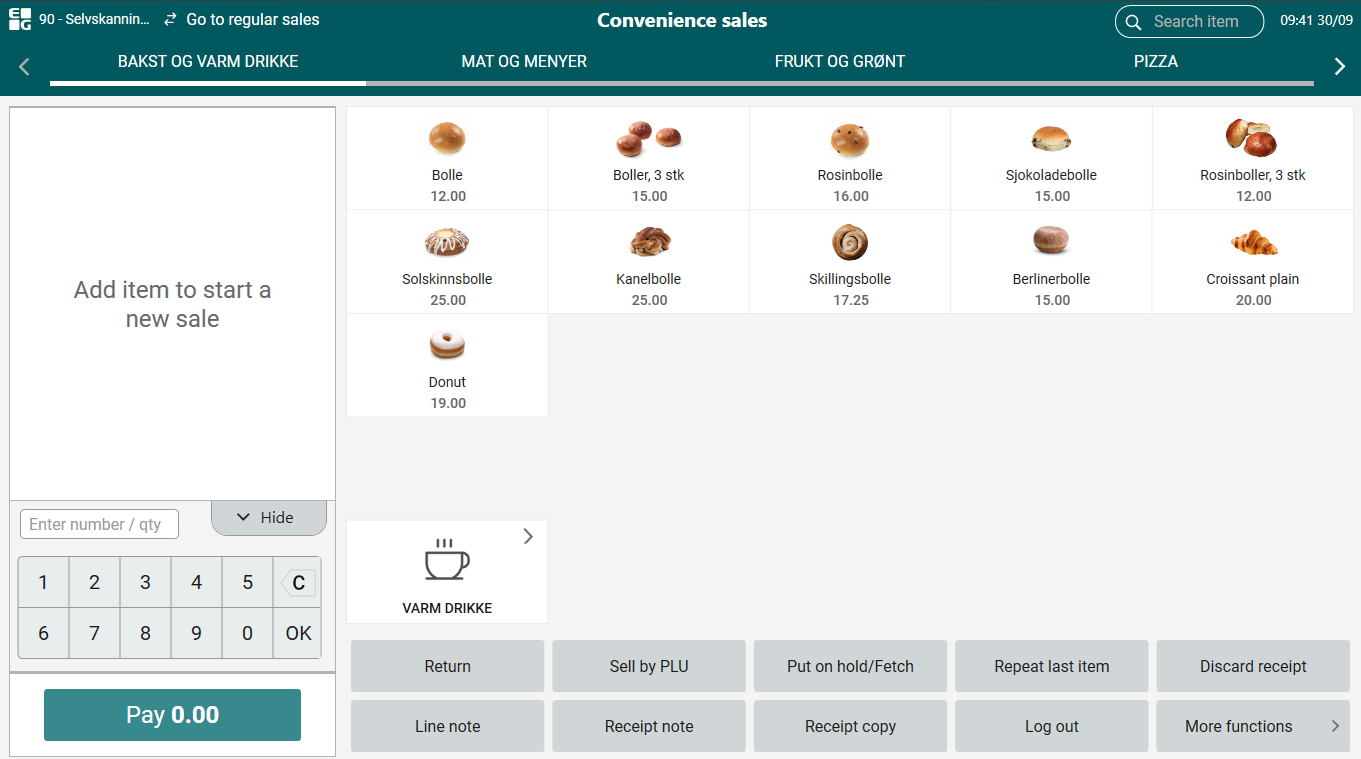
| Convenience sale | Total from previous sale on Payment button (RTP-32952) Before, when finishing a sale in convenience mode, the subtotal of the previous receipt was remembered on the Payment button. Now, this button is set to 0.00 after each sale.
|
| Payment | Payment process popup and securing no multiple tenders started (RTP-29899) When a payment starts, a "payment is in progress" popup appears with a 'Cancel' button. This button allows users to cancel the payment and switch to another payment method if needed. To prevent multiple payment types from being started simultaneously, only the initial payment option remains available until the 'Cancel' button is shown, even if the popup with the button takes time to appear. This ensures that users cannot accidentally initiate multiple tenders at the same time. |
| Receipts | Fix on printing campaign discounts in receipt (RTP-32770) When "Do not show campaign discount for items with ID requirements on receipt" is enabled and "Do not show campaign discount on receipt" is not enabled in PrinterConfig, then regular items will have their discounts printed in the receipt and age validated items will not have their discounts printed in the receipt. Warranty Receipt Printing Update (RTP-28769) When adding new items to existing orders or processing returns, the warranty receipt now includes only the items that were added. This prevents duplicate receipts from being printed, unlike before when all warranty receipts were printed every time. This ensures clearer and more accurate receipt handling. |