
Register new rental
1. Go to the equipment module and open the equipment by clicking it.
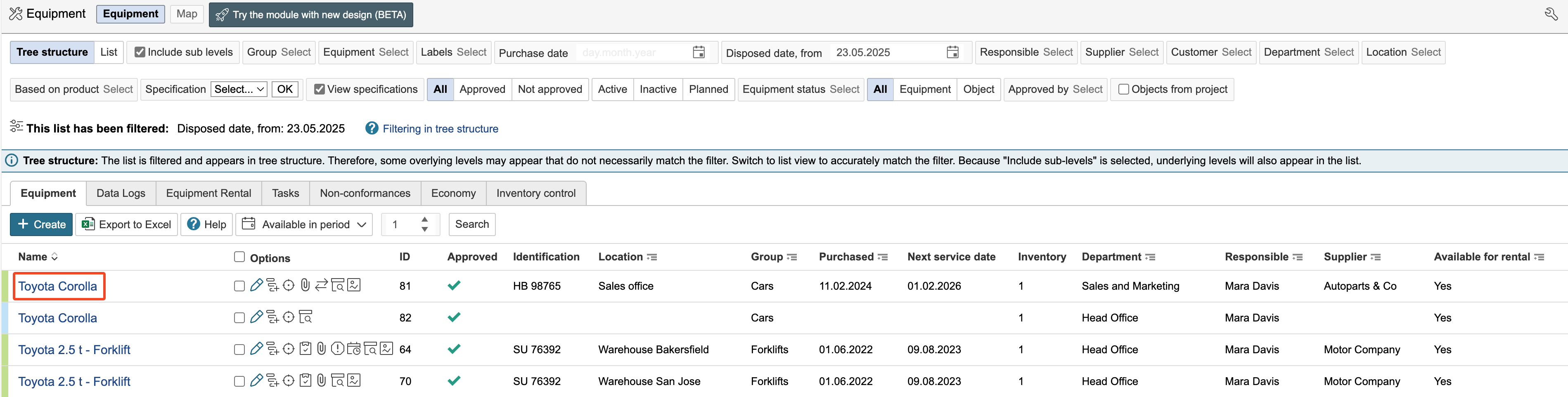
2. Click Register a new rental.

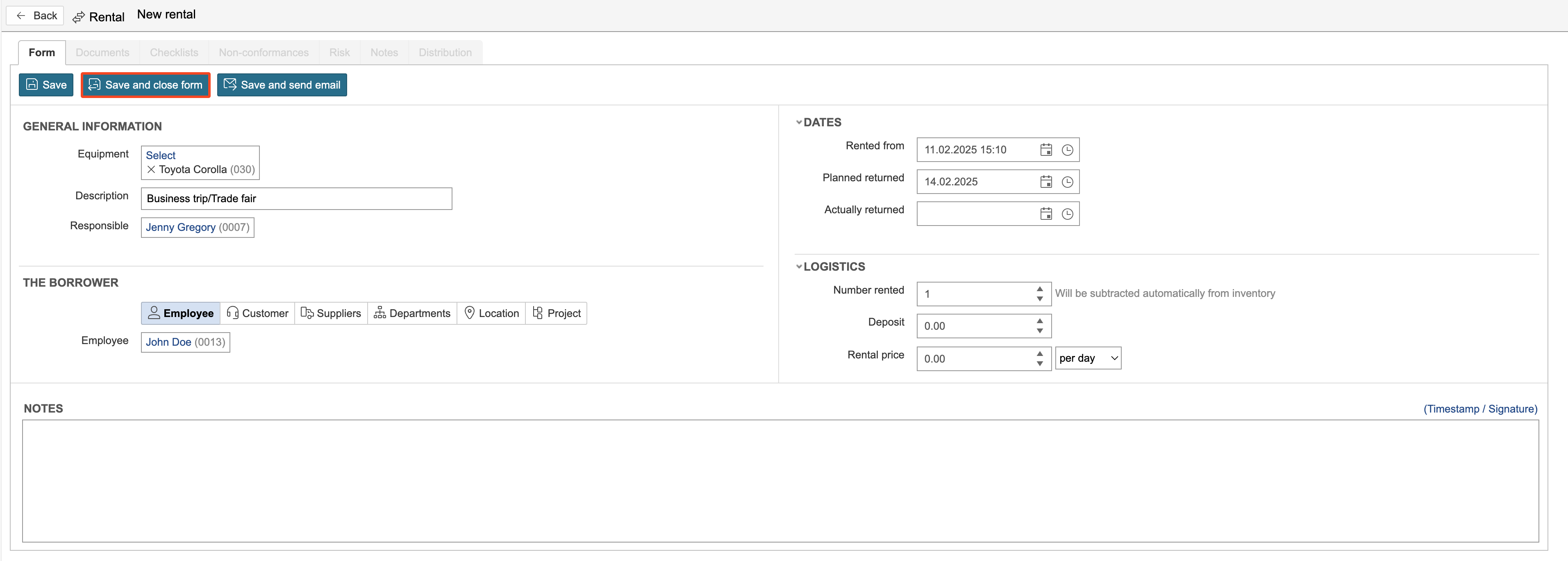
3. Enter information and click Save.
Rental overview
4. The Equipment rental tab displays an overview of all equipment rentals.

Info: The Inventory Control tab displays rental records for all equipment.