
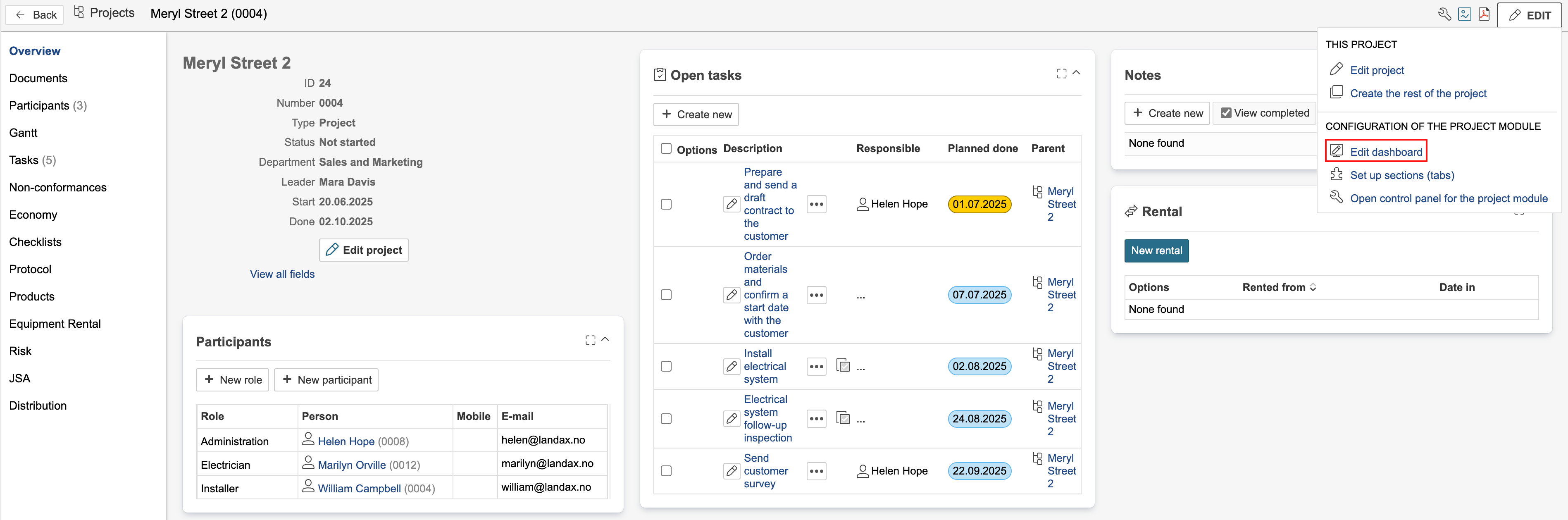
1. To edit the dashboard, hover the mouse pointer over Edit and click Edit dashboard.
2. If the section is using a system dashboard, you must duplicate it before you can make any changes.
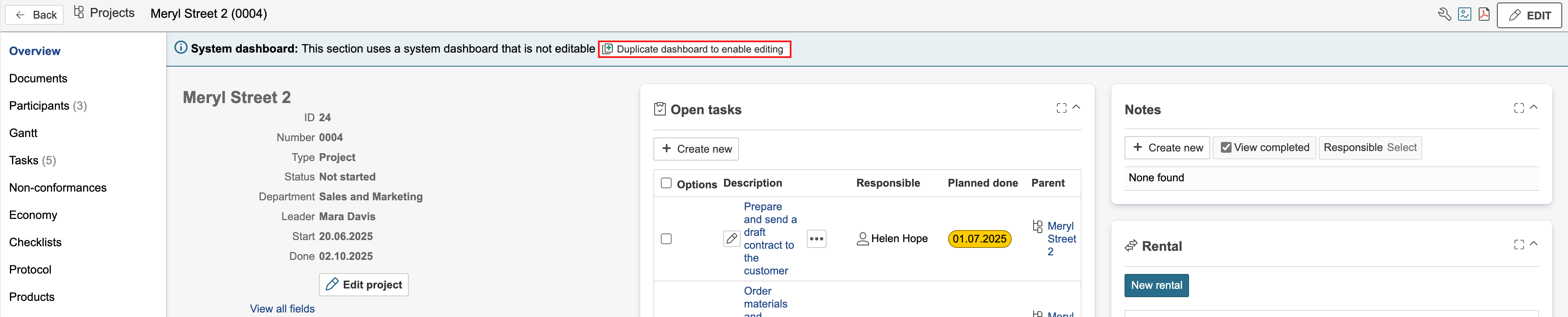
Info: Duplicated dashboards are given the same name as the original dashboard, with “(Copy)” added at the end. The name and other information can be changed by editing the basic data.
Edit dashboard
After the dashboard is duplicated, it can be edited. Project dashboards are edited in the same way as the start page dashboard. For more information, see the guide on editing dashboards with subpages.