
About
In this page, it is described how to add teh project to your sollution and how to use the functionality in it.
Adding the project to your sollution
To use the project functionality, you need to first add the library to your sollution.
It is done in Visual Studio by following those steps:
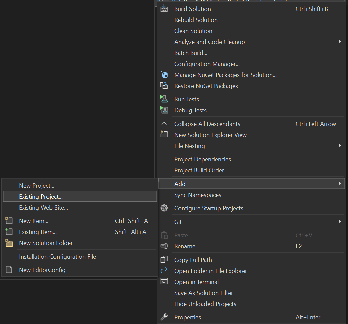
- Right click the sollution explorer on the top level sollution
- Choose Add→Existing project
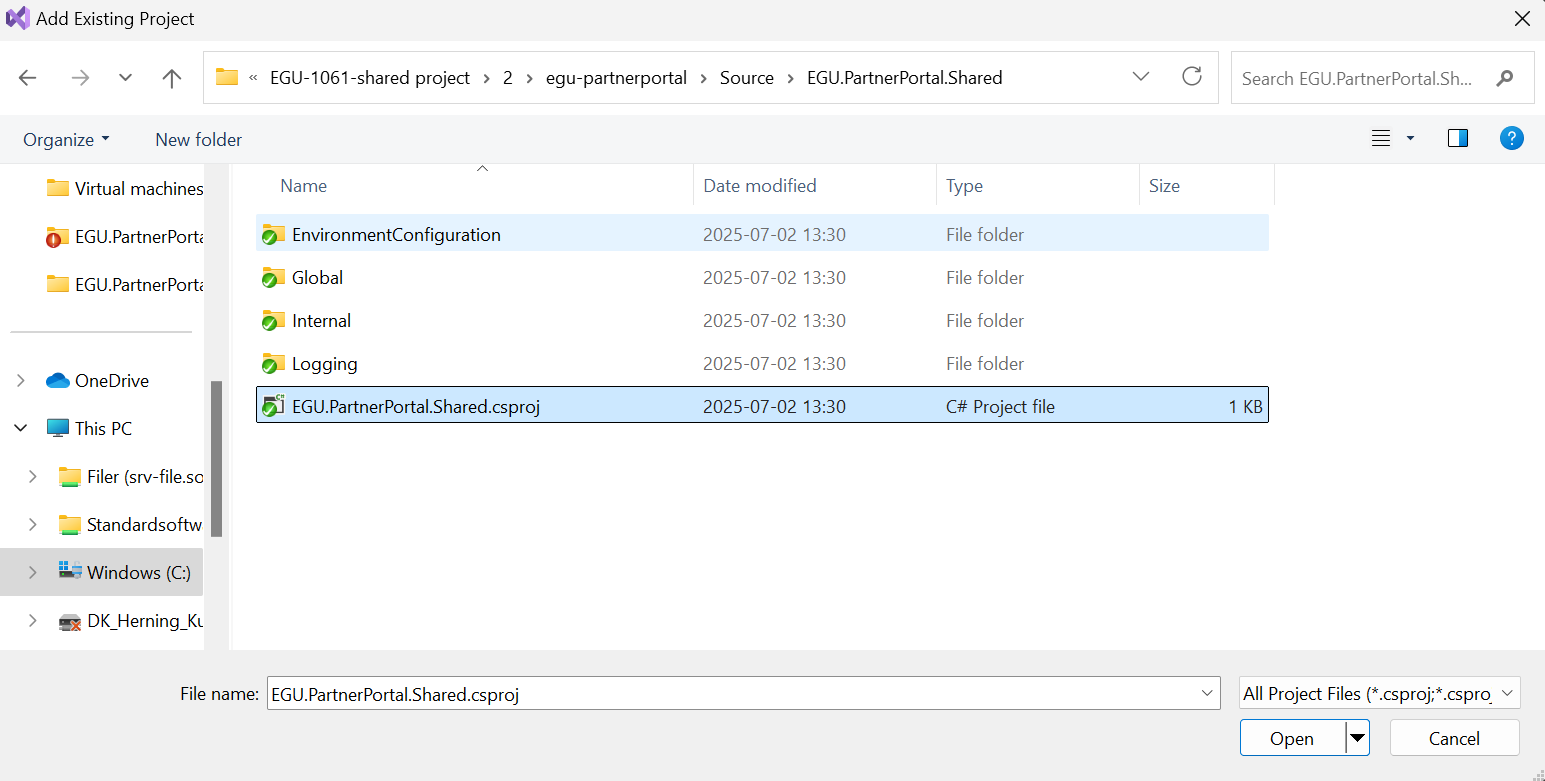
- Navigate to EGU.PartnerPortal.Shared project
- Double click the csproj file
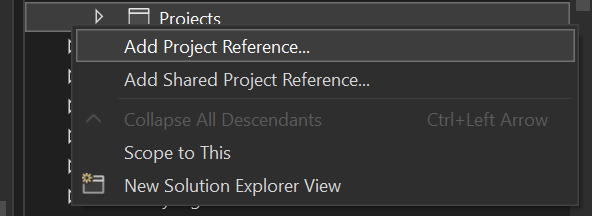
- Now add teh project reference inside your project
- Right click the sollution explorer in Dependencies→Projects→Add Project Reference
- Add a tag in teh shared project:
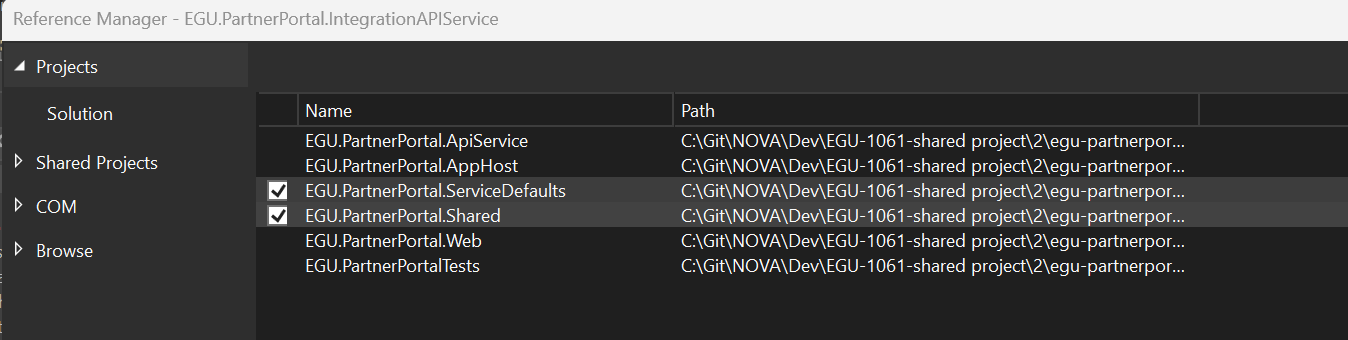
The project is now ready for use.
Using the Logging
Hosting environment
The way the logging work is, that it checks an environment setting on the application level in the hosting weather or not to log.
Therefore, it is important that you setup a variable for this.
The variable should follow the following format:
<MainApplicationname>_LOGSTATE
For instance:
INTEGRATIONAPI_LOGSTATE
The value should be a string stating one of the two values:
- TRUE
- FALSE
Code
The Logging functionality can be accessed from the static class simply called Log.cs.
Before being able to log through the project you need to initialize the logger.
Initializing is done in this way:
string invoker = "IntegrationApi"; 									    /*The name of the application usin the log*/
string environmentVariableToggle = "INTEGRATIONAPI_LOGSTATE";			/*The environment variable name on the hosting of the invoking application*/
string appInsightsKey = "InstrumentationKey=xxxx";						/*The app insight key. This can be found in the appinsight application on the hosting environment*/

Log.Initialize(invoker, environmentVariableToggle, appInsightsKey); 	/*Initializing the logger, making it ready for use*/
Log.LogInfo("Integration api started.");
Log.LogInfo("Logger running");