
What is this feature?
The Contractor Registration and Approval flow in EG Zynergy Partners enables external contractors to onboard through the Partner Portal and be approved by the correct Grid Company.
The solution ensures:
Grid Companies are created and controlled by EG Admins
Contractors are reviewed and approved/rejected by Grid Company Admins
Access is restricted based on role and user state
Invitations and user management are handled via Microsoft Graph
Overall Flow Overview
The flow begins with a Super Admin (EG Admin) setting up the business partner structure.
EG Admin creates a Grid Company
EG Admin invites one or more Grid Company Admins
Grid Company Admins review and approve contractors
Contractors gain access after approval
Step 1 – Grid Company Setup (EG Admin)
Description
Before contractors can register, a Grid Company must exist in the system.
The EG Admin is responsible for:
Creating the Grid Company
Inviting Grid Company Admins
Flow
EG Admin navigates to /admin (Assigned by EG)
EG Admin creates a Grid Company
EG Admin invites a Grid Company Admin
Invitation is sent using Microsoft Graph
System creates:
User through graph api invite
GridCompanyContactPersonGroup and role assignments
📸 Grid company creation
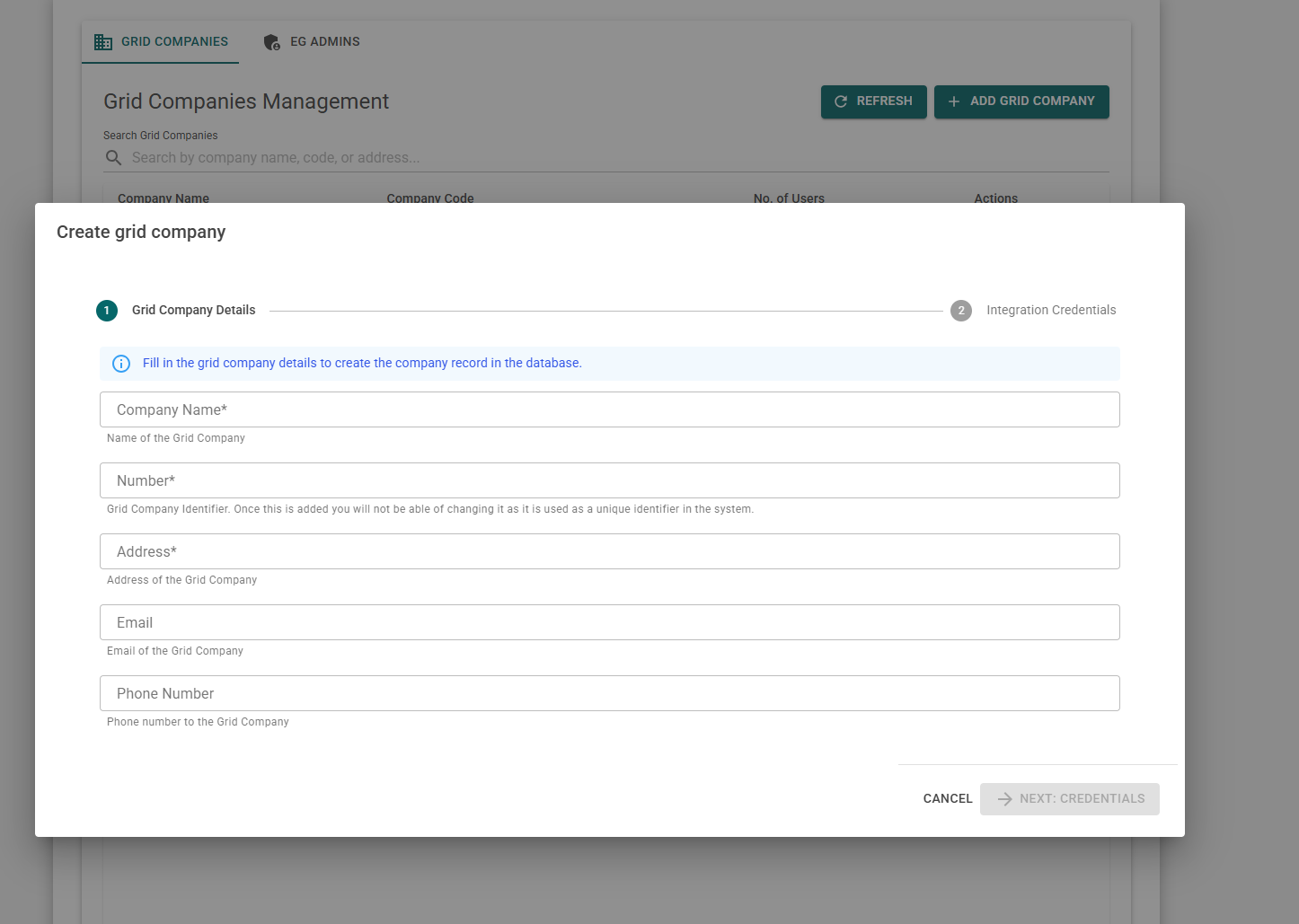
Note; the first step is database creation, second step is the sonwin communication step. (Saved in azure keyvault securely)
📸 EGAdmin page - Grid Company management
📸 EGAdmin page - Grid Company management action buttons
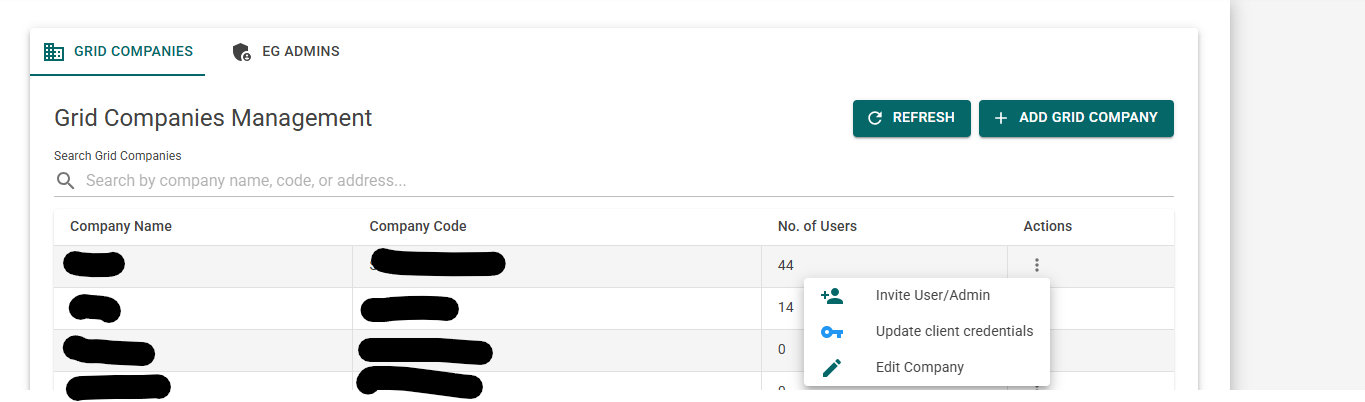
Note; Here you can:
1 - Invite the first ( or more ) gridadmin to start the flow
2 - Update the client creds (sonwin comminication)
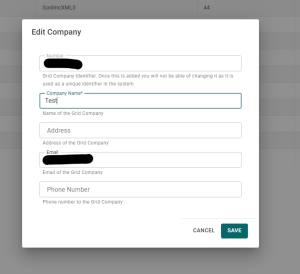
3 - Edit gridcompany
Step 2 – Contractor Registration
Description
Once a Grid Company exists, external contractors can register their company.
Access Rules
Registration is denied if the user is:
Grid Admin
Grid User
Application Admin
Reason; One user can only have one role.
Flow
Contractor loads https://partners.egzynergy.com/ for the first time
Contractor clicks "Don't have an account? Create one"
- Contractor fills out email,
Contractor selects a Grid Company
Contractor submits the registration
System Behavior
If no contractor exists:
A new
Contractoris created
If a contractor already exists for the user:
The existing record is updated
A
ContractorContactPersonis createdContractor status is set to Pending
Screenshots- 📸 Login screen - upon clicking 'Don't have an account? Create one'
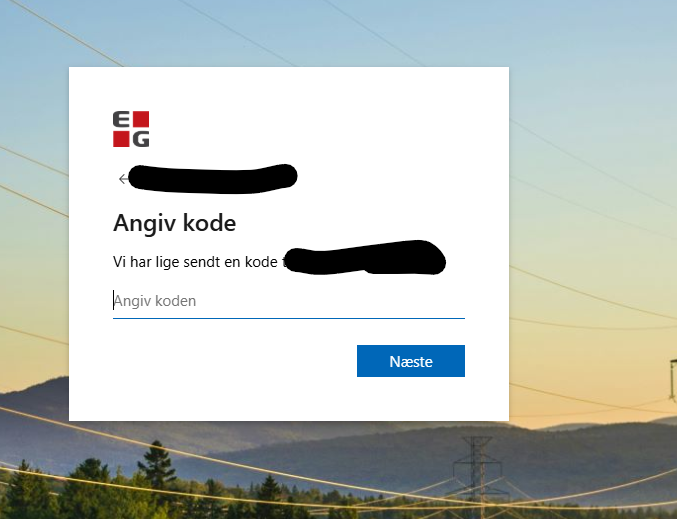
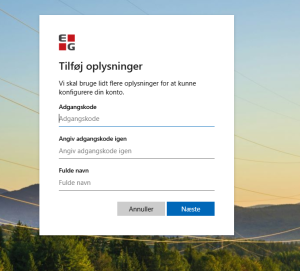
- 📸 OTP - Password sent

📸 Entra - Registration
📸 EG Zynergy partners - Contractor Registration
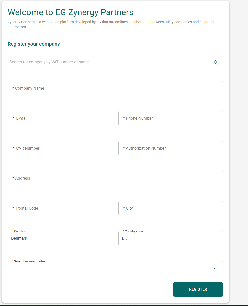
Note; This is the company creation page.
📸 EG Zynergy partners - Aftermatch of registering (Approval needed)
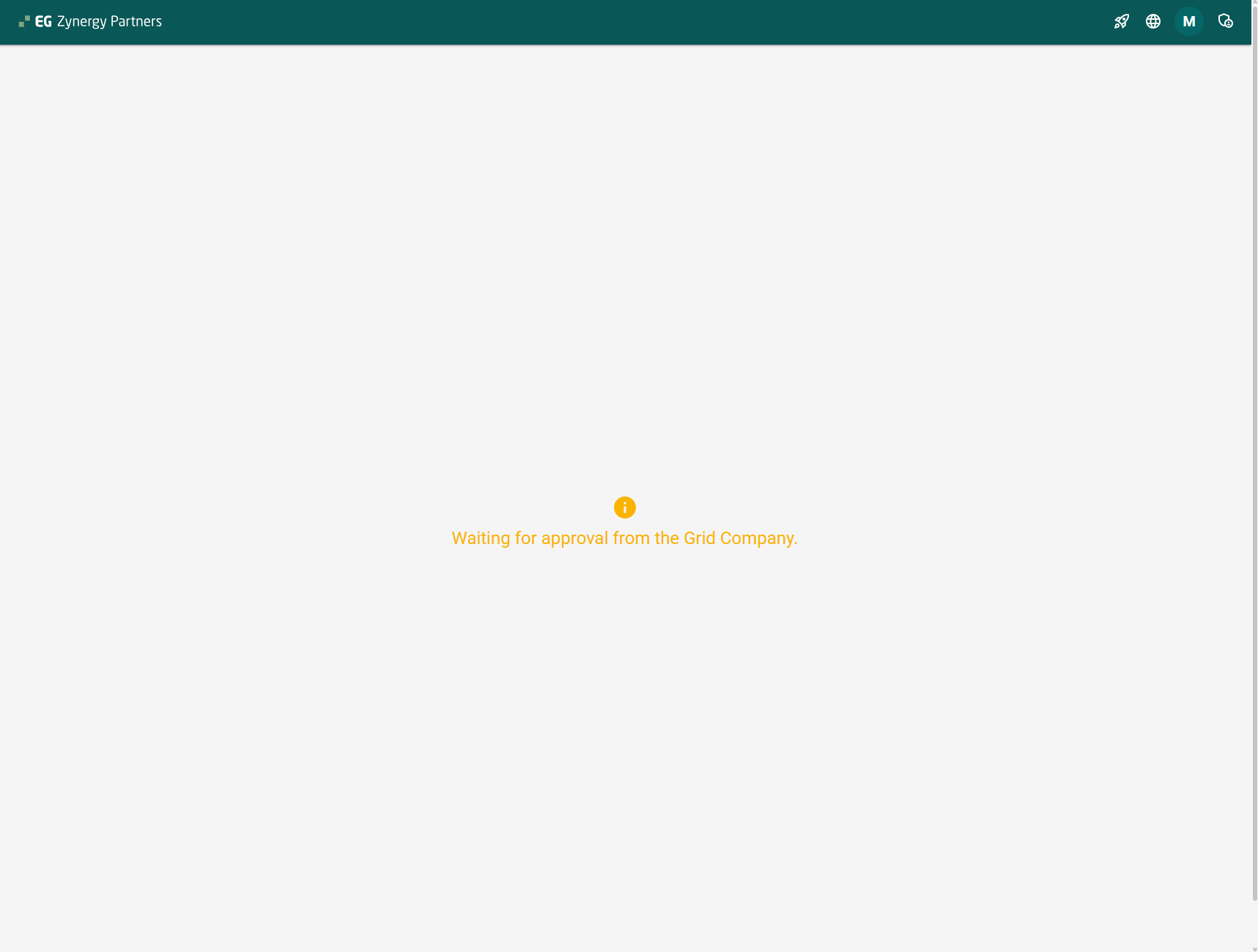
Note; The button at the top right is the contractor management page. The contractor can now (with or without approval) invite his users ( workers )
📸 EG Zynergy partners - Grid admin approval page.
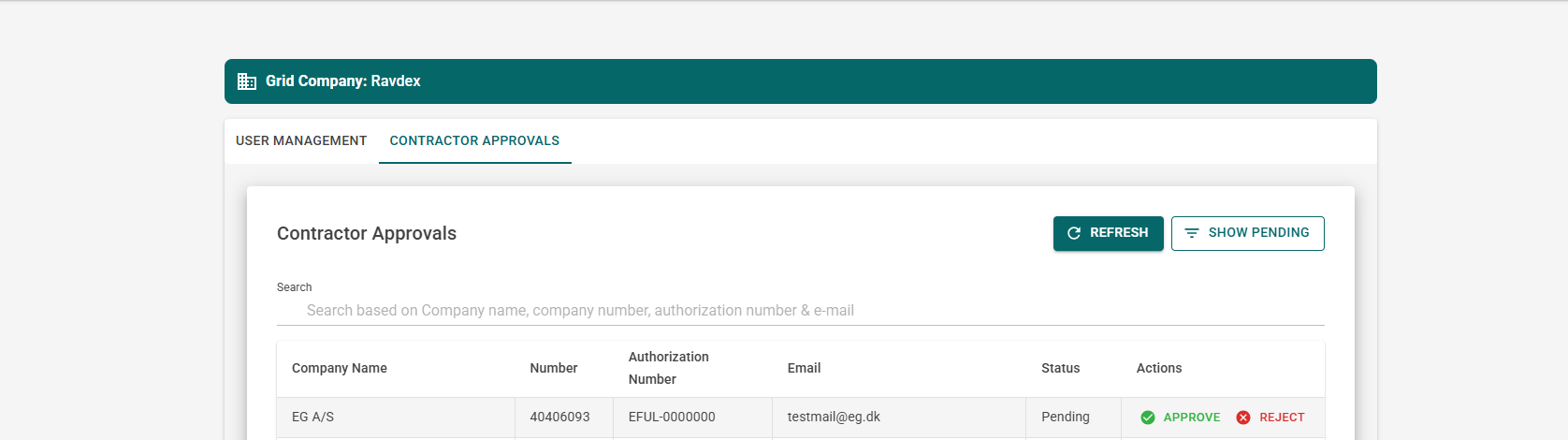
📸 EG Zynergy partners - Post approval.
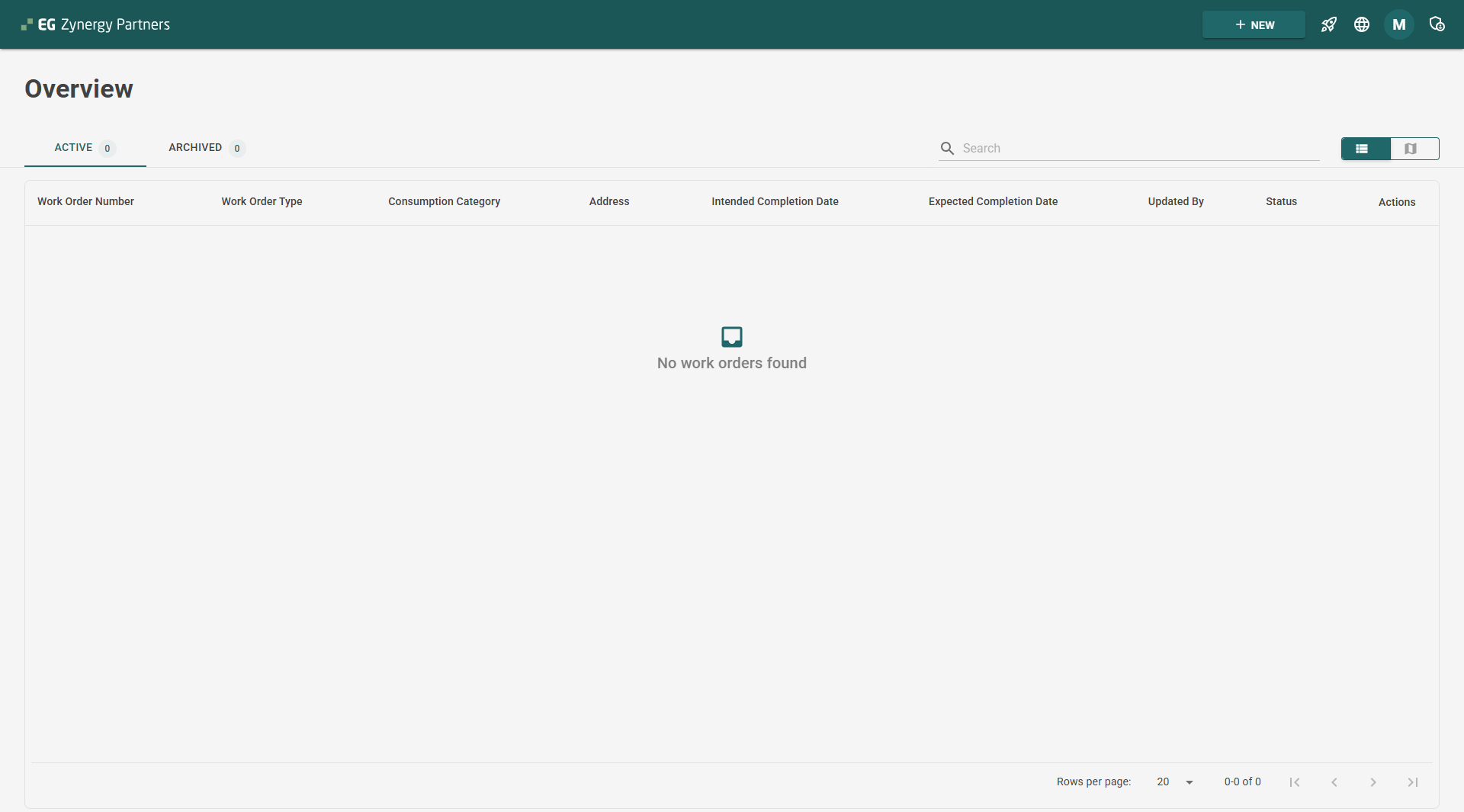
Note; You can now see that the contractor has access to the system.
Step 3 – Contractor Review & Approval (Grid Admin)
Description
Grid Company Admins are responsible for approving or rejecting contractors linked to their Grid Company.
Flow
Grid Admin navigates to /GridAdministrator
Pending contractors are displayed
Grid Admin selects a contractor
Grid Admin chooses to:
Approve, or
Reject
System Behavior
Contractor status is updated
Email notification is sent to the contractor:
Approval email
Rejection email
Email Notifications
Email notifications are sent when:
A contractor is approved
A contractor is rejected
- A gridcompany notification when new contractor has chosen them as partners
Notes
Templates are localized (depending on which language youre on)
Email content is managed by the email service
Triggered from the ApiService