
About
For DEV and TEST, a corresponding SonWIn environment is nessesary for the flow to exist.
This page explains about the virtual machines that have been created for the flow and how to access them.
The machines
To find the machine, do the following:
- Go to http://portal.azure.com
- Login with your credentials
- Go to the resource groups
There are two resource groups for the virtual machines, they both have the same name: 'RG-SonWIn-Appl' you can see the difference in the subscription:
Select the one with DEV in the subscription.
In the resource goup find one of the two machines:
- SonWin-PP-DEV
- SonWIn-PP-TEST
It is the ones that have Type = Virtual Machine.
- Click on the one you want to access.
- Click on connect in the ribbon in center of the page:
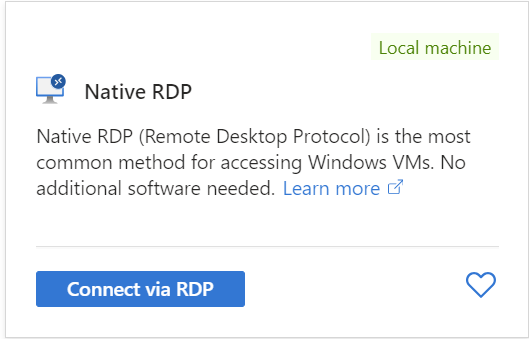
- Click 'connect via rdp'
- Click 'Download RDP file'
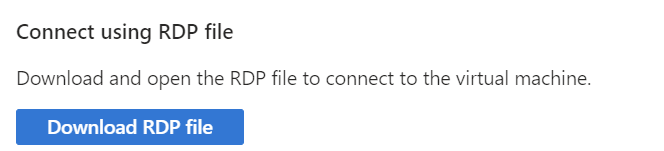
A remote desktop file will be downloaded, start it and you are good to go.