Project is used on work orders, event log entries, checklists, purchase orders, time registrations and transactions. Among other things, a project is required on a work order. New projects can also be created (and maintained) in the main menu under the menu ‘Project’. To take out a project number, you can set up a special counter that suggests new project numbers. However, the number can be overridden. The project is created with a descriptive name. A project can have associated sub-projects. When work orders are created against the project, by default, the work orders will inherit the start/stop dates as the from/to dates on the work order. If the project is set to ‘Completed’, it will no longer be possible to link work orders/history or perform transactions against the project.
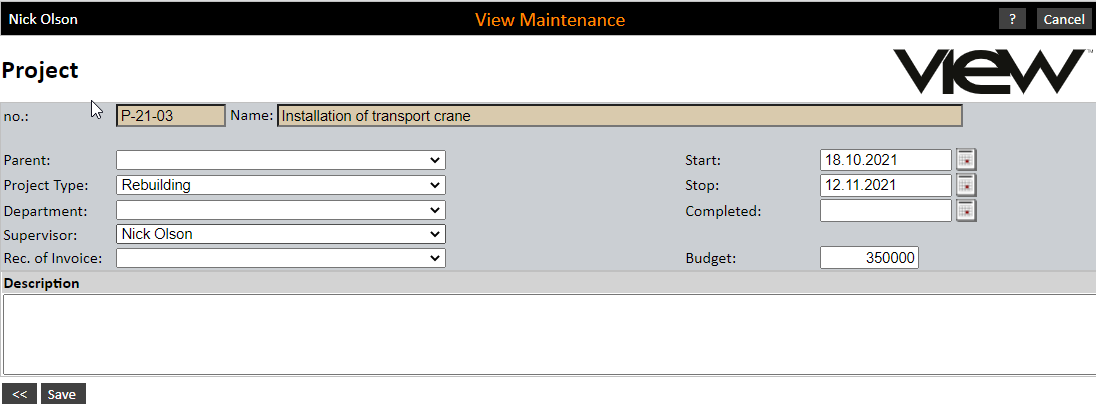
Budgets can be inserted in the project, and you can perform tasks such as follow up on what has been planned, what is remaining and what costs have been spent on parts and work hours. If you wish to calculate planned/estimated work costs, an account rate must be linked. For further information, see also under ‘Project’.