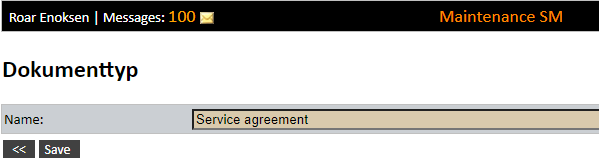
Before uploading documents, document types must be created. Document types create a filter option. Document types are defined with a descriptive name.
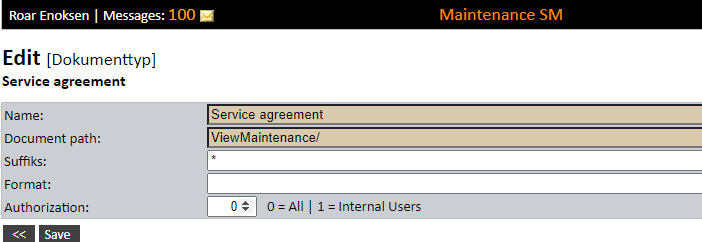
After saving the document type, open this in edit mode. If e.g. the name is also inserted in the document path, and the system settings are configured so that the path will include document type, a folder will be created under View Maintenance/ with this name where the documents for this type are stored. Suffix ' *' means that all file types can be uploaded. If ‘Format’ is blank or removed, all the files that are uploaded from today’s date will be given a file name of today’s date including time. For example: 20201210_105148.pdf.
Document types can be access controlled by setting '1' in the field 'Authorization' so that external users can not see documents in the system related to the relevant document types.