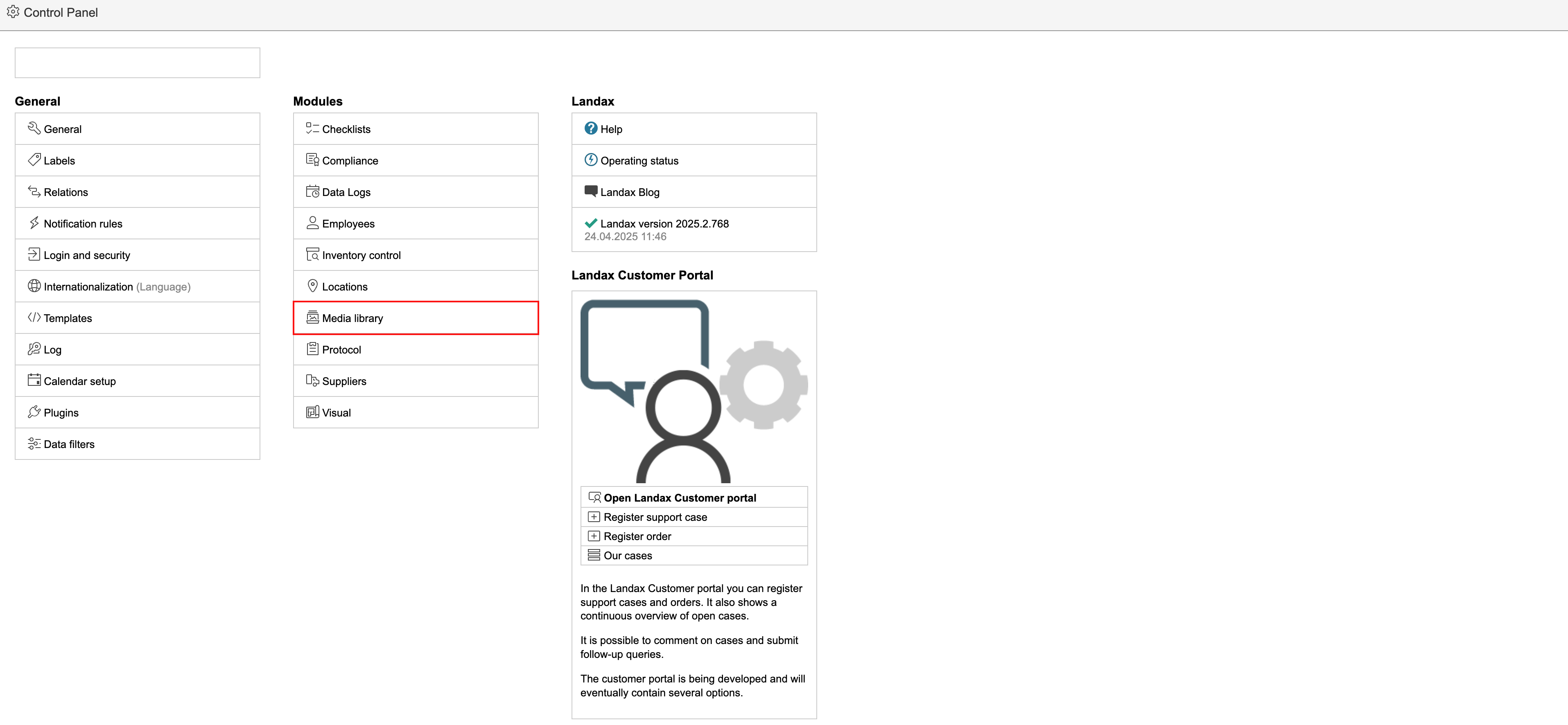
To add or remove pictures in the media library, go to the control panel and click Media library in the middle column.
Create new
To create a new folder at root level, click All folders followed by  .
.

Edit existing
To make changes to existing folders, select the folder to be changed by clicking it. To edit the name of the folder, click  . To delete a folder, click
  . To create a subfolder, click .
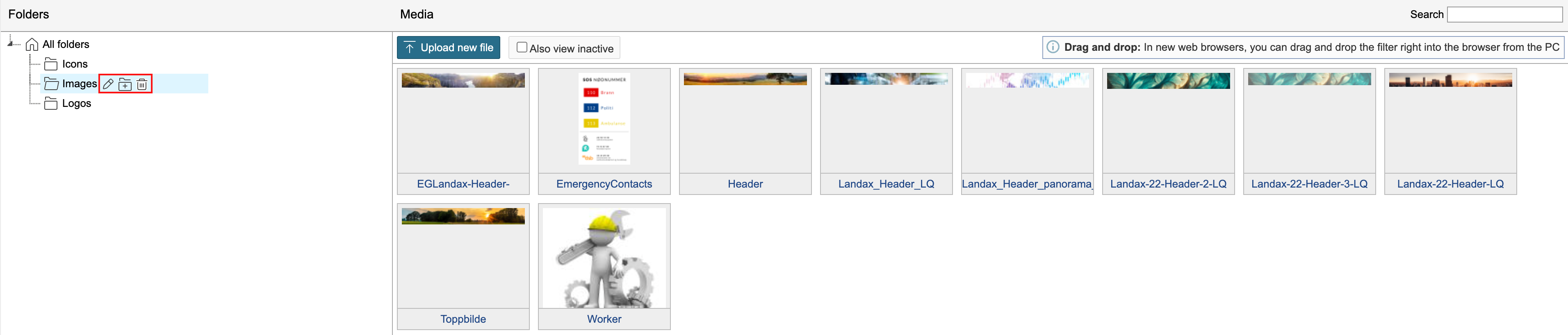
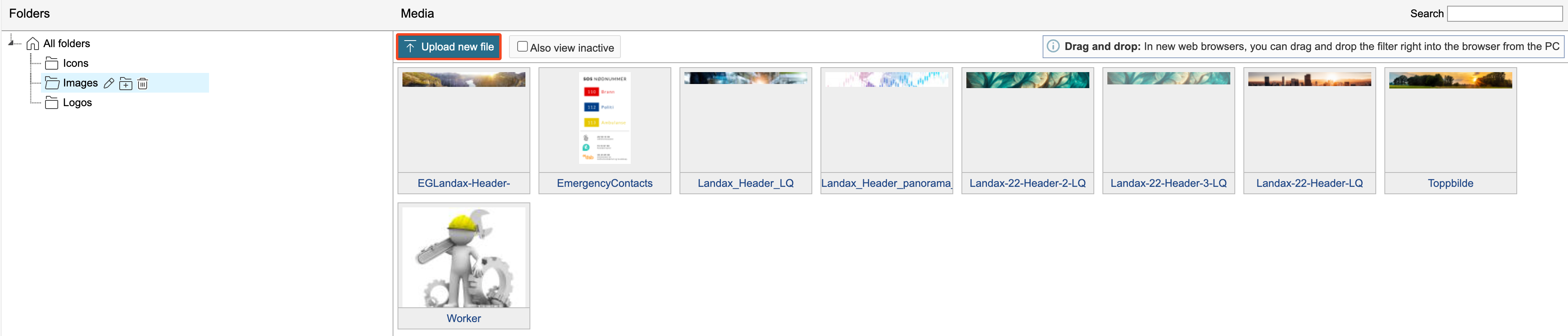
1. Click the folder where you will be uploading a file and click Upload new file.
2. Select a file to upload and click Upload.
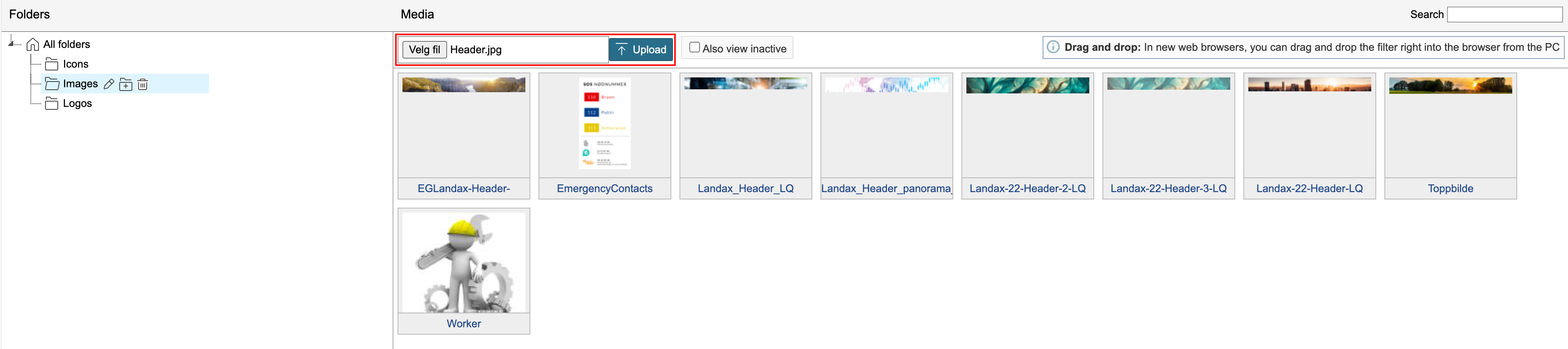
Drag and drop
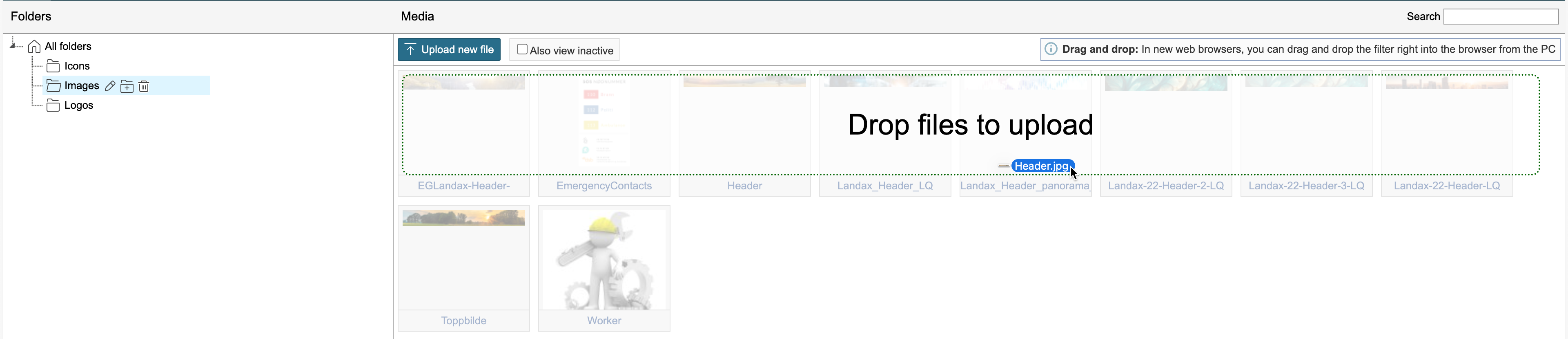
You can also use drag-and-drop to upload new files. Open the folder you want to upload an image to, drag the file from a folder on your computer, and drop it where it says 'Drop files to upload'.
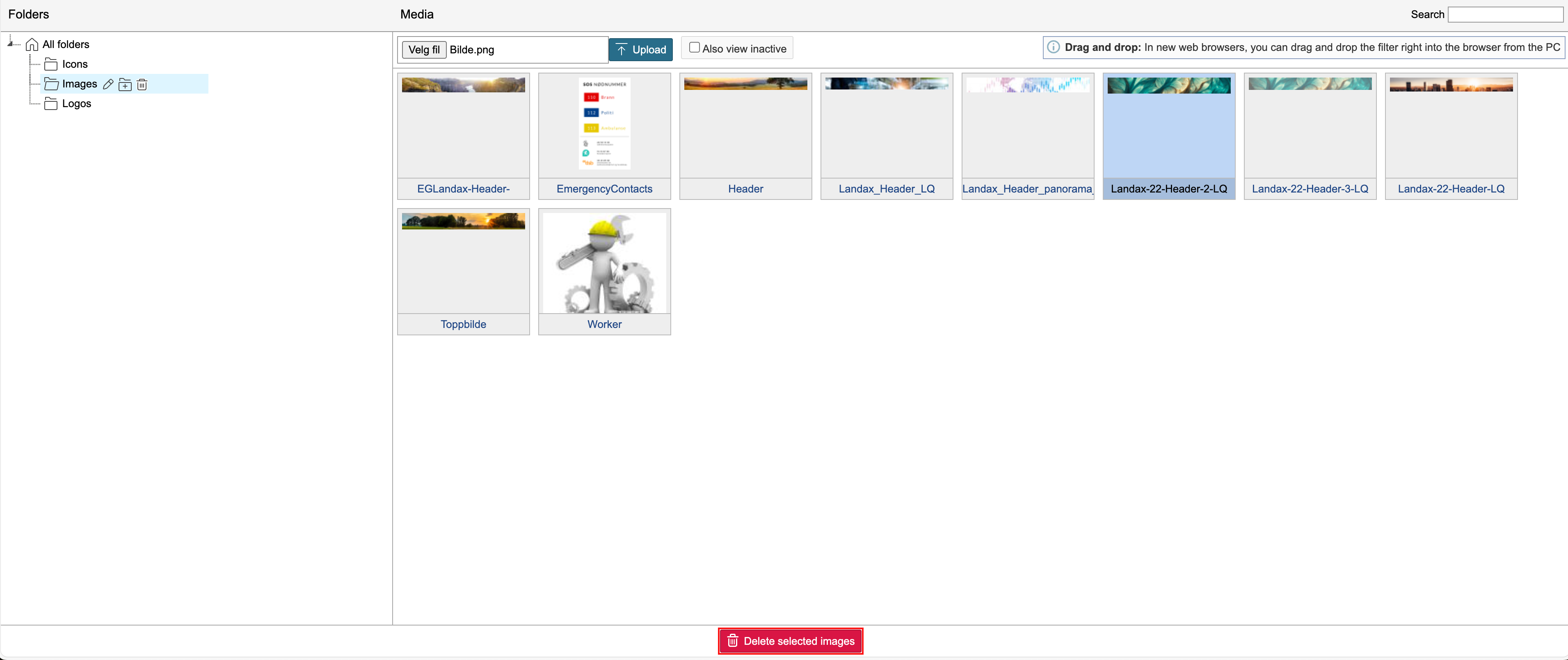
To delete a file, select the file in the list by clicking on it and click Delete selected images at the bottom of the page.