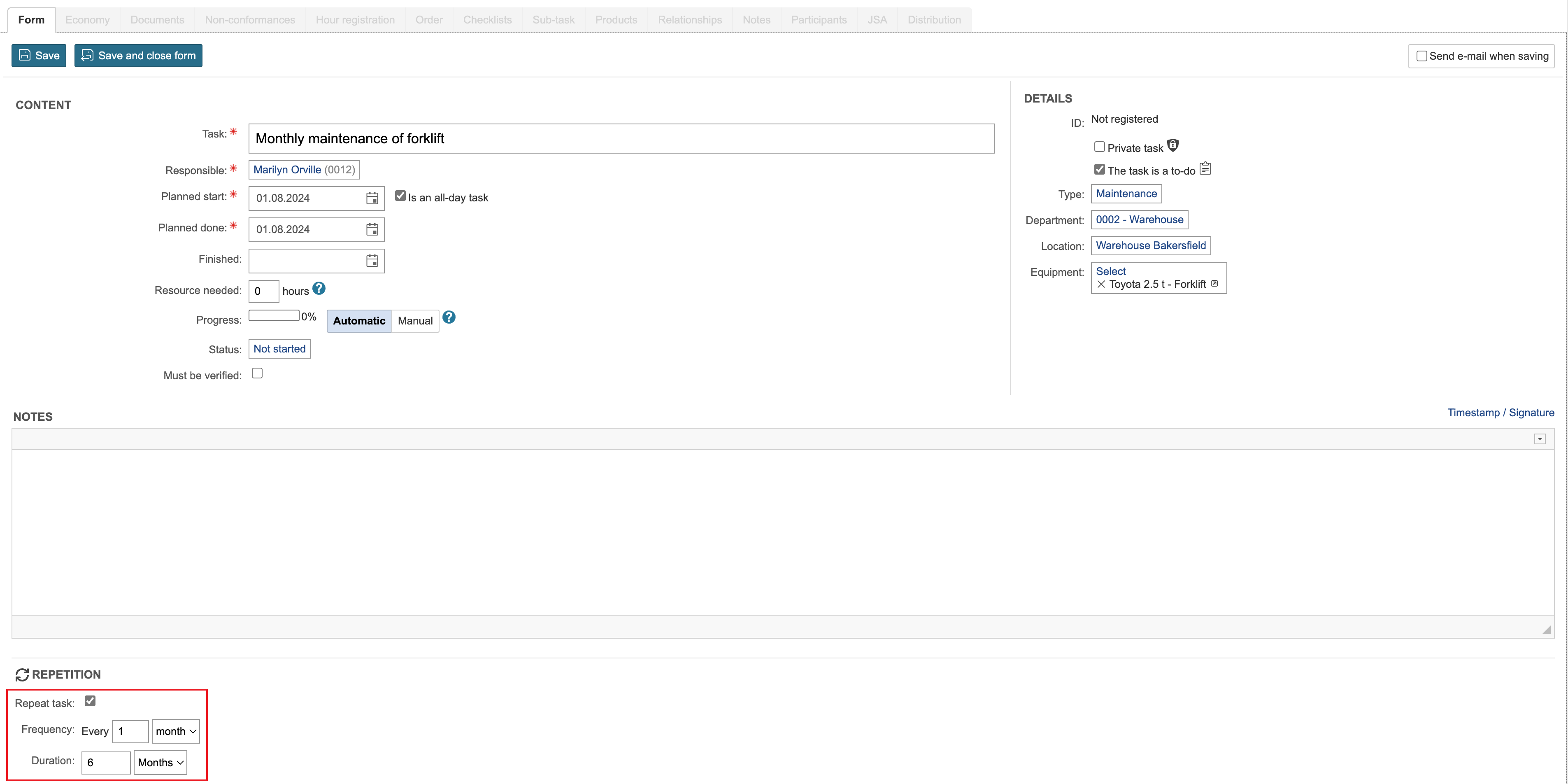
1. To create a repetitive task, create a new task and check the box at the bottom of the page in the Repeat task field. Enter the frequency and duration for the tasks and click Save.
Info: The frequency of the task is monthly, and the duration is 6 months. The planned start date is 01.08.2024. 6 tasks will be created that are to be done on the 1st of every month. |
2. After saving the task, all repetitions of the task are created. They appear at the bottom of the task form.
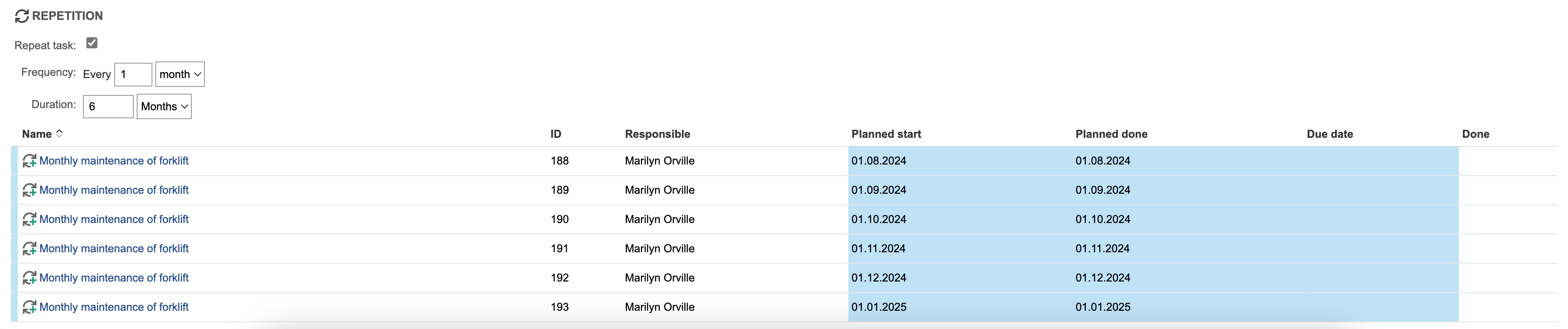
The  icon in the overview indicates that it is a recurring task.
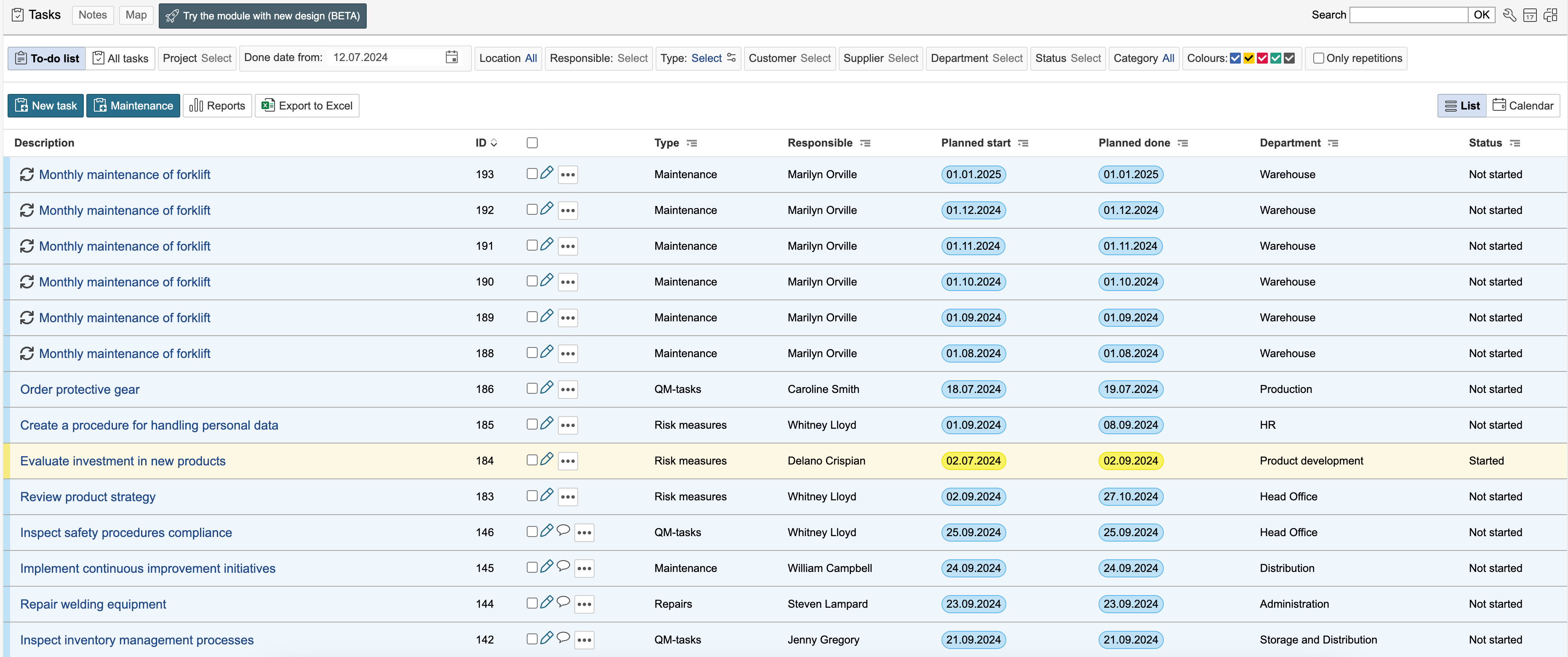
To view the main registration for a repetetive task, check the Only repetitions option in the task overview. Click a task to edit the main registration.

Make the desired changes and click Save and close form.
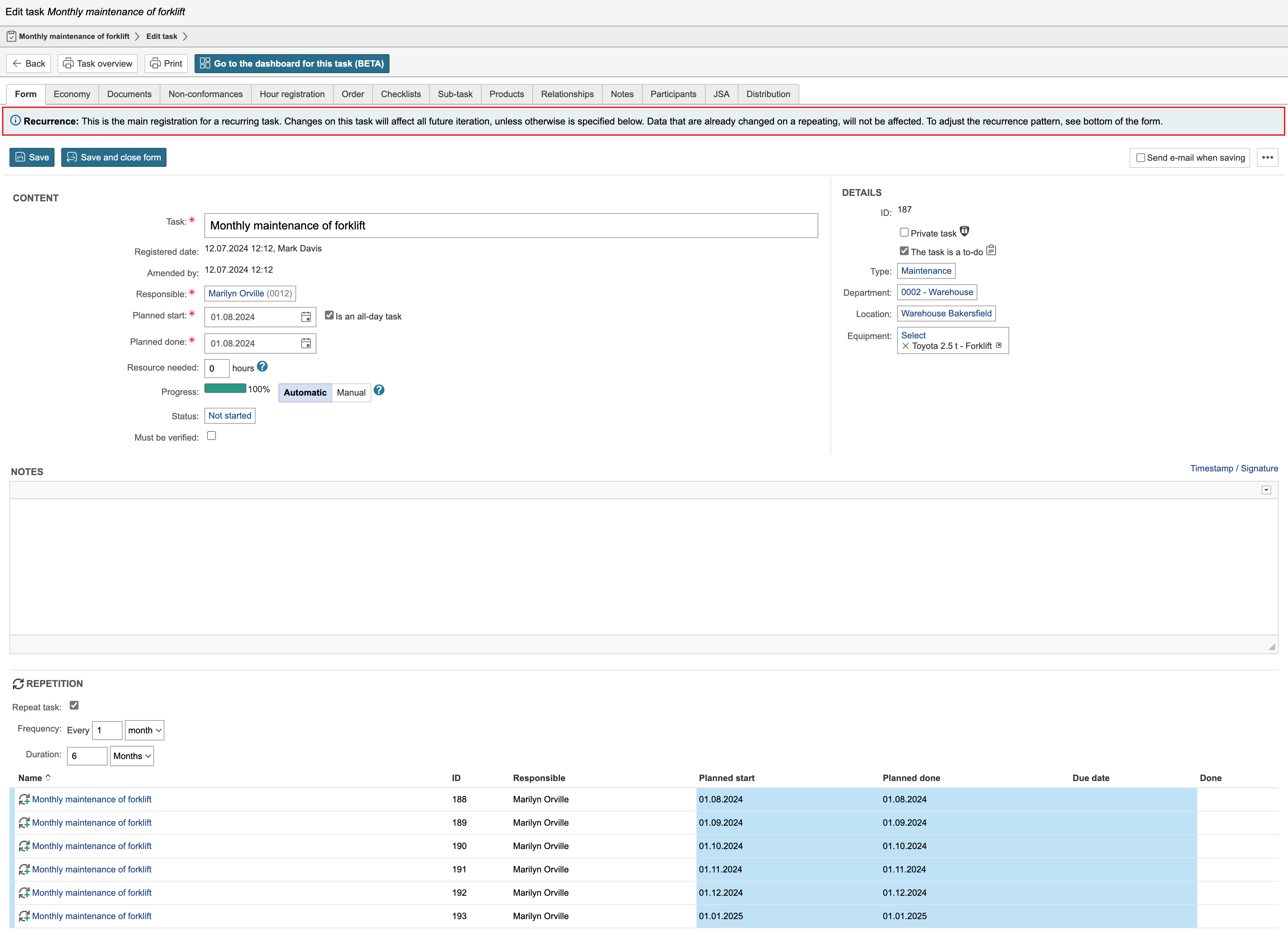
Info: It is also possible to update tasks retroactively. |