Labels can be used in most modules throughout the system.
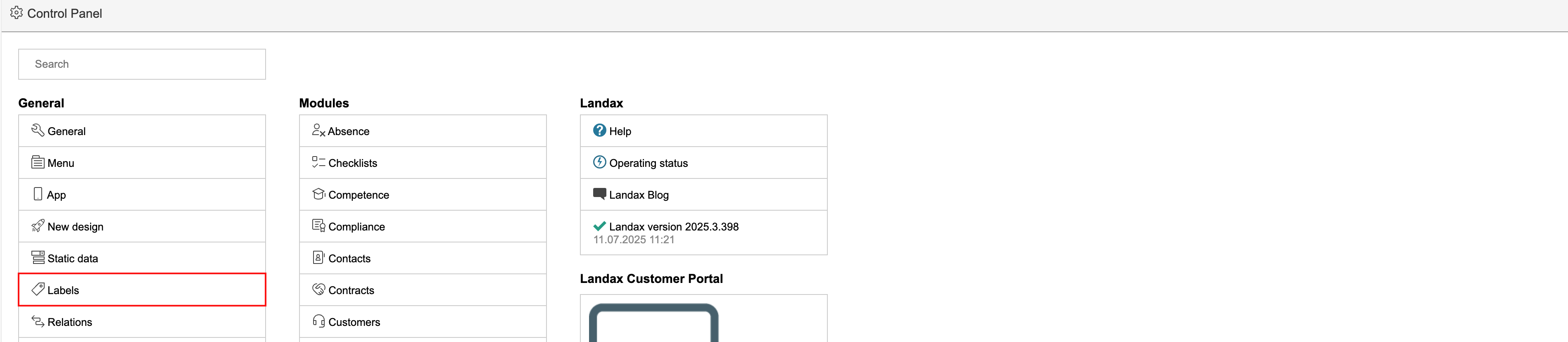
1. Go to the control panel and click Labels.
Info: There is a shortcut to setting up labels under Basic data configuration for each module. |
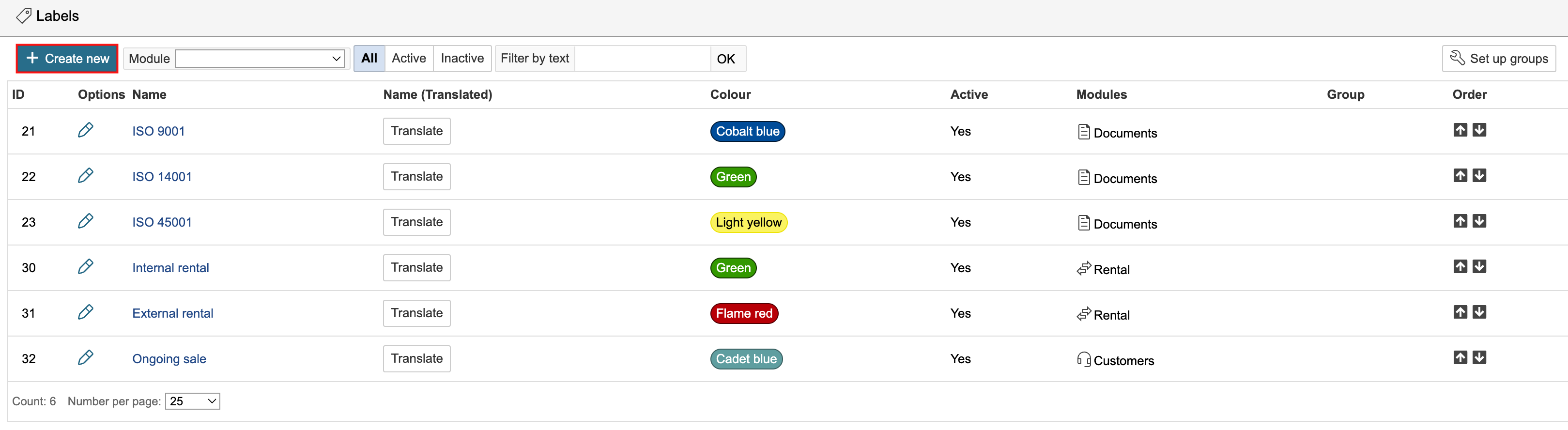
2. The page displays labels from all modules in the system. To create a new one, click Create new.
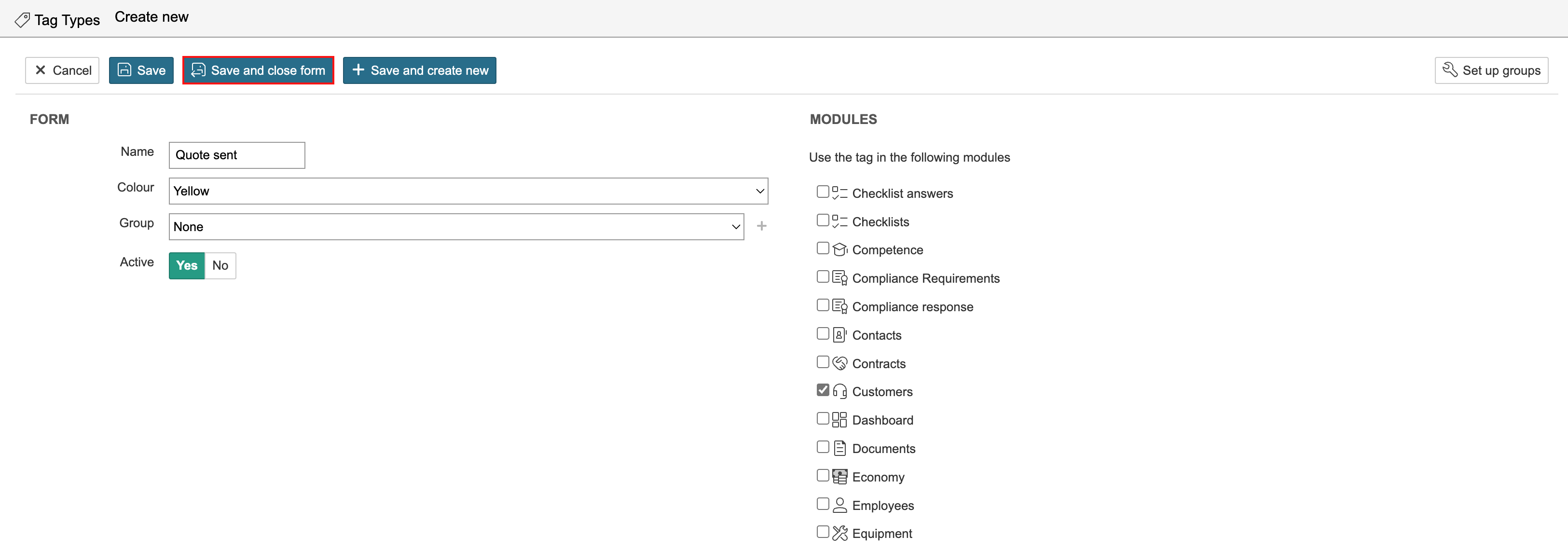
3. Enter the name of the label, select its colour, and choose the modules in which the label should be used. The same label can be used across multiple modules. Select the modules in which the label should be available by ticking the checkbox for the modules on the right-hand side of the page. Click Save and close form when you are finished.
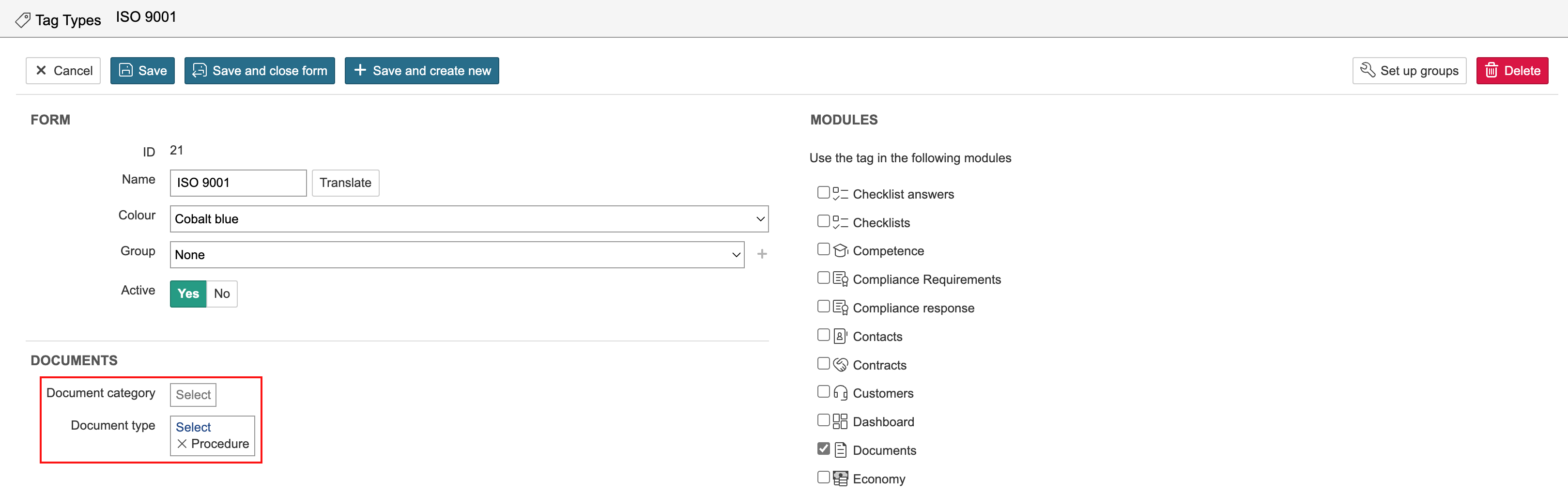
In some modules, you can filter by types and categories for which the label should be available.