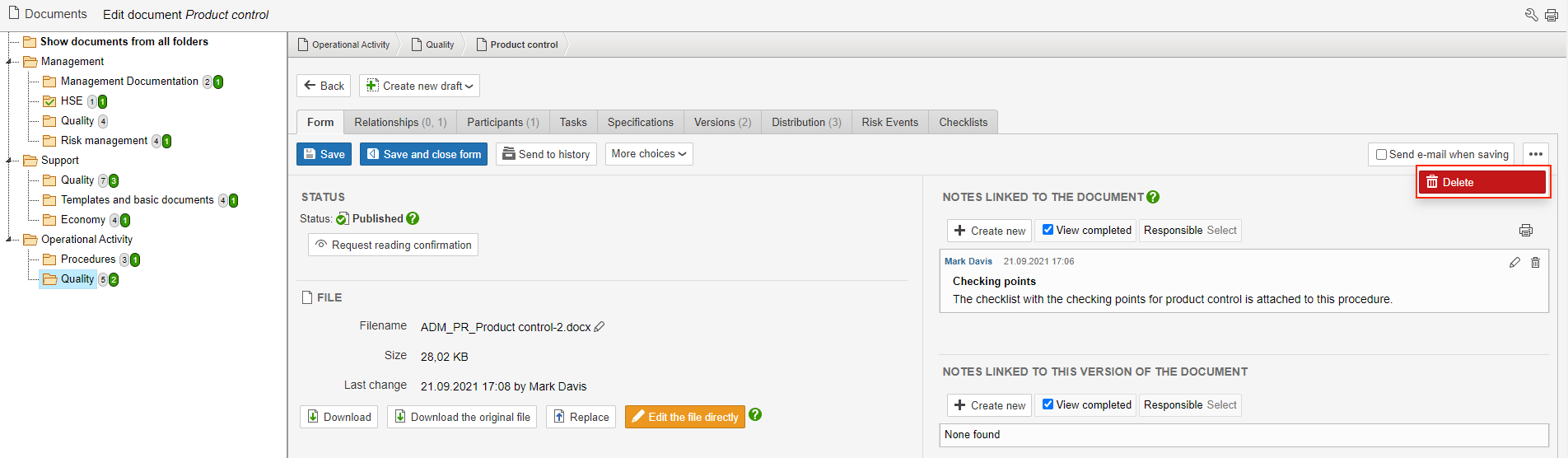
1. To delete a document, hover the mouse over ... to the right on the page and click Delete.
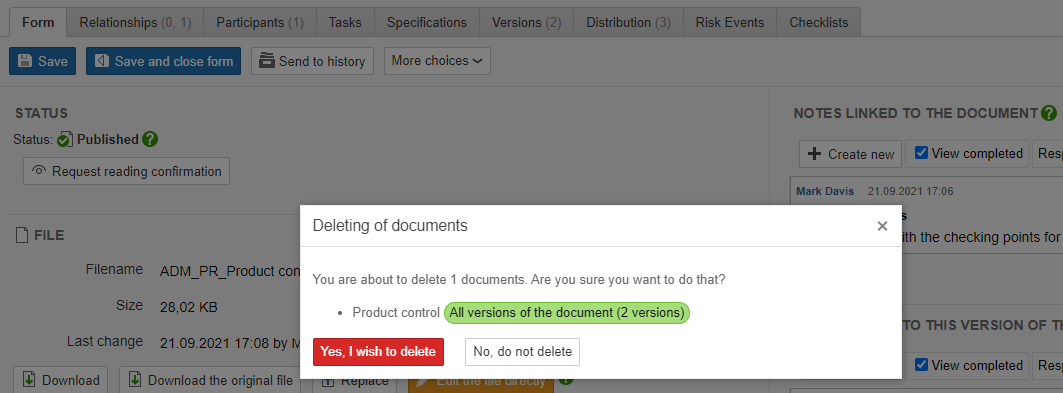
2. Click Yes, I wish to delete to delete the document. If you delete a document that has more than 1 version, all versions of the document are deleted.
Info: To delete only one version of a document, go to the Versions tab and click |
Deleted documents can be restored for 3 months after they have been deleted. Recovery of documents is done on the control panel and is only available for users with access to the control panel.
 to edit the metadata for the version. Deleting a version is done the same way as deleting a document.