| You must have an EG Optimaze account to use the EG Inventory app. If you do not have EG Optimaze account, submit a support request. |
Sign in and sign out
launch the app
tap Sign In with Optimaze
log in with your EG Optimaze username and password
you can sign out by tapping the
 button and then Sign Out
Navigating in the app
Select the company where you are installing sensors
Select the building
Select the floor
The selected floor plan will open
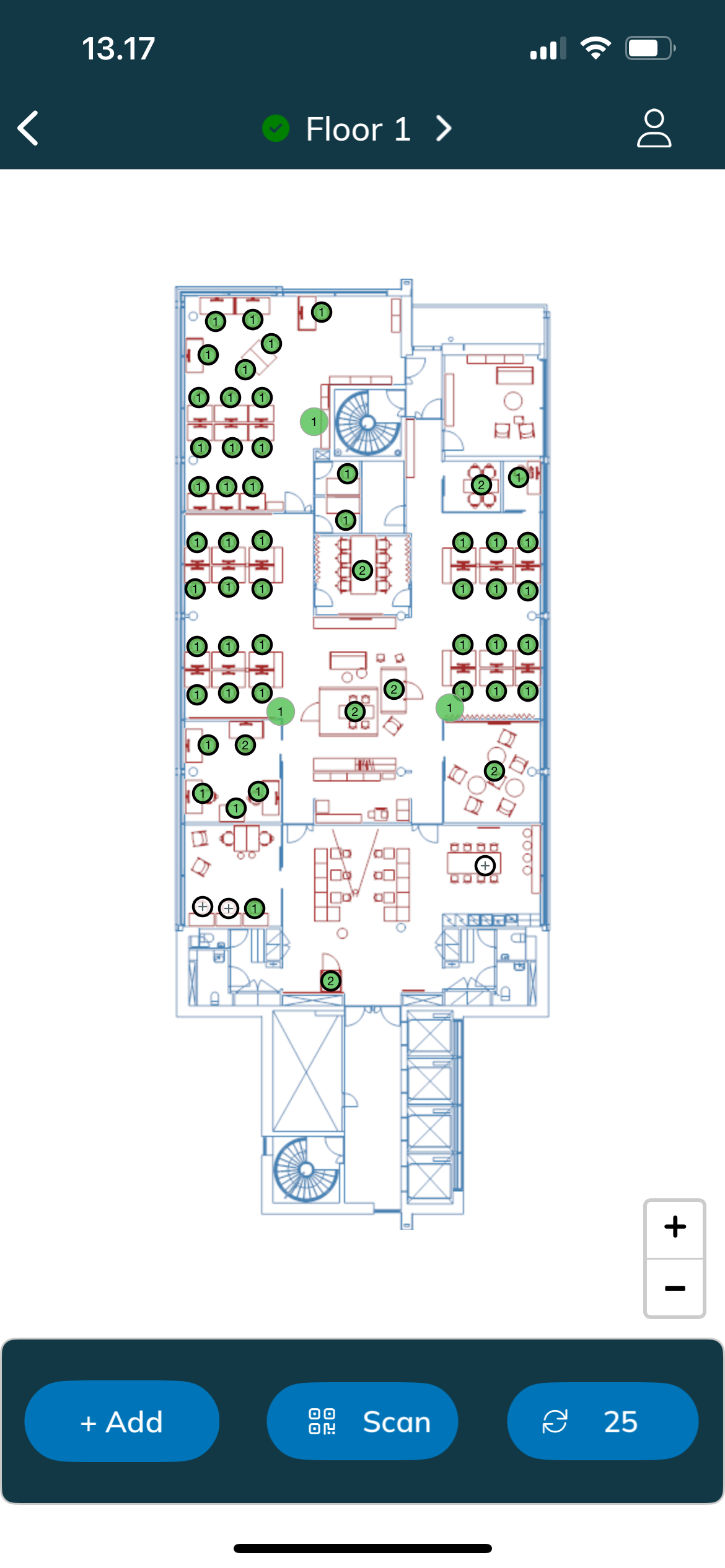
You can move and zoom the floor plan with your fingers
- Tap the circles to show a capacity object panel
The sensor statuses are updated automatically every 30 seconds. You can also update them by tapping the
 button
You can navigate back to floor, building or company lists by tapping the arrow on the left top corner
| If you don't see the building, company or floor in the list, you can refresh the list by pulling it down. |