This is an instructions for ordering a space management floor plan as a service. If you are not sure what type of floor plan you need, check Adding floor plans.
You must have Space Management role in Optimaze Portal to order a smart floor plan as a service.
Instructions
Login to Optimaze portal
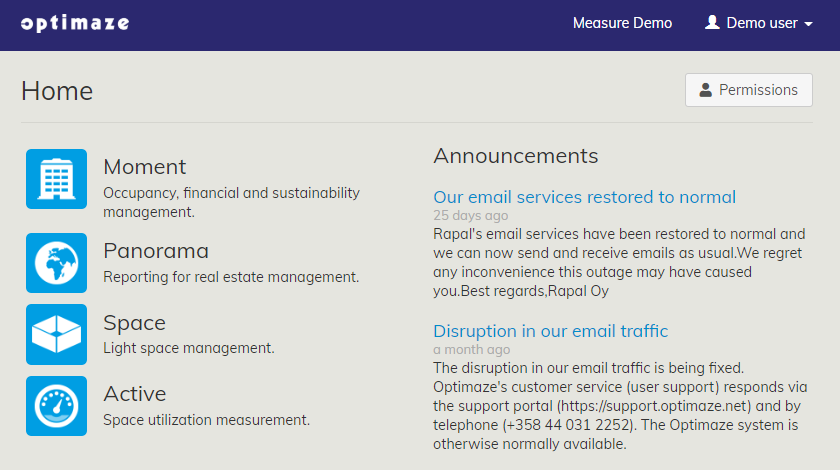
Navigate to Optimaze Space
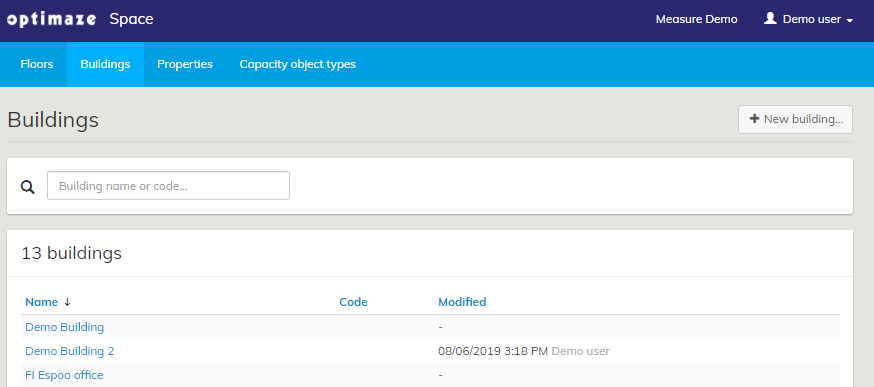
2. Then, go to the ‘Buildings’ tab and click on the ‘New building…’ button
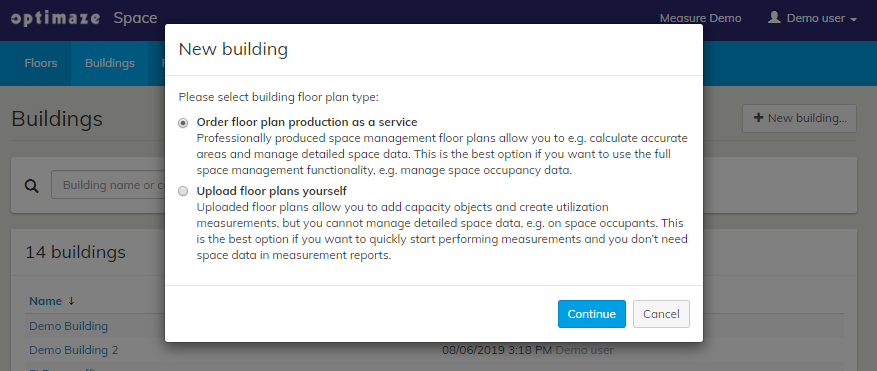
3. Select ‘Order floor plan production as a service’
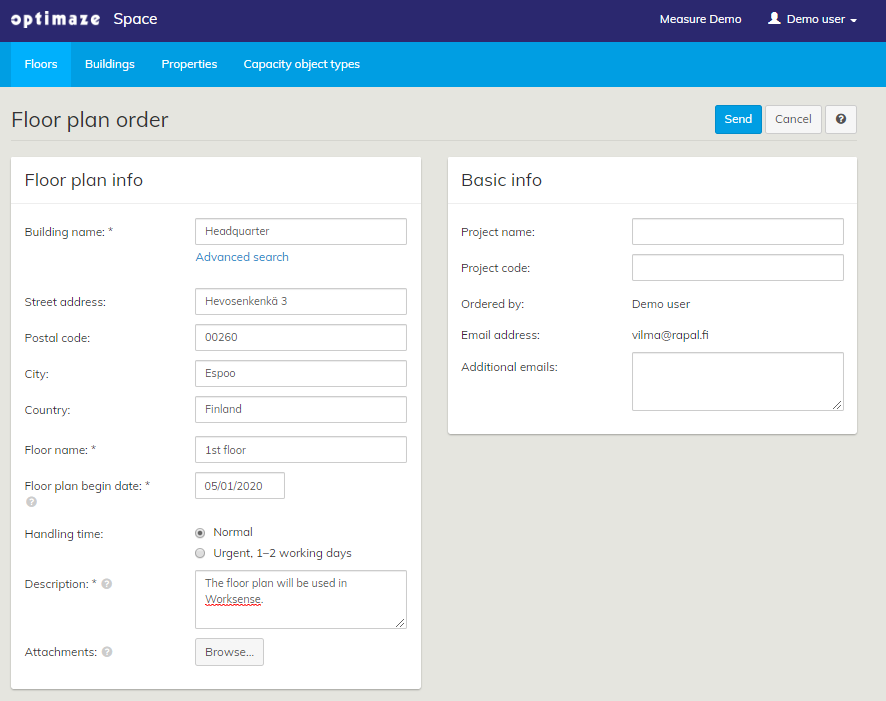
4. Fill in the Floor plan order form and click ‘Send’
Related articles
The content by label feature displays related articles automatically, based on labels you choose. To edit options for this feature, select the placeholder below and tap the pencil icon.
|