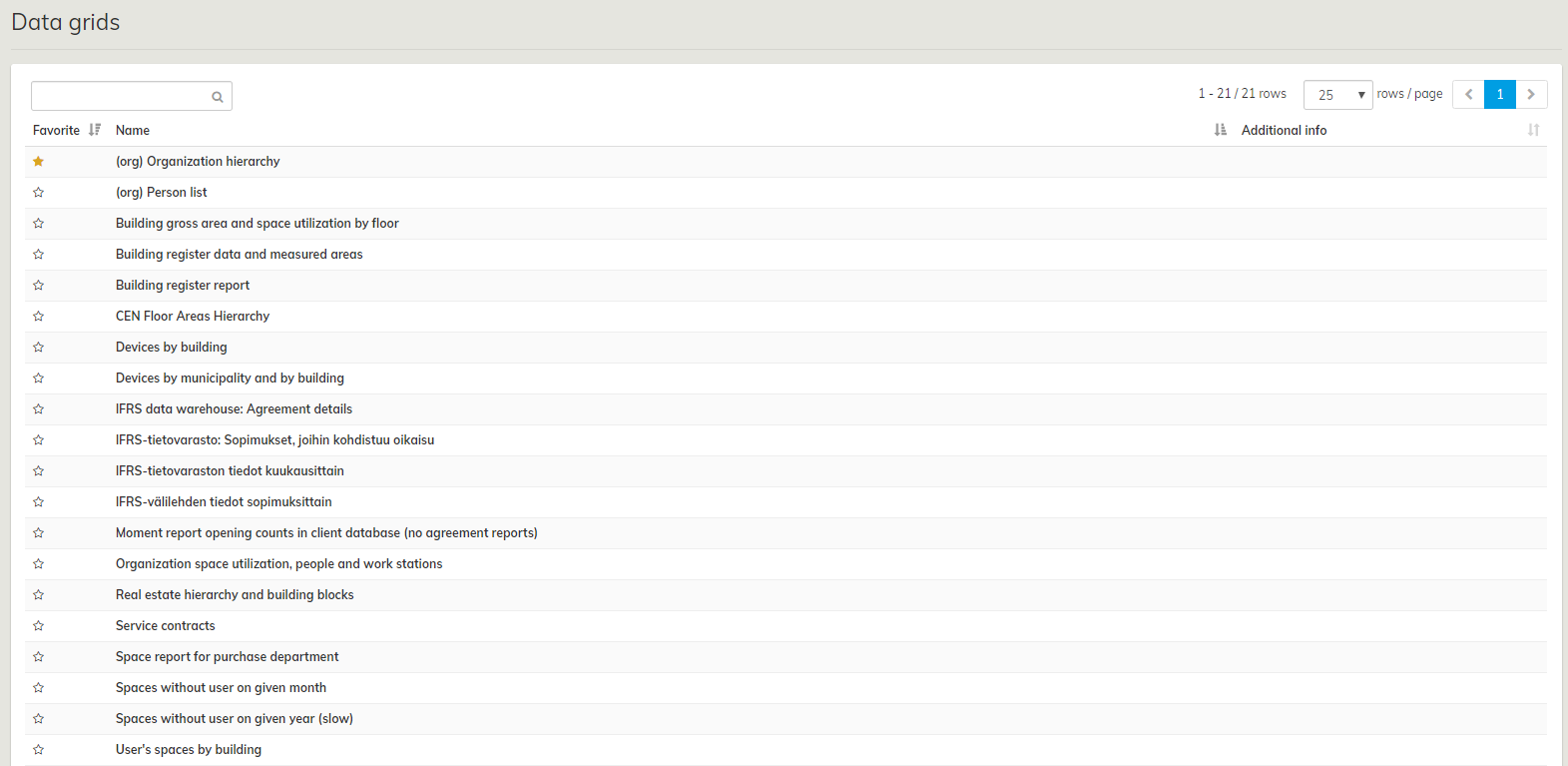
Data grid is a tool that helps you to transfer information from the database into a table format. The information content of the data grids can be determined according to the customer.
The access rights determine which data grids each user or a user group can view.
In the Data grid selection view all of the user’s data grids are directly visible in the list view. You can open a data table by selecting it from the list.
In the view, you can also search for data tables with a text search and mark tables as favorites. Data tables marked as favorites are shown at the top of the list the next time you navigate to the data table selection view.
A data table can also have an additional Further Information field describing its contents that will be shown in the data table selection view. Enabling this field for a data table is done by the service provider.
Data grid display view
You can access the data grid display view by selecting a data table from the selection view.
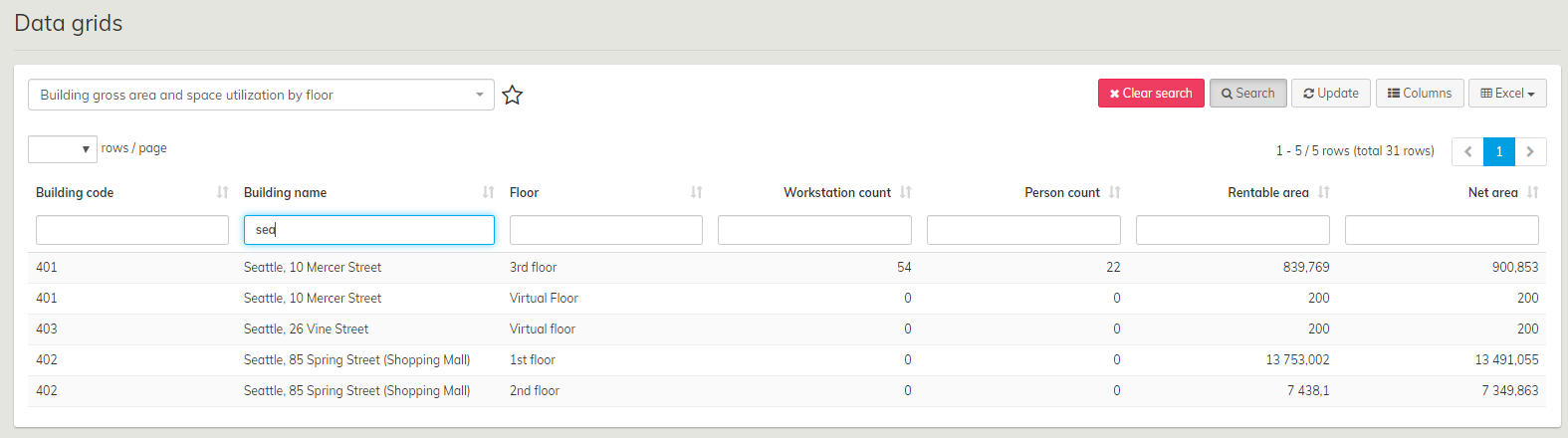
In the display view you can do the following operations for all data tables: