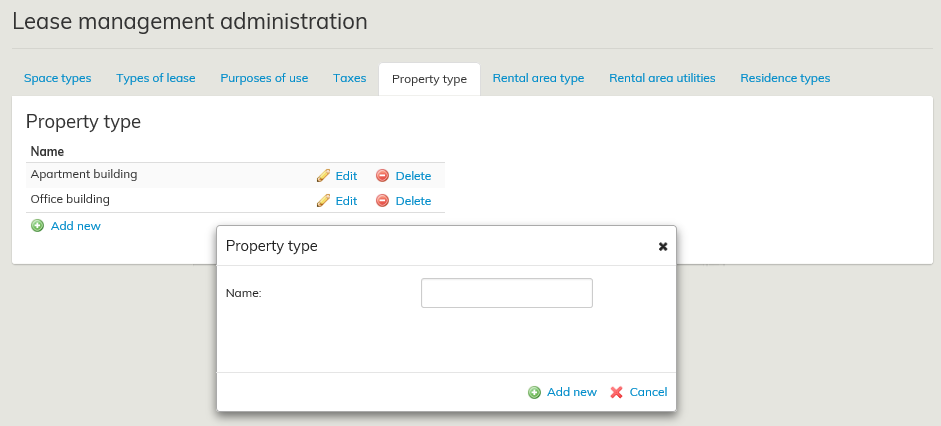
A property type can be defined to a rental area (e.g. apartment building, townhouse).
This information can be selected as additional information for a rental area.
The management view can be found under Management – Lease management administration – Property type.
You can add a new value by clicking Add new. Existing values can be edited by clicking Edit or deleted by clicking Delete.
If no values are added in the management view, no selections appear when rental areas are created.
You can create a new property type by selecting Add new.
An existing property type can be edited by selecting Edit.