
From the Rental area management, open the summary page of the building for which you wish to create a car park. For more information on how to find the building summary page, see above.
From the right of the building summary page, select Create car park... A new page for creating a car park will open up.
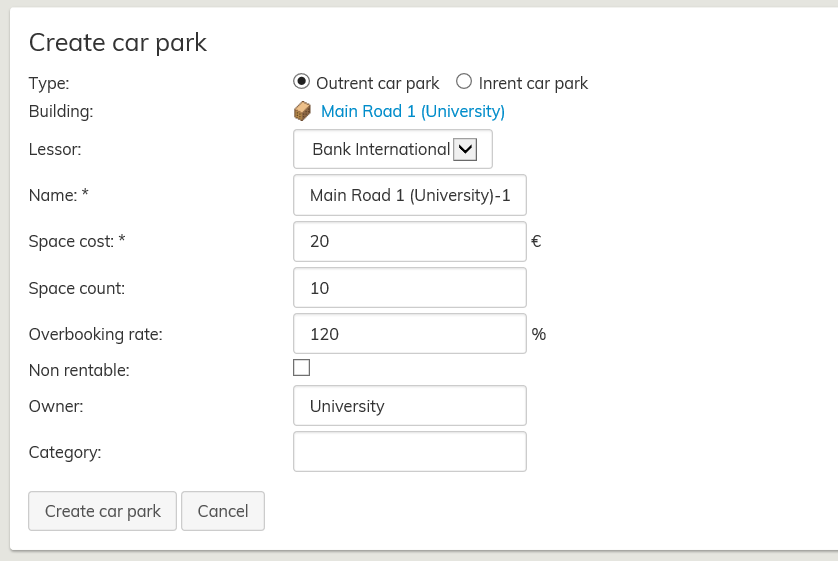
Fill out the required fields to create the car park. Fields that are marked with an asterisk (*) are mandatory.
Overbooking rate means that it is possible to assign 15 users for 10 parking spaces, for example. Once finished, click Create car park.
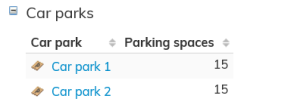
Created car parks can be seen in building summary page, in the Car parks section.
In addition, car parks can be created directly from the floor plan.
If you want to create a car park in the floor plan, read the instructions under Help in the upper right corner of the floor plan.