 and a tenant group with a symbol
  .
.
Tenants can be grouped into tenant groups, which makes the agreements easier to find in the Agreement management view.
In the tree-like list of agreements in the Agreement management view, a single tenant is marked with a symbol and a tenant group with a symbol .

You can create a new tenant group in the Agreement management view. By clicking on the text Tenant, a list of selections opens up on the right.
Select: Create new tenant group...
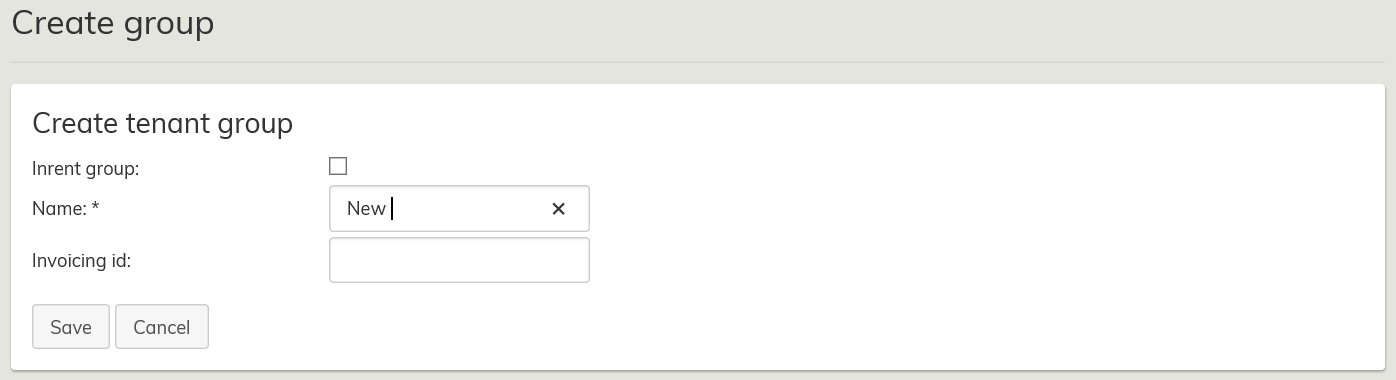
Type in the tenant group name and click Save.
| Note |
|---|
When you are creating an inrent tenant group, remember to select the Inrent group check box. |
You can also select a tenantgroup for an existing tenant.
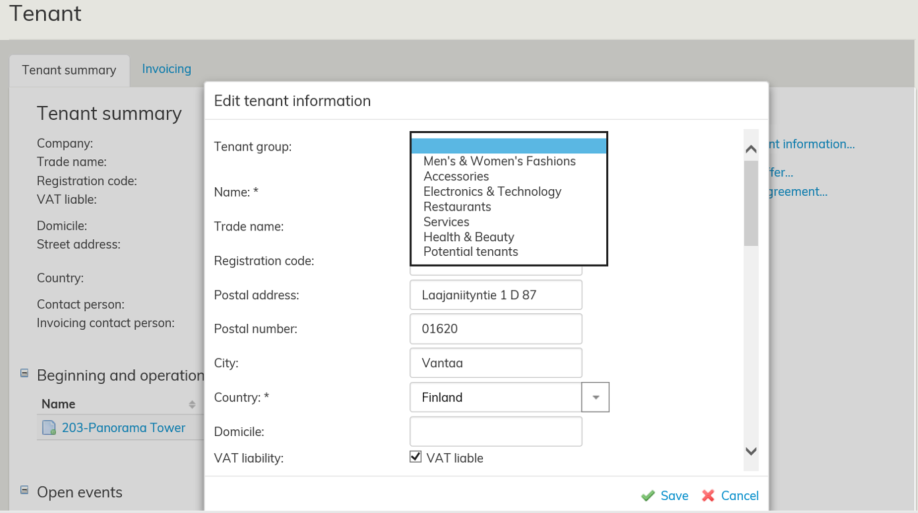
When this is done, the tenant is listed under the tenant group in the Agreement management view.
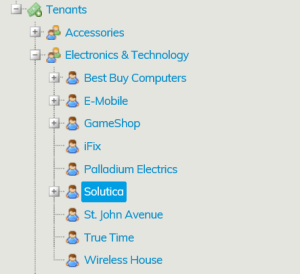
In this example, we transferred Solutica in the lessor group Electronics & Technology.