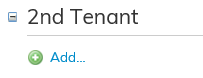
If there is a second tenant in the premises, you can enter the tenant’s name here.
First, click Add. After this, you can search entries for the fields under the 2nd tenant.

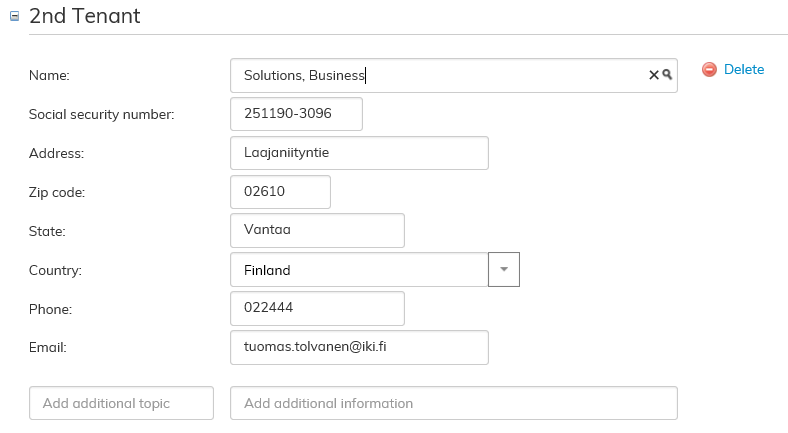
By selecting the desired tenant from the menu, the software searches for the tenant’s information:
If the desired tenant cannot be found from the tenant information in Optimaze, the following view opens:

By clicking Create new tenant button, you can create a new tenant in the system.
For more detailed instructions on saving tenant information, see the section Managing Tenant information.