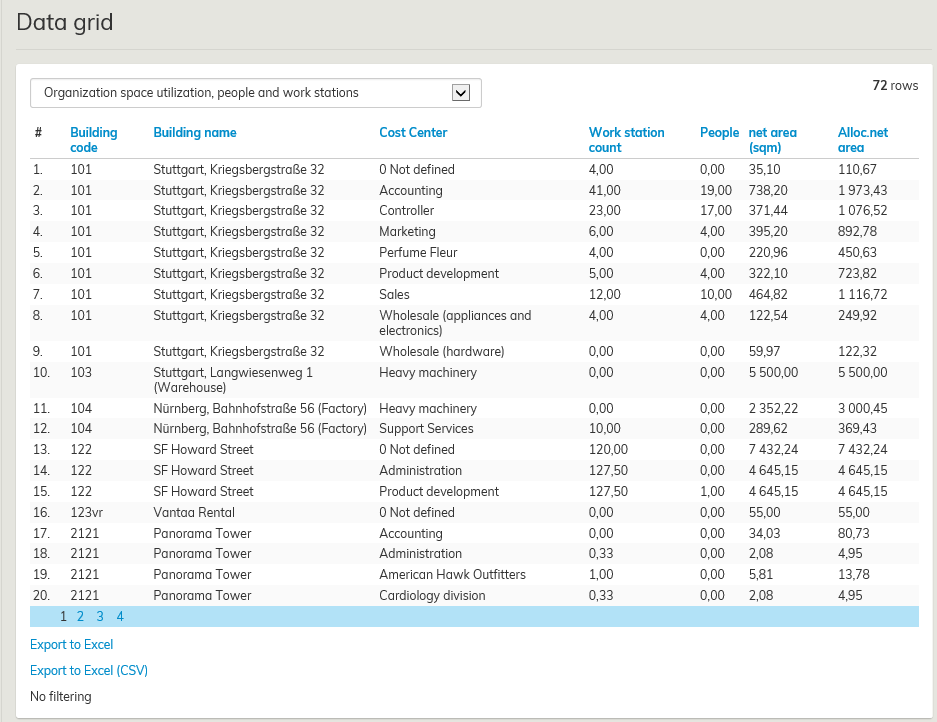
Data grid is a tool that helps you to transfer information from the database into a table format. The information content of the data grids can be determined according to the customer.
The access rights determine which data grids each user or a user group can view.
Select Reporting under main menu, and then click Data Grid.
A pull-down menu will open in the workspace, and you can choose from the available data grids.
One example of such data grid is Organizatrion space utiliwation, people and work stations illustrated below.
After the selection, you can choose the function Export to Excel from the bottom of the data grid. With this function, you can edit and save the file in .xls format.