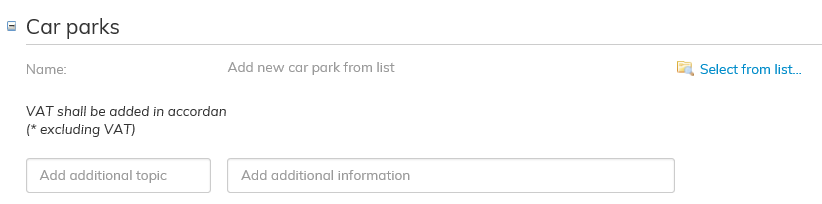
Add the car park that you wish to add to the lease agreement.
Click on the blue Select from list... on the right-hand side next to the Car parks field.
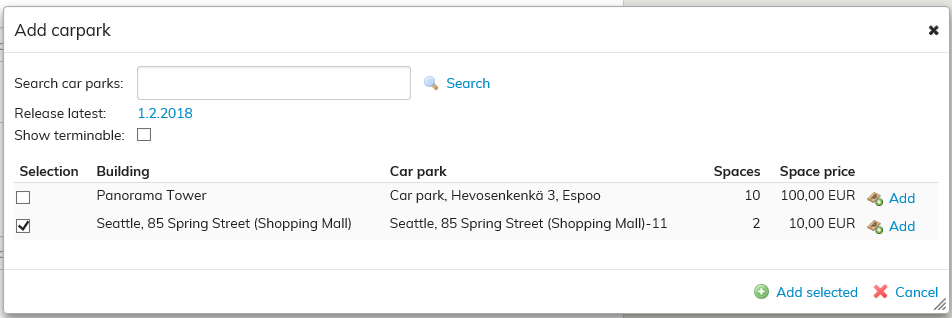
An Add car parks window will open up. You can search for a car park either by its name, or by the ending or termination date of the agreement.
Select the appropriate car parks and click Add selected.
If a car park included in the agreement has not been added in Optimaze, you can add it according to the instructions given under Rental area Car park section in the user guide.