This is a quick guide how to set up subscription on Reports in Reporting Services. Reporting services is used instead of Chain Web when you need one subscription per store and need to set store spesific parameters per subscription. We also provide information on how to send reports to customer with sFTP.
Dataflow in short. Subscription in Reporting Services will generate report in desired format (XML, PDF etc.) at put the file on a shared folder. On premise LIP package "FileListener" will upload file(s) to blob storage. Then On premise LIP package FileDownloader will download the blob and send it via sFTP.
NB! Make sure to test this in good time. This is tested with report 0780_DailyReport. Other reports can have other parameters that needs to be set.
Setting up subscription
- Since we need one subscription per store a Powershell script is created to make it easier to create subscriptions.
- The script can be found here: \\Sp-egdev0319.egdev.lan\Distribution\Lindbak POS Reporting\Tools\PowerShellScripts\CreateSubscription
- Create schedule. In reporting services a schedule has to be created. Subscription will be linked to this schedule.
- Goto reporting services (typically http://localhost/reports)
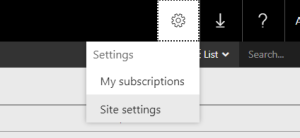
- Click the gear icon in top right corner and goto "Site settings"
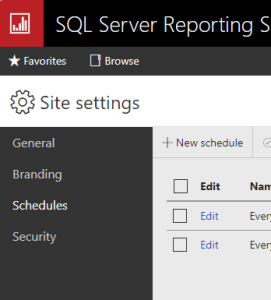
- On the left goto Schedules and then "New schedule"
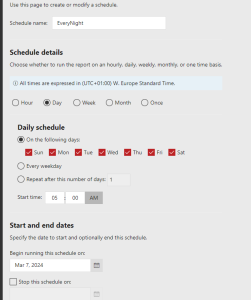
- Create your schedule to suit you needs. Click apply when done.
- Find schedule ID. We need to find the ID for this schedule. This will be used in Powershell script to connect subscription to the schedule.
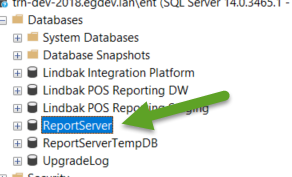
- In SQL Management studio. Connect to Reporting server. In the list of datbases you should fine one called ReportServer (or somethign similar).
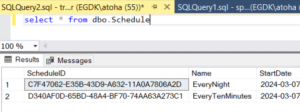
- Create new query on this database and type in "select * from dbo.Schedule" This will list all schedules created. Copy ScheduleID from the schedule you want. This will be used in Powershell script
- Parameters in script
- Storenumber - Comma separated list of store to create subscription for. See script for example NB! store must exists in Reporting DW and Cube.
- ReportName - Name of report as you see it in Reporting services
- Filesharepath - Path to share where files are saved.
- Username - Username to user with access to share (e.g LRSinstall)
- Password - Password to user with access to share
- ScheduleID - ID you found earlier.
- Renderformat - Which format the file will be created in. Typically PDF or XML.
- ReportServerPath - path to Reporting services server (typically http://localhost/reportserver). NB! This is reportserver not reports.
- Folderpath - Path to folder where you find report. Typically '/LindbakChainWeb'
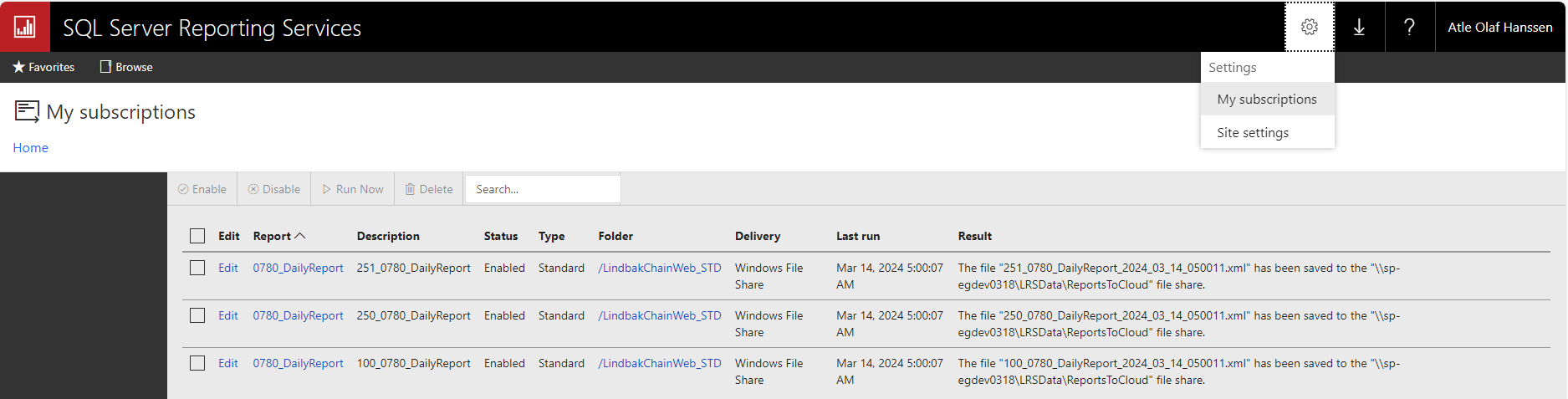
- When you run the script, one subscription per store is created. To see them goto the same gear icon as earlier and choose My subscriptions.
- Storenumber is part of description to make it easier to find it.
- Storenumber is also part of filename (see result) because we need unique filenames per store. Timestamp is also added to filename.
- Possible to test subscription by selecting it and "Run now".
Uploading files to fileservice
- Precondition: Onprem LIP package FileListener is installed and set up and job DirectoryListenerJob is enabled.
- See also documentation in LIP how to set up.
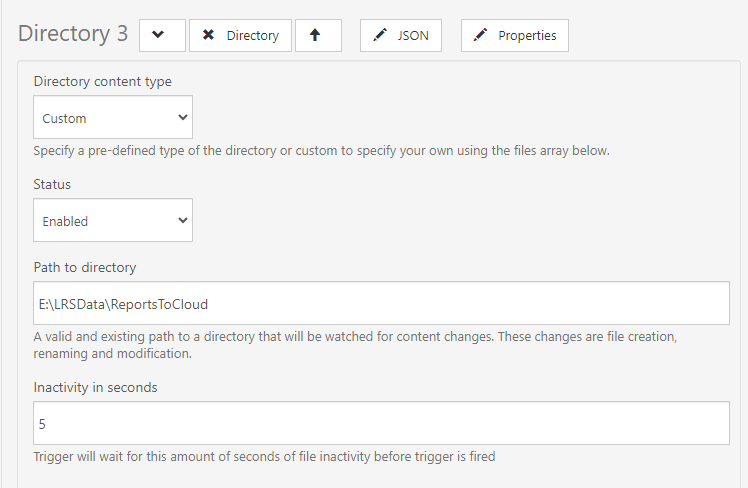
- In DirectoryListenerJob, create a new directory. Path to directory is where files from subscription is placed.
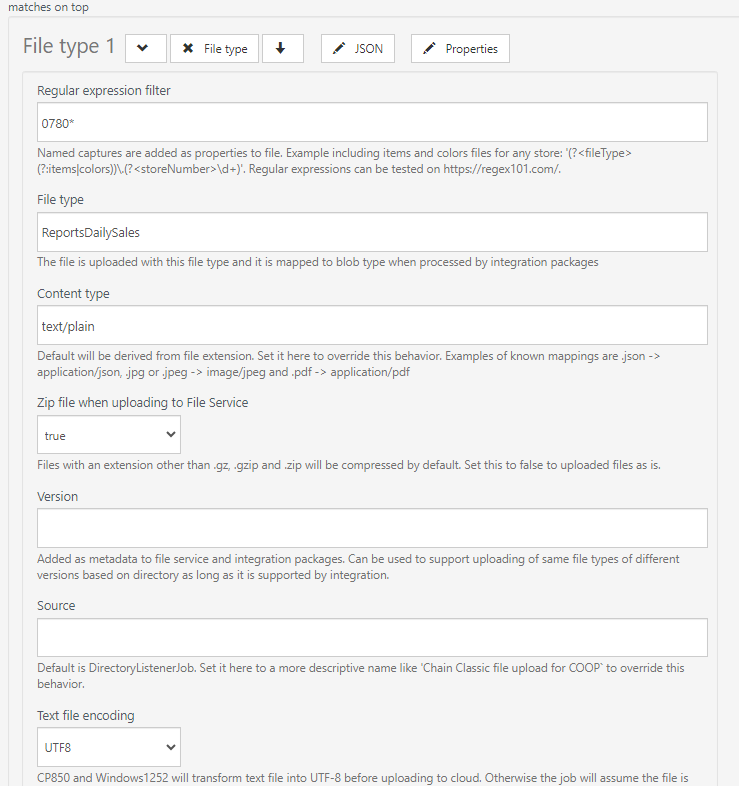
- In that directory, create new file type.
- Regular expression filer is to cover all files that will be uploaded. In this case all files starting with 0780
- File type. This is the assigned blob type file will get when uploaded and published. It can be anything but never use something from other services (like e.g. Gateway.ItemChanges).
Sending files with FTP
- Precondition: Onprem LIP package FileDownloader installed and set up and job FileToFtpDownloaderjob enabled.
- See also documentation in LIP package on how to set up.
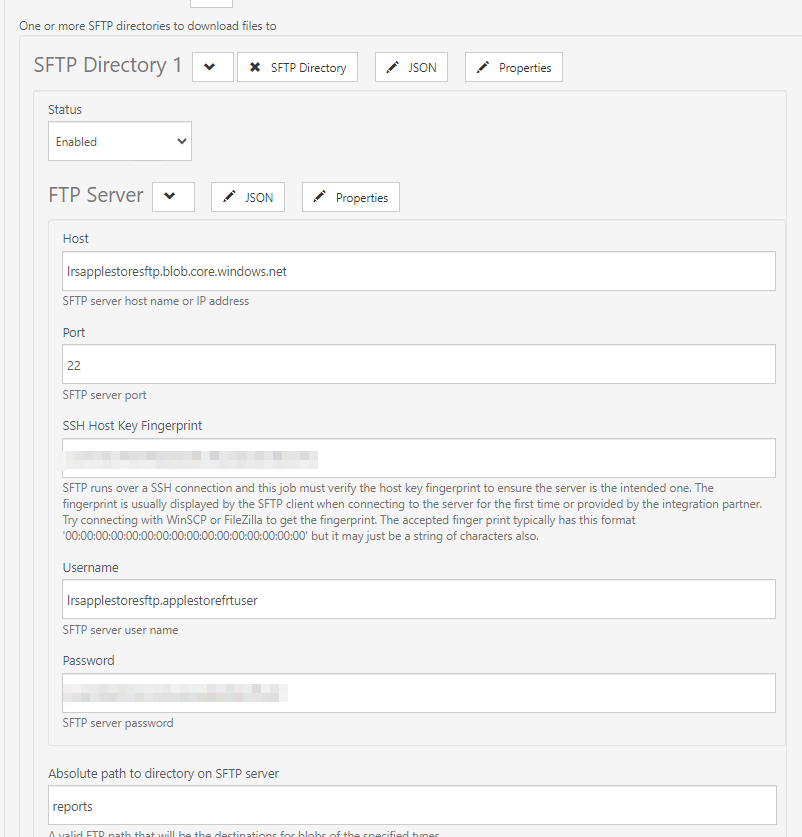
- FTP server setup. This is tested with creating storage account with sFTP support.
- This should be well explained in LIP documentaion.
- It is not possible to place files in ROOT. Having a folder in absolute path is required.
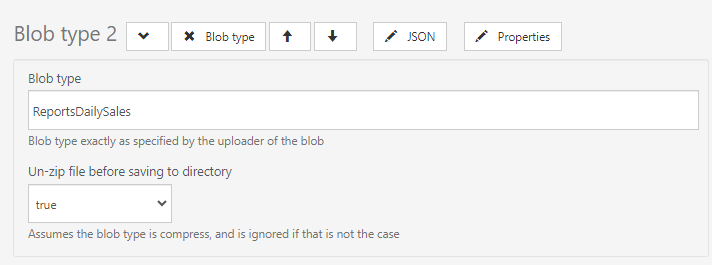
- Create a new blob type to download
- Blob type is the same as you used for File type when uploading.
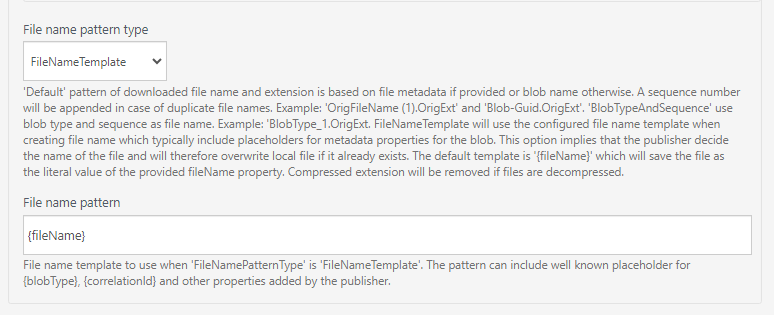
- File name pattern type
- Use this setting to keep filename.