Prerequisites are located in the menu on the left.
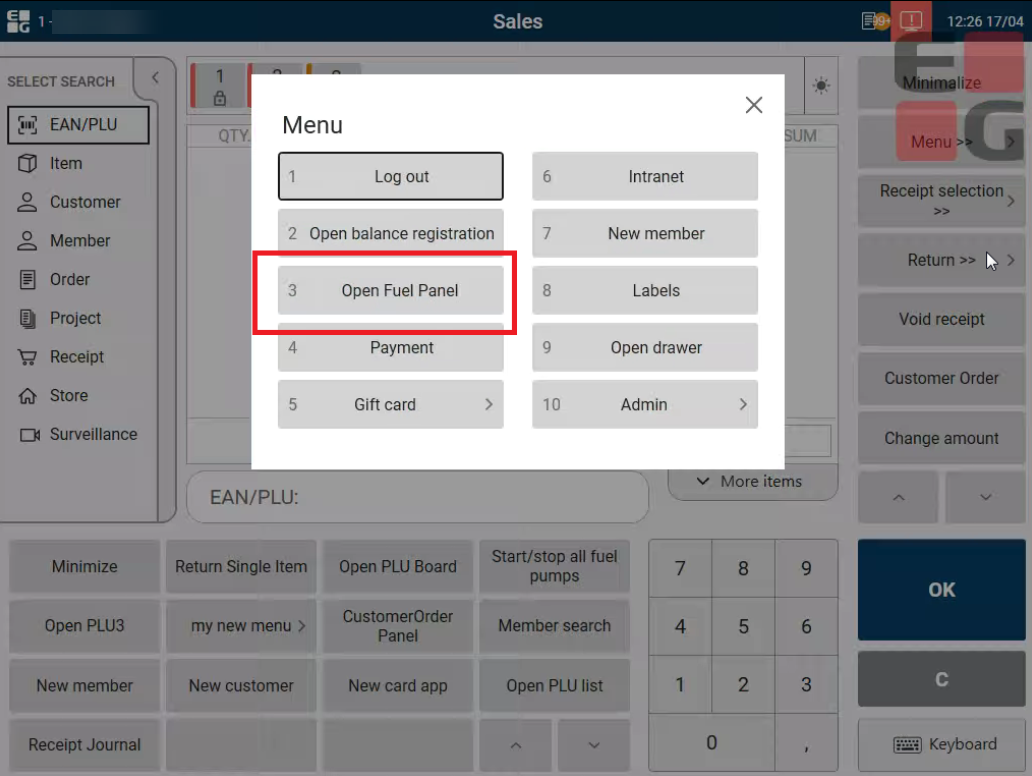
Moving from Normal Sales view to Fuel Panel can be done by using a button. Button can be configured in Chainweb by using the open fuel panel function.
EG POS has added support for "Market Pay" pay terminal solution from Market Pay. The solution uses terminal type PAX A35. Terminal may be connected to POS via Ethernet or USB, both using the same split cable. Regardless of type of connection a necessary configuration of POS's network adapter needs to be performed according to separate documentation.
|
| Area | Description |
|---|---|
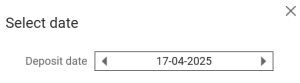
| Deposit | Deposit date entry and validation (RTP-28104) When entering date manually in the dialog, value can be changed using arrows and is set properly on the item. Validation is also added so the cashier cannot add previous date.
|
| Fuel | Epsilon Express widget during automatic logout (RTP-29624) When cashier is automatically logged out from POS, the Epsilon Express widget is shown after log in. |
| Online return | EG Loyalty bonus check refund during online return in POS (RTP-29420) When an online return is performed on a receipt containing a bonus check redeemed as a subtotal discount, the bonus checks will be refunded to the member. Previously, a message would be displayed to the cashier saying "Invalid amount: 0 must be greater than zero" and the bonus check could not be refunded. |