Prerequisites are located in the menu on the left.
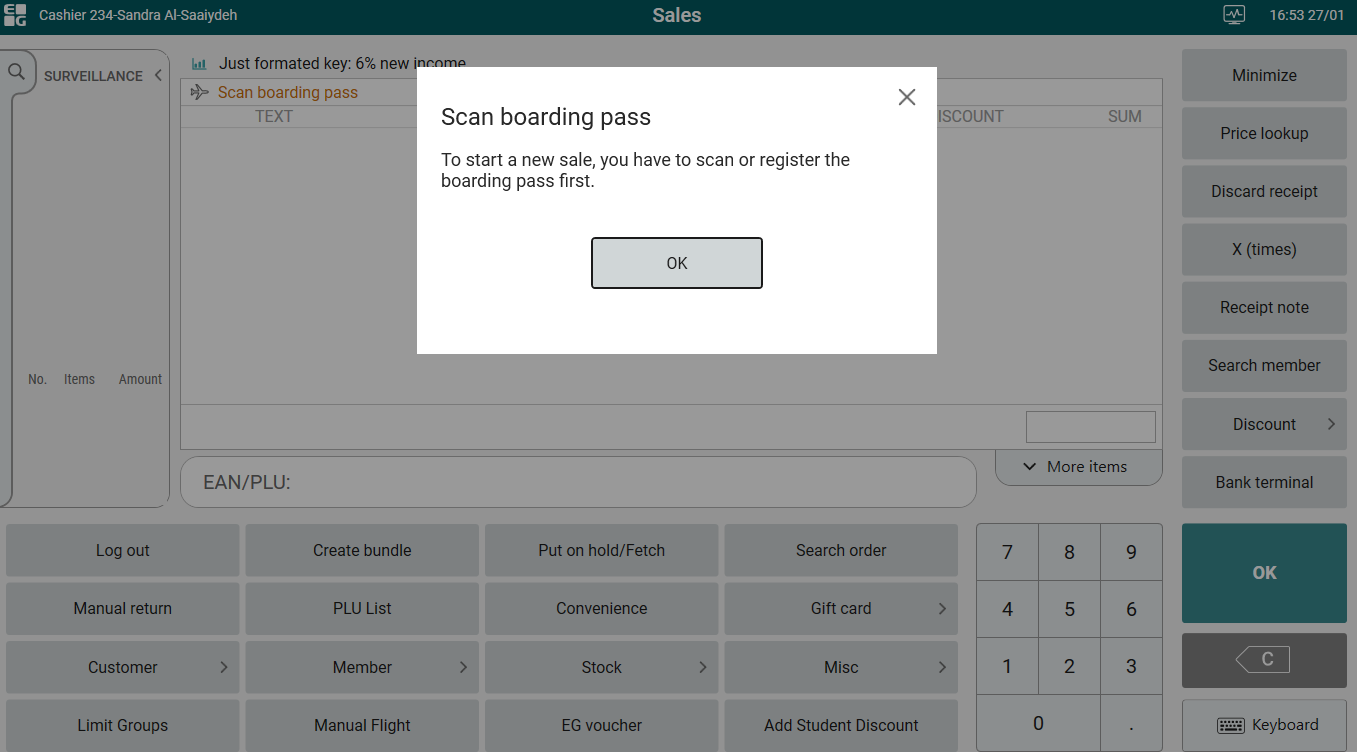
It is configurable if flight has to be registered first when starting a new sale. If enabled, either a boarding pass or a manual flight has to be added to the receipt before any items can be added. If the user tries to add items before flight, the following message is shown:
|
| Area | Description |
|---|---|
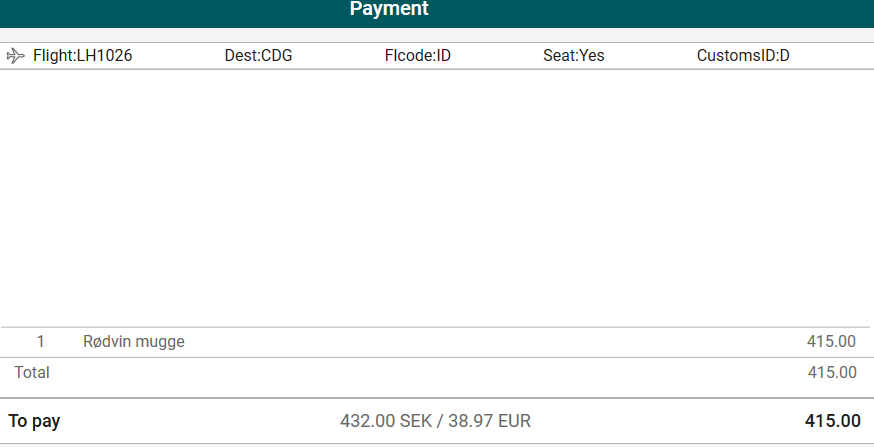
| Flight header | Flight header in payment view (RTP-36595) The same configured fields will be shown in the flight header in Sales view and in Payment view.
|
| Area | Description |
|---|---|
| POS Import | Item Category (RTP-33550) Item category is imported to POS from Item Service. |
| POS Log | POSLog file size (RTP-36216) Pdf Receipt is reduced in POSLog which also reduces file size. |