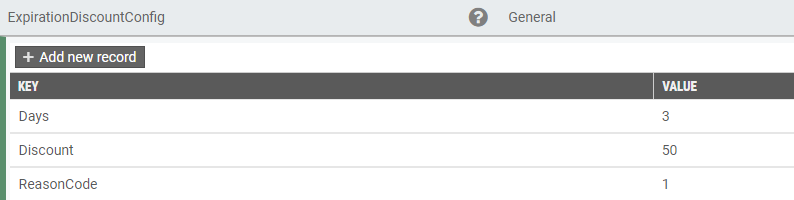
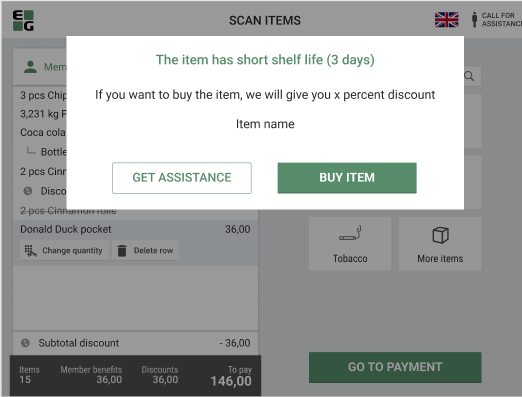
When a GS1 barcode with an item close to the best before or expiration date is scanned in EG POS, information about this is shown to the cashier in the sales view:

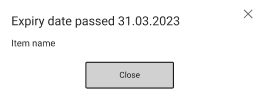
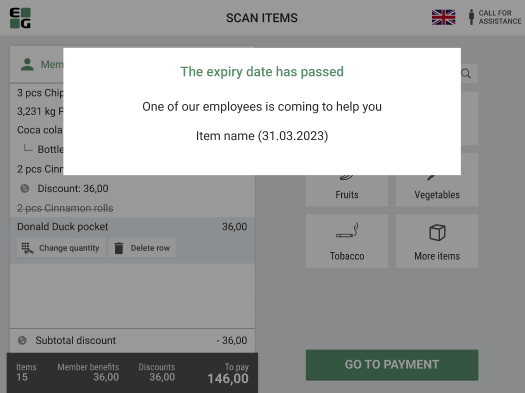
If the expiry date has passed, the item will not be added to the receipt and a warning will be shown:
The same logic will apply to Self-service mode:
|
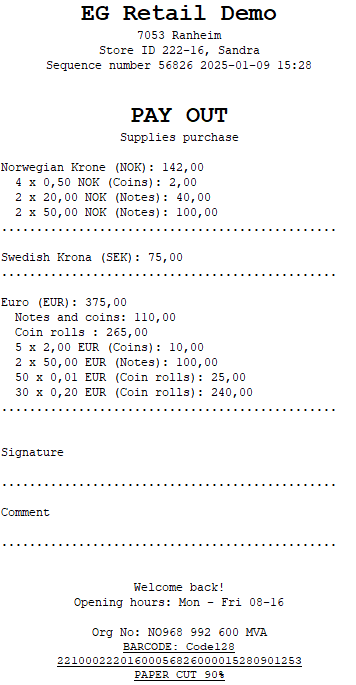
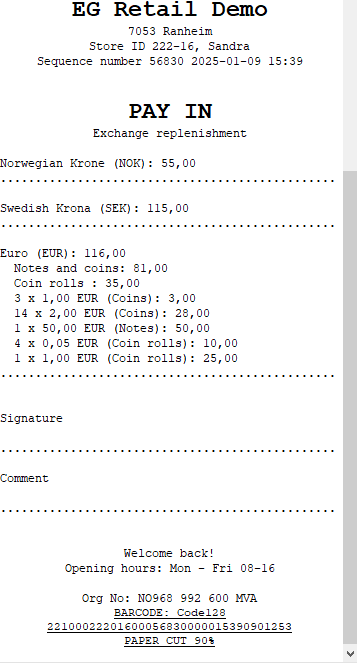
The receipt print after performing PayIn, PayOut or SafeDrop has been improved.
Examples below:
Pay Out:
Pay In:
Safe Drop:
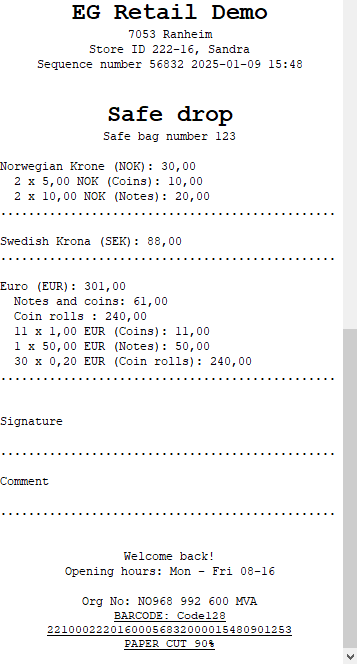
If the amounts are entered as a total amount per currency, the denominations are not shown on the receipts.
| Area | Description |
|---|---|
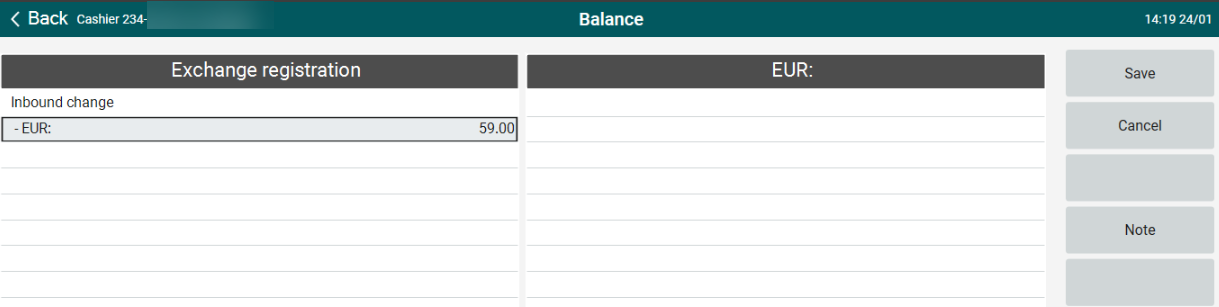
| Balance | Registering inbound change in POS (RTP-34833) When no denominations have been configured, the total amount for inbound change can be registered. Previously, it was not possible to enter any amounts in this case.
|
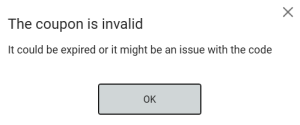
| Coupons | Error handling in POS for general and single-use coupons (RTP-33152) When coupon is not valid or doesn't exist, error handling dialog informs cashier about it:
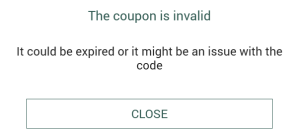
When coupon is not valid or doesn't exist, error handling dialog informs customer about it:
|
| Stock Control Service | Stock Control Service - save offline stock updates in local database (RTP-34659) When the integration to the central Stock Control Service is offline, stock changes are saved in the database in table [pos].[UnsentStockUpdates]. When the connection is re-established, the stock updated will be synchronized to the Stock Control Service and removed from the local database. |
| Area | Description | |
|---|---|---|
| POSLog | Card name in TenderName field (RTP-34374) Values configured in CardNameMapping POS Configuration parameter appears in POSLog with card payment in the TenderName field.
| |
| POS Import | Import customers from EG Cloud Customer Service to POS Master (RTP-20291) Support for importing customers from EG Cloud Customer Service has been added to POS Import.
|