Have you received notice that manually read readers are to be replaced? Then this article is for you! I'll describe the few things you need to do to ensure correct data coverage in Mestro Portal!
As you know, meters have a limited service life. Utility companies routinely replace meters once their meterstand reaches a certain level. No action is required if the meters usage data is automatically exported to us. All details are handled by the utility company or your hardware supplier in tandem with us. All you need to do is to continue using the system as usual.
There are two things that you need to do when a manually read meter is replaced:
A final reading is recorded by the utility company the day the meter is replaced. The final reading is usually specified on the following invoice. If it's not, contact your utility provider. Once the final reading is in your hands, register the value directly in Mestro Portal or using Mestro Input.
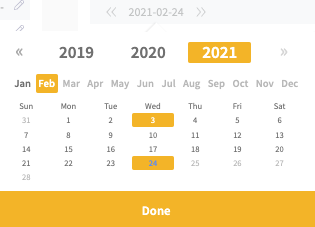
NOTE: Remember to select the correct date of the final meter reading.
On your next round, simply register the new meters meterstand. Mestro Portal reasons that the dip from a very high meterstand to a low one means that a new meter has been installed. The system will calculate the correct usage for the month of change using the two meterstands!
It's sometimes desirable to change basic meter information in Mestro Portal. Perhaps you wish the meter to have a correct meter-ID or other information to simplify manual reading or to ensure that correct information is stored in the portal. We recommend that you set a time relation on the old meter and create a new manual meter. By defining the meters time relation, the historic data is stored and will continue to be visualized in reports up until the end date.