How to add and remove properties from groups and mark your favorites.
Grouping properties in Mestro Portal is fundamental for you to get the most value out of your data. Examples of how other customers use the function are grouping them by portfolio, business areas, geographical regions or for different reports. You can also star properties/groups you work with regularly as favorites for easy access. Groups are highly flexible and the structure is easily adapted to meet your needs!
The benefits are many. Here are some common ones that we have seen:
Calculate key metrics, reports, or budgets for portfolios/regions/business areas
Smoothly grant correct access to employees or consultants
Easily administer portfolios
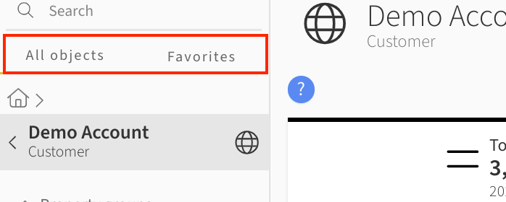
When you log in to Mestro Portal, you will find the navigation tab on the left. Listed here are all groups, properties, buildings and meters created either by you or by us during setup. There are two modes where All objects the total stock and Favorites contains the items saved by you as a user.
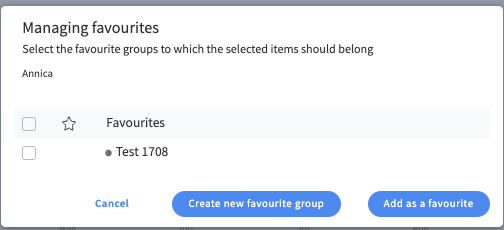
TIP: By selecting a group or property and then clicking on the star by the object name, you save these to the Favorites tab so you always have quick access!
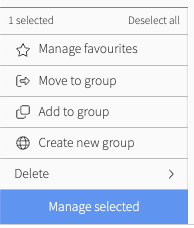
Good to know is that you can add the same property to several groups without affecting reports or analysis tools at a higher level in the node tree. This works because the property is "mirrored", meaning it is visible in multiple places while the system only counts the property once.
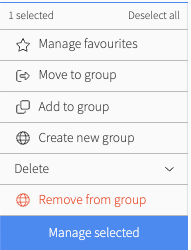
1. Select the property from the group you wish to remove it from
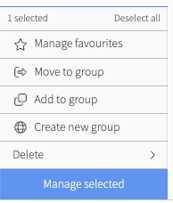
2. Click Manage Selected
3. Select Delete and Remove from Group
4. Done!