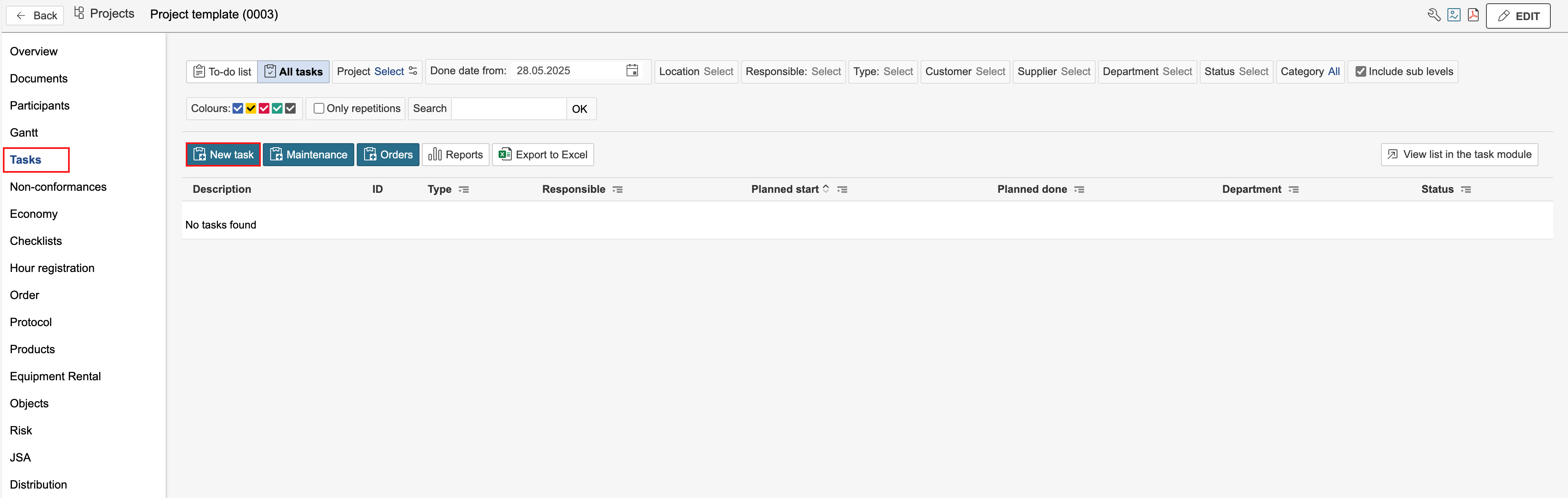
Tasks created in a project template are carried over when a new project is created from the template. Tasks can be used to define project activities, including details such as the responsible person, status, and planned start and end dates for the activities. Tasks can be created from the Tasks tab or by using the task gadget in the project dashboard. In the example on this page, the Tasks tab is used to create the tasks.
1. Go to the Tasks tab and click New task.
2. Fill in the task details and click Save and close form.
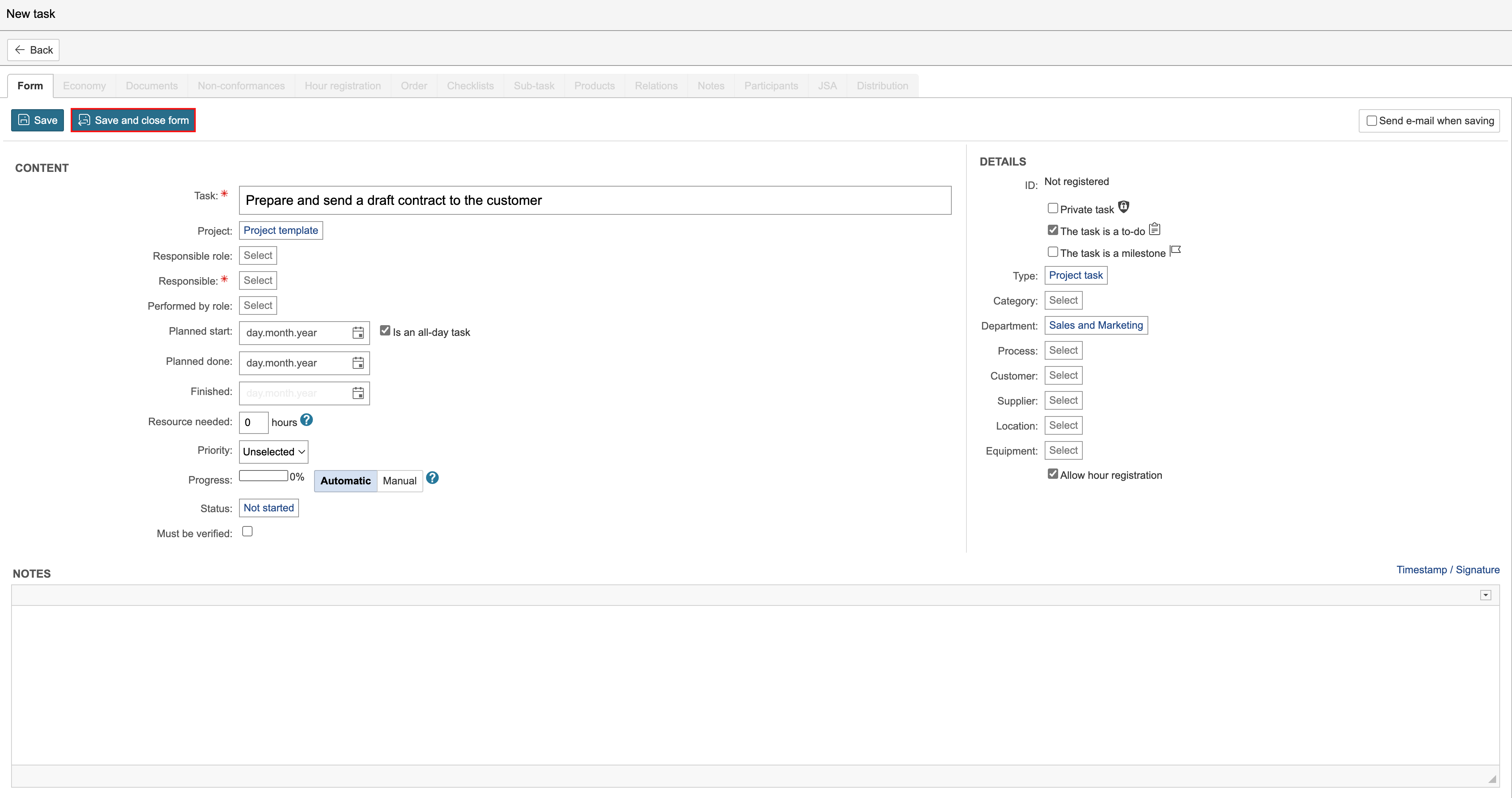
Tip: You can assign a responsible role and a performed by role to tasks. If participant requests are created in the project template, tasks can automatically be assigned to the people who are given those roles in the project. |
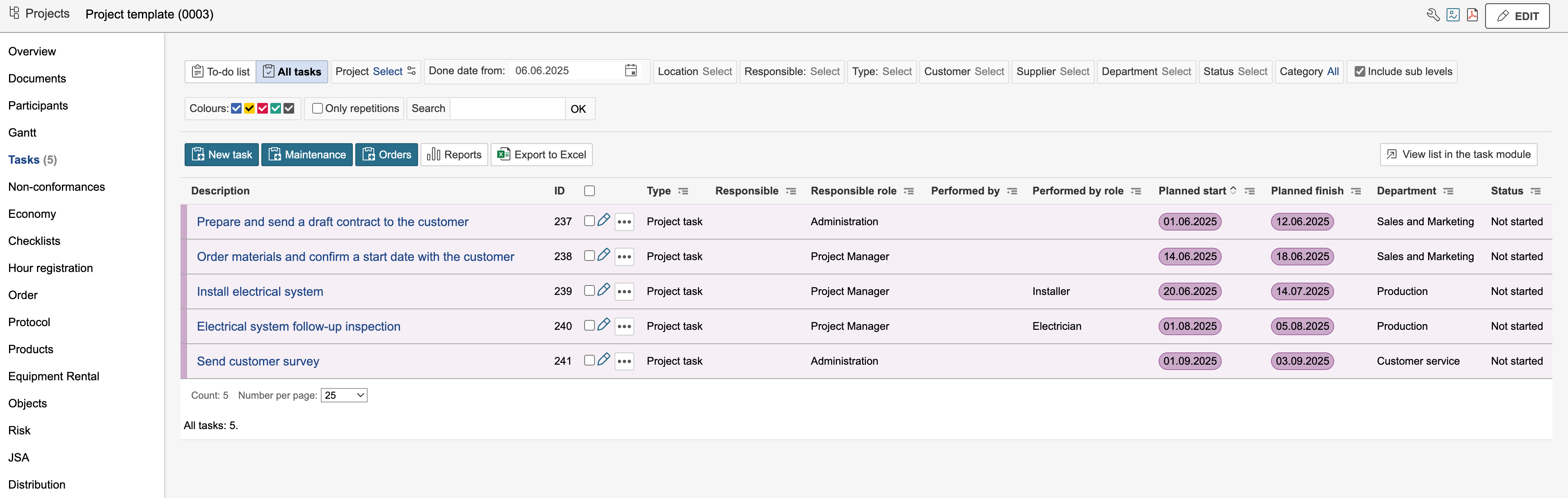
Tasks created on a project template are template tasks. They are displayed in purple.
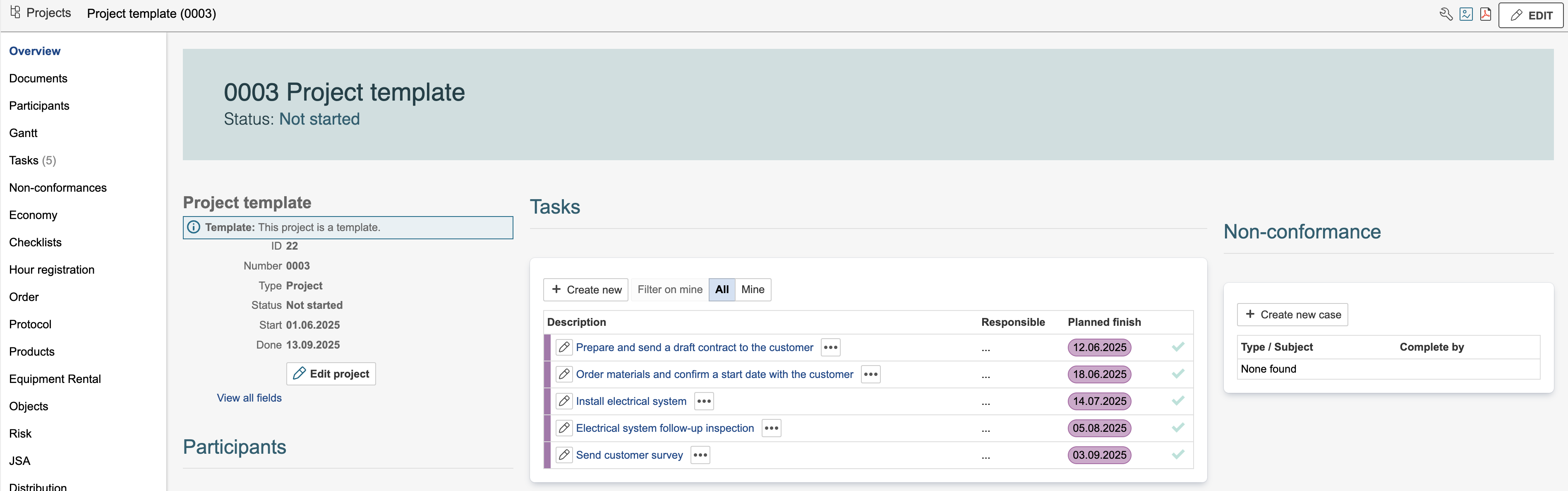
In addition to viewing tasks in the Tasks tab, you can also see them in a task gadget on the project dashboard. If configured in the gadget settings, it is also possible to create new tasks directly from the gadget.
Info: When creating a project from a template, you can select which tasks to include in the new project. The start and end dates of the tasks can be adjusted relative to the project’s dates. The task dates are calculated based on the project’s start date, using the intervals defined in the project template. |