
This page contains information about the tools available to help troubleshoot, especially while setting up an environment.
In source: EGU.PartnerPortal.FacilityTaskExchange.Client.Demo
In order to determine if the client program and environment have been setup correctly, one can use the program 'EGU.PartnerPortal.FacilityTaskExchange.Client.Demo'.
The program is designed to ping the interface that is exposed by the Billing Server when it is running.
In the root folder, find the file named Config.paw and open it in notepad or notepad++.
Inside the file please provide the following three pieces of data:
After having entered the information save the file and close the application.
After opening the exe file, the following window will appear: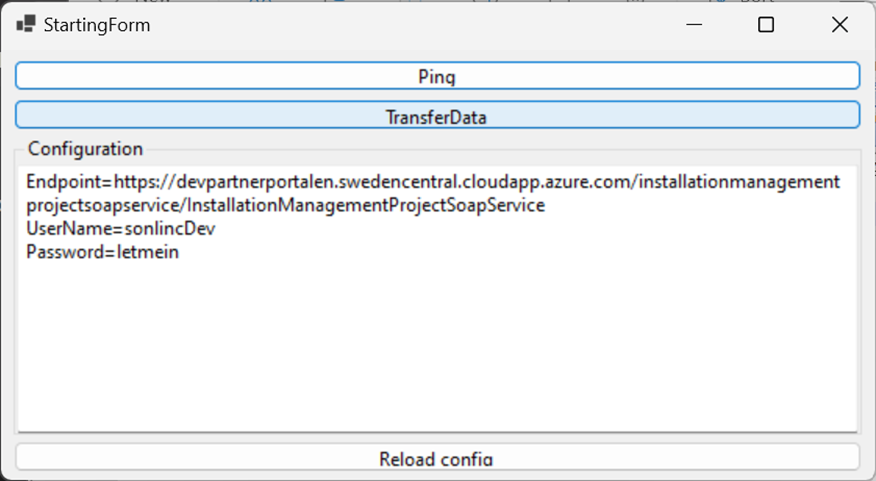
In the window, one can see the information coming from the configuration file.
Double check that the information is correct and press the button labeled 'PING'.
The following window will appear: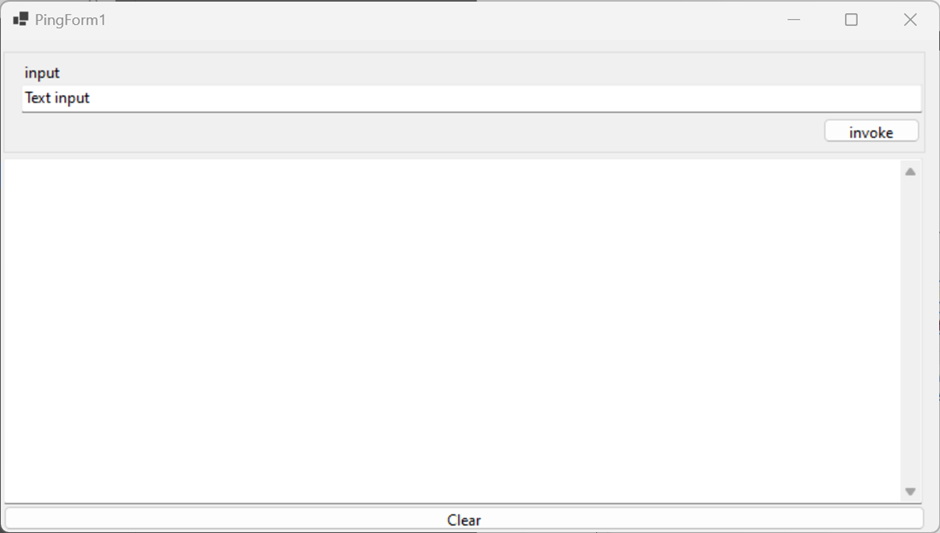
Do the following:
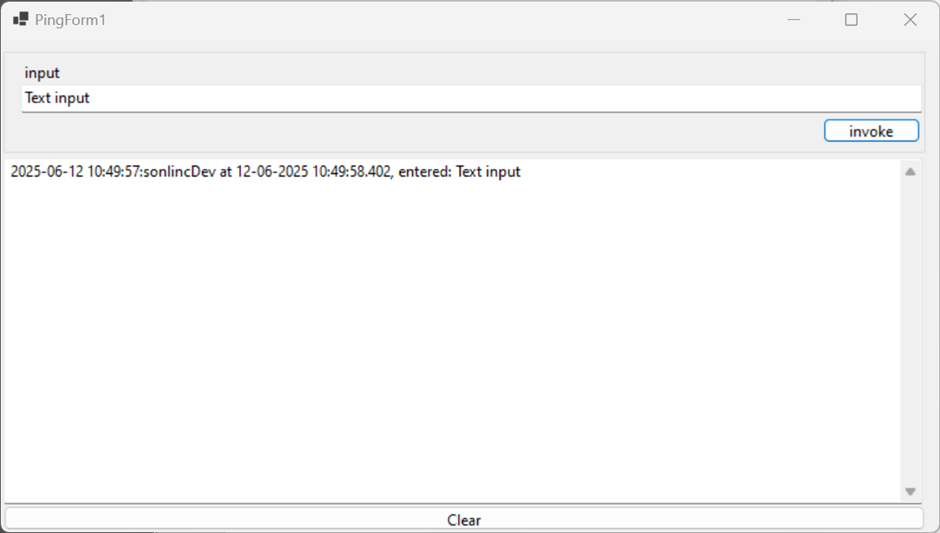
The above example shows that communication to the SonWIn client and the environment worked as expected.
In the message we will see: