In this page, it is described how to add teh project to your sollution and how to use the functionality in it.
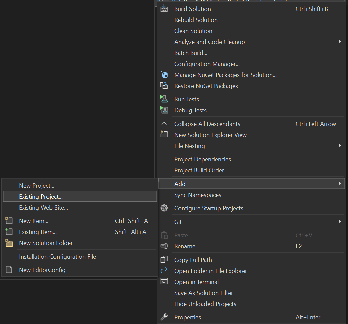
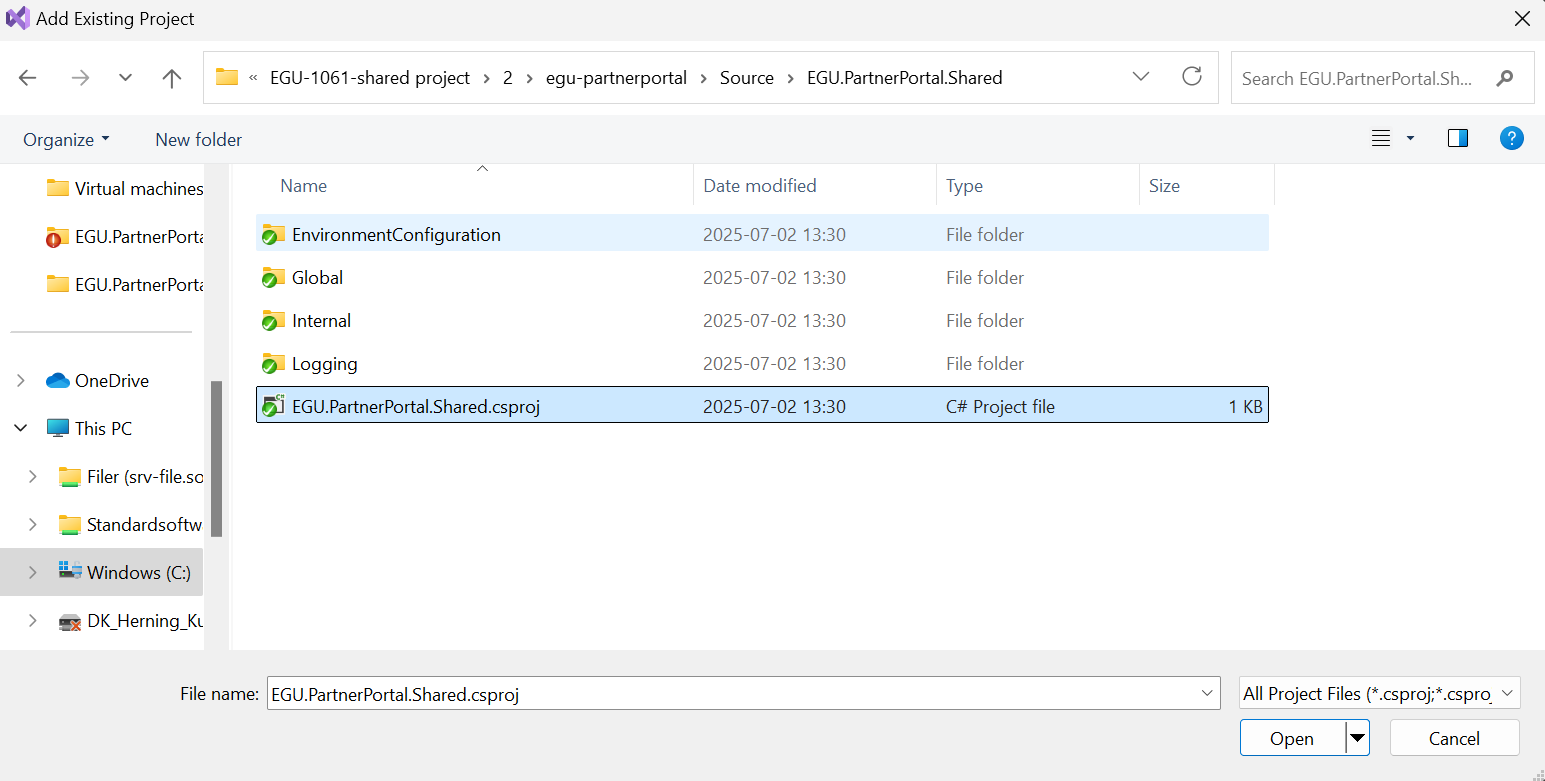
To use the project functionality, you need to first add the library to your sollution.
It is done in Visual Studio by following those steps:
The project is now ready for use.